Rotatable Center Console Screen Mount for Tesla Cybertruck
Rotatable Center Console Screen Mount for Tesla Cybertruck
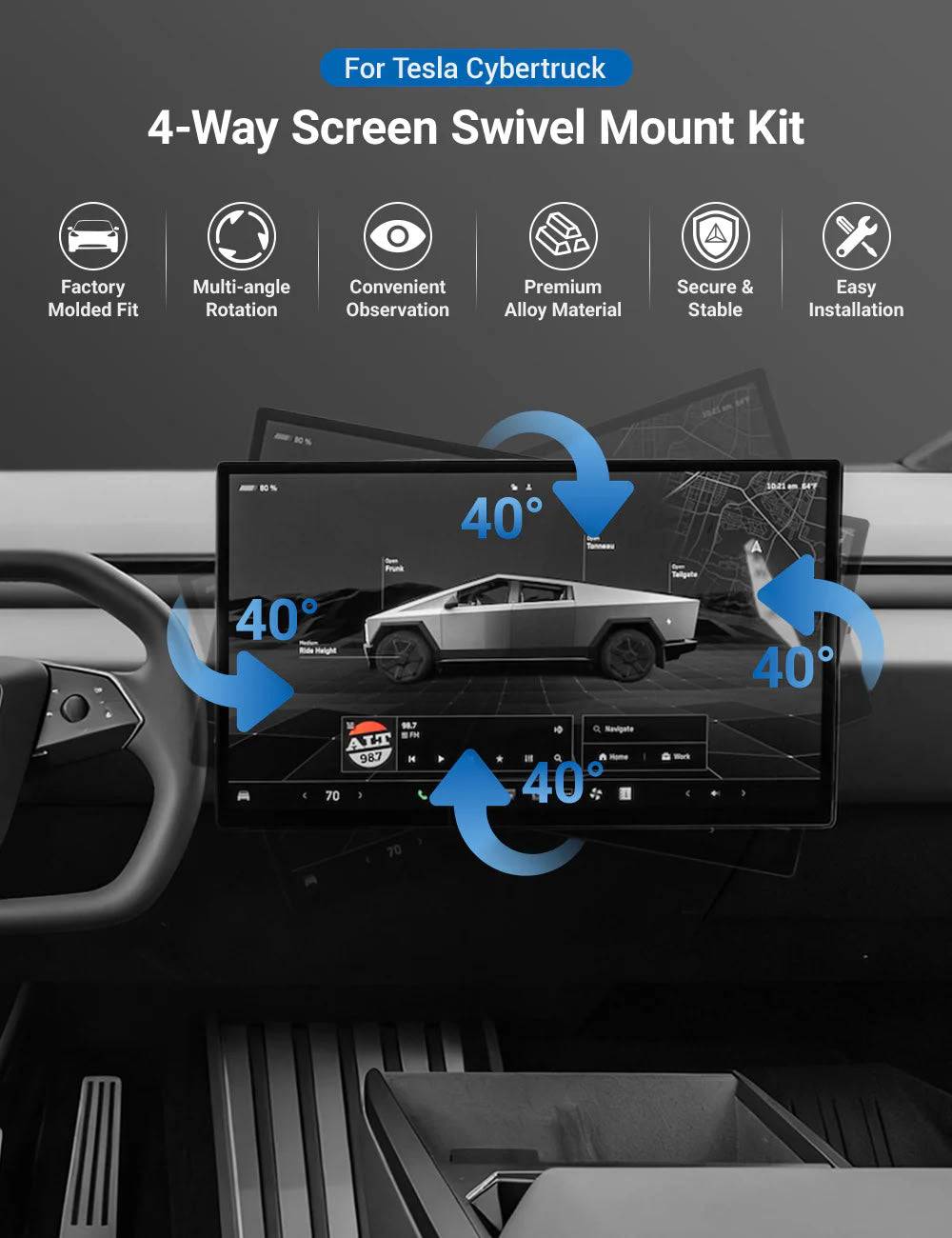
Cybertruck Screen Swivel Rotating Mount Kit
Upgrade your Tesla Cybertruck interior with an adjustable center screen mount. Rotate your factory display toward the driver or passenger for a more comfortable viewing experience while keeping the original touchscreen functions.
🔄 Adjustable Viewing Angle
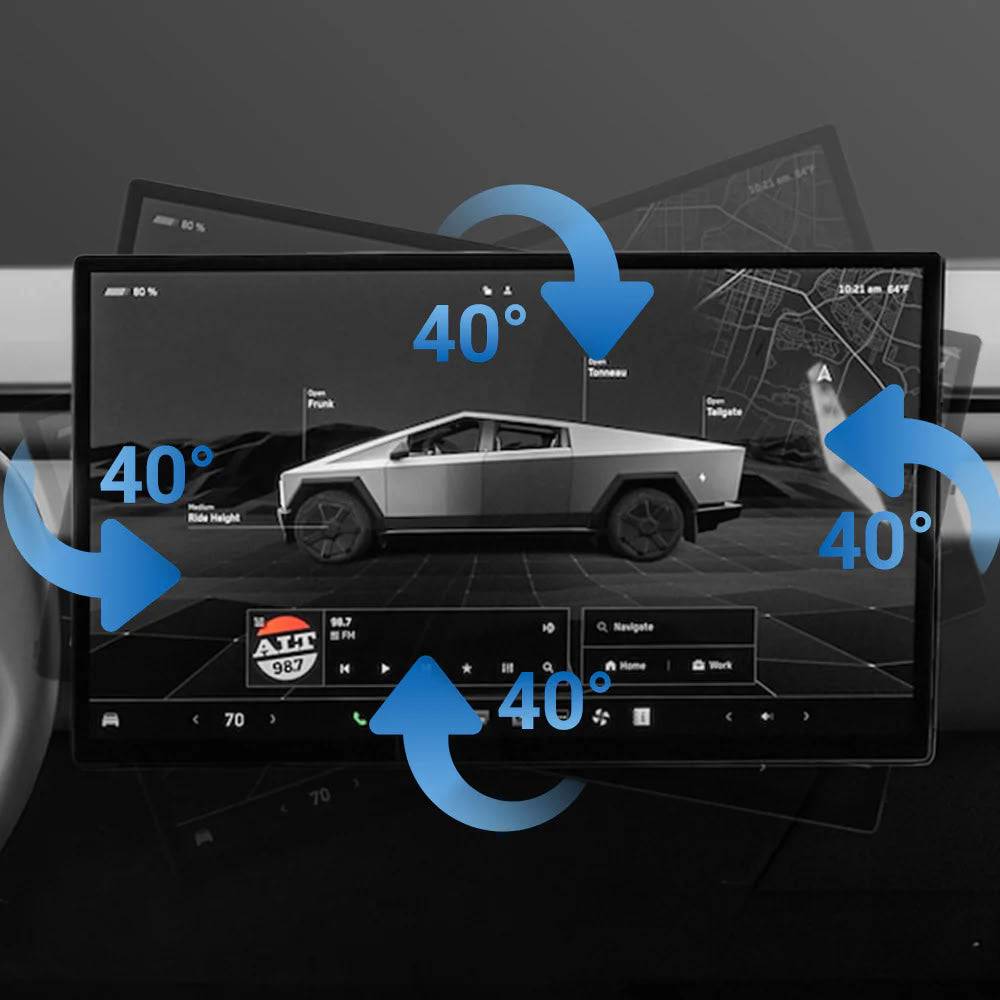
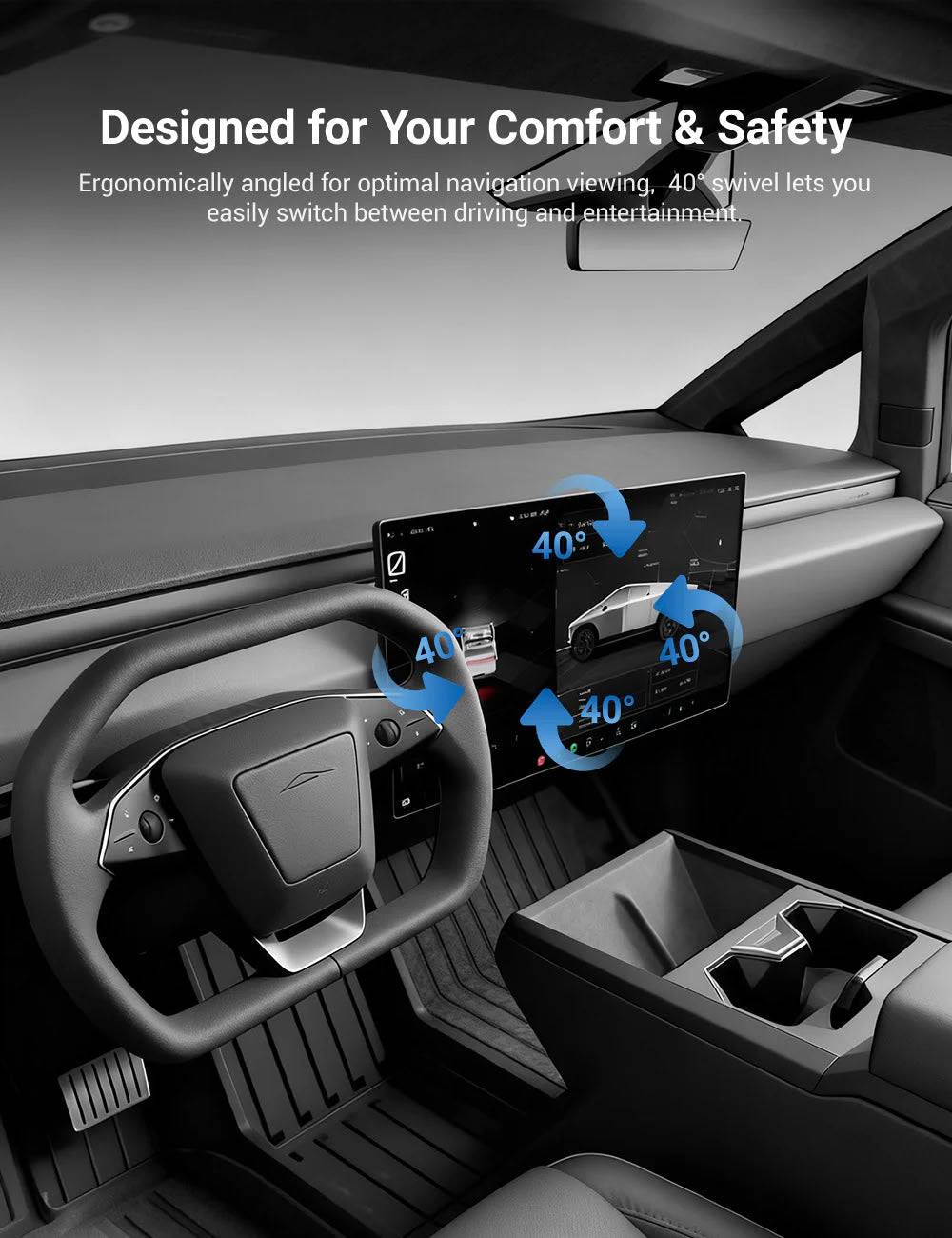
Adjust the Cybertruck center display up to 40° left/right and 40° up/down for improved navigation visibility and passenger entertainment.
🚘 Driver-Focused Screen Position
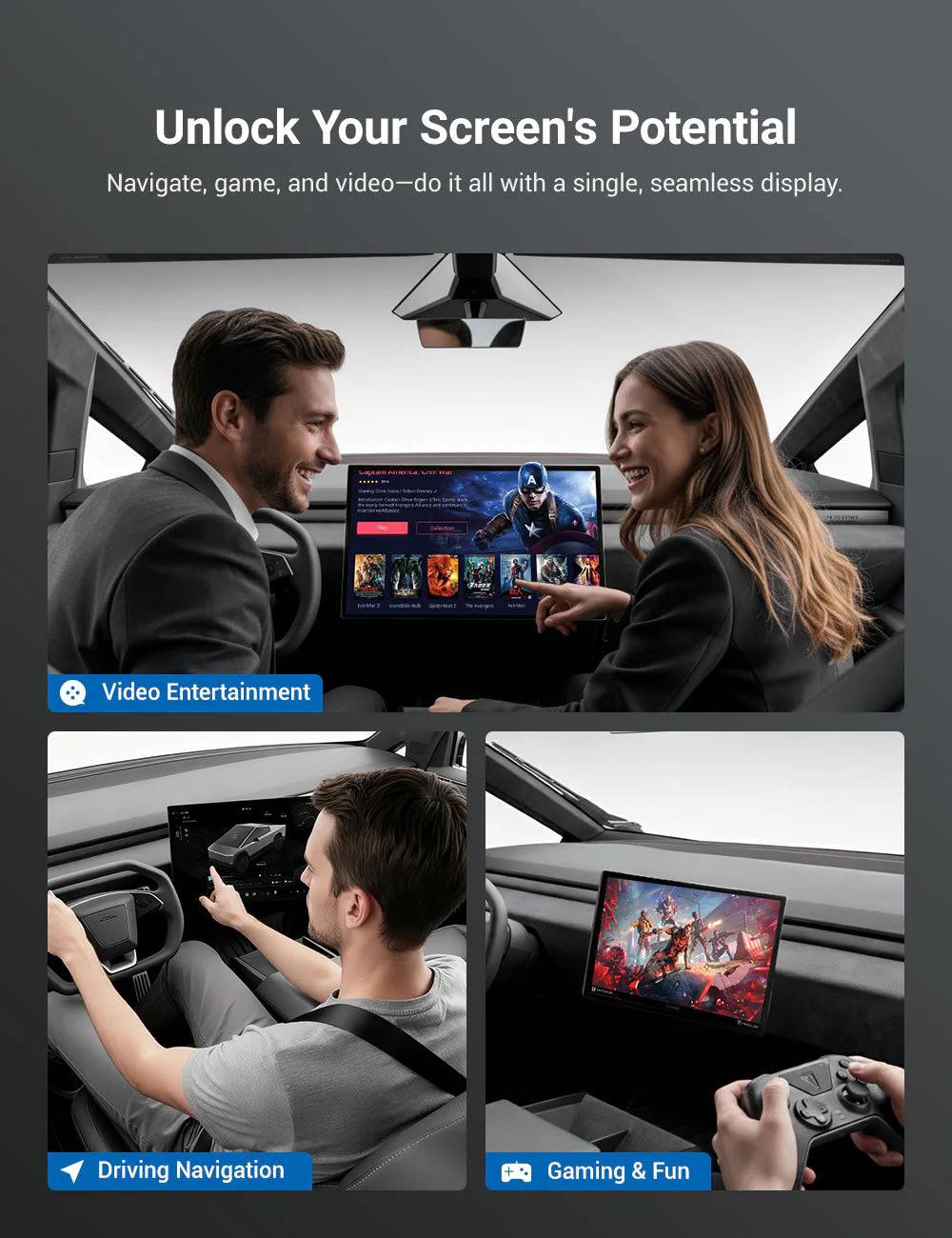
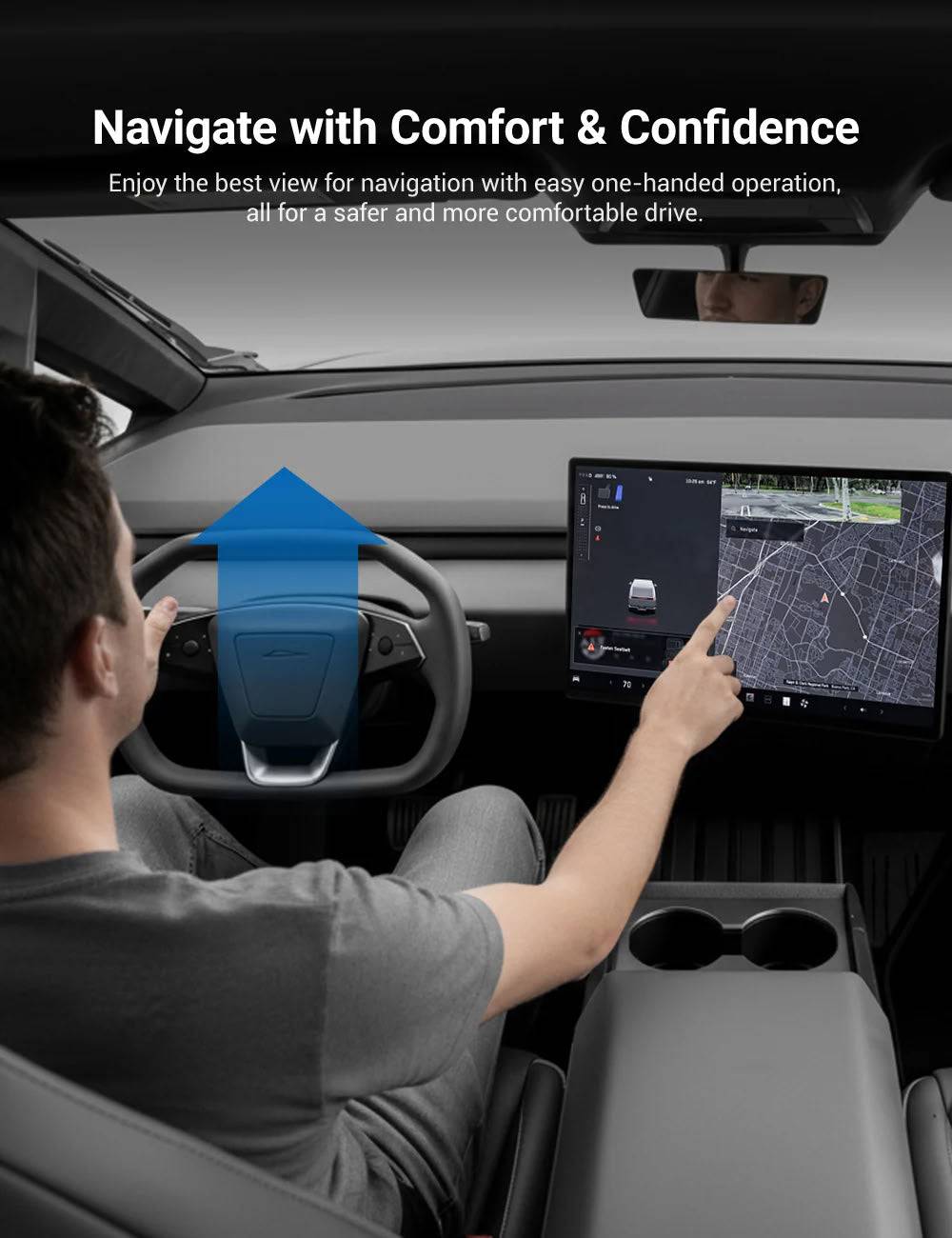
Turn the factory touchscreen toward the driver for easier access to navigation, vehicle settings and daily controls.
💪 Aluminum Alloy Construction
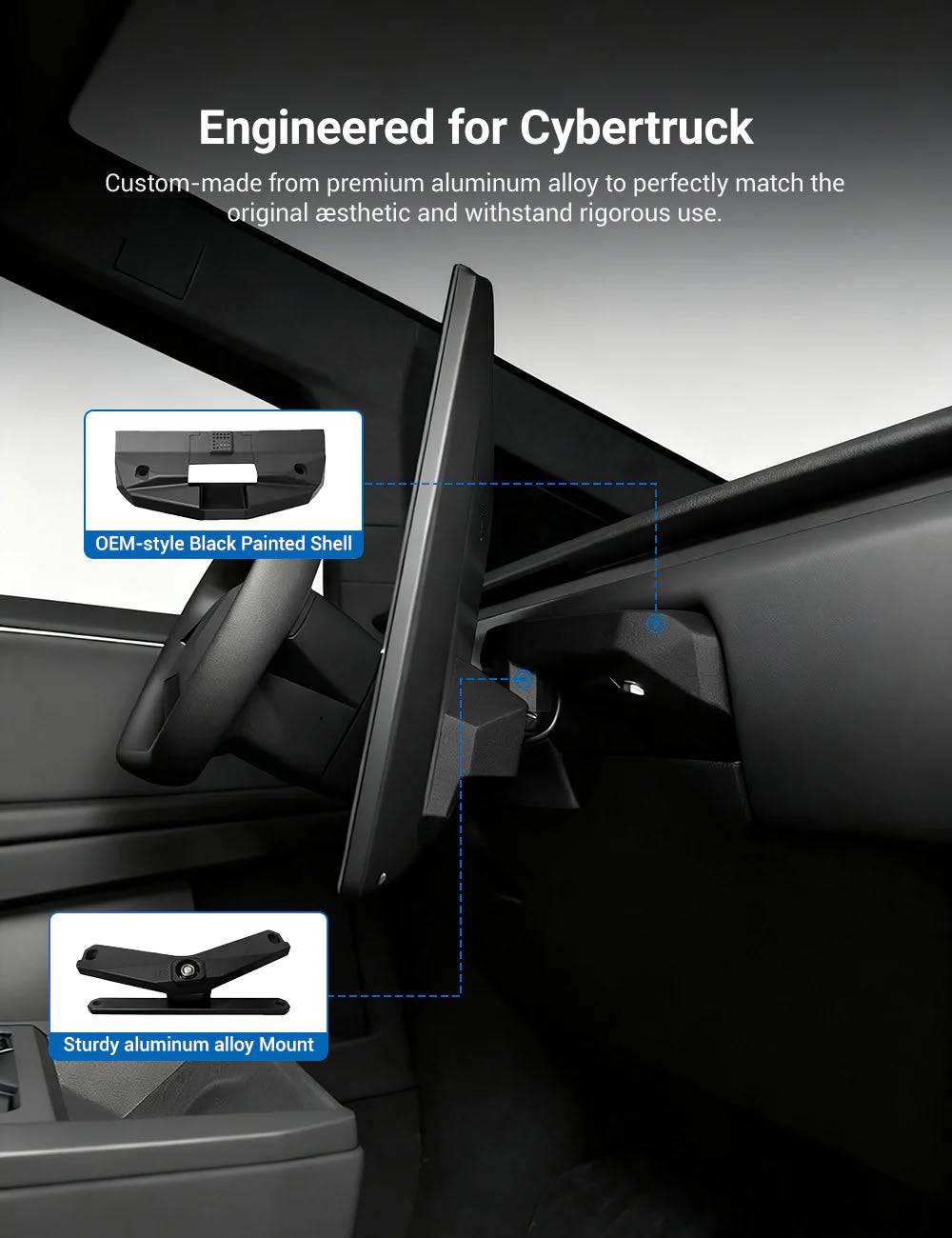
Made with high-strength aluminum alloy and a damped swivel mechanism for smooth and stable screen movement.
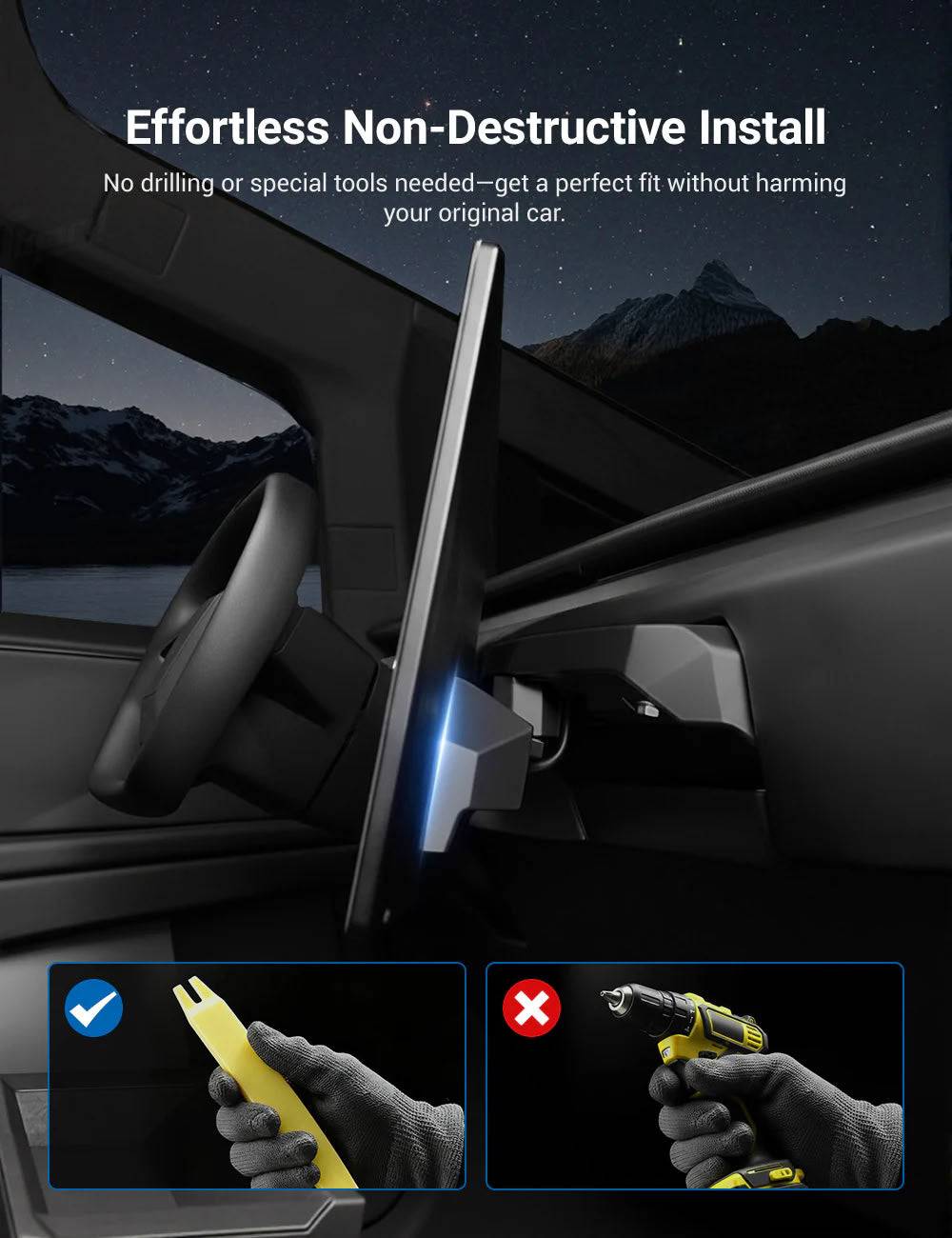
🔧 No Cutting Required
Designed for non-destructive installation without drilling or permanent modifications to your Cybertruck interior.
Why Upgrade Your Cybertruck Screen?
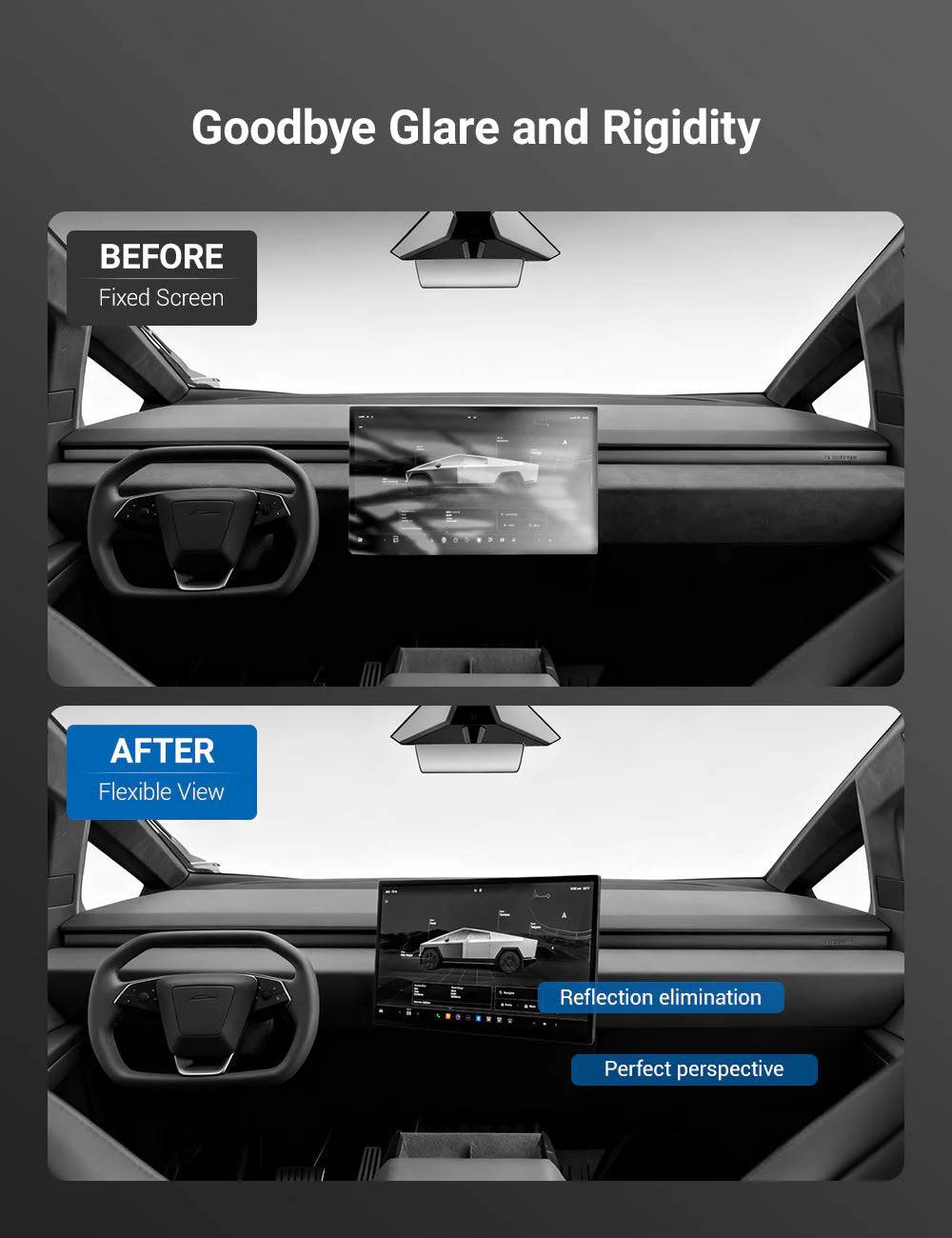
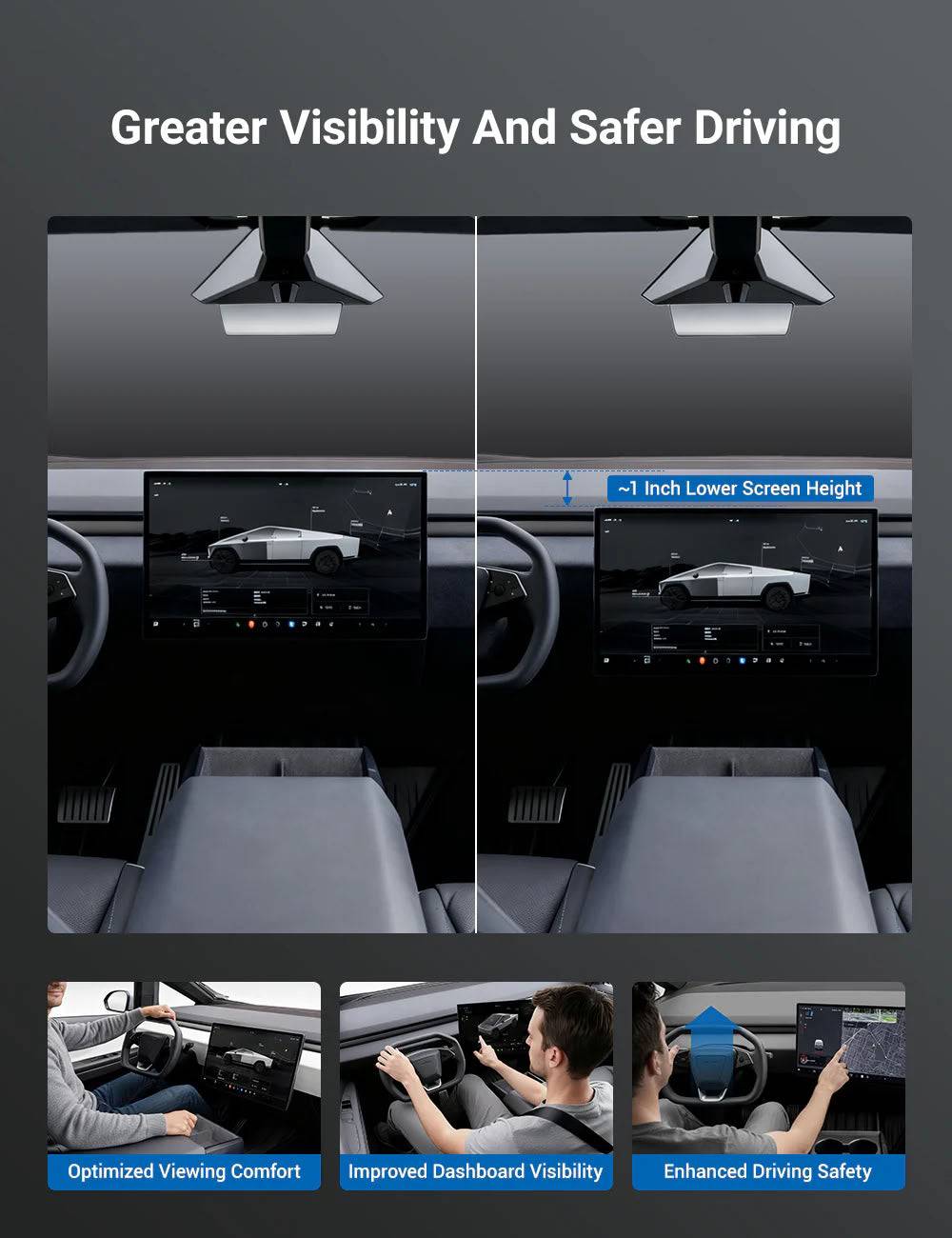
The Cybertruck factory center display is fixed in one position. This swivel mount adds flexible viewing adjustment, allowing the screen to face the driver, passenger or center console depending on your needs.
- More comfortable navigation viewing
- Better passenger entertainment angle
- Reduced screen glare from different positions
- Maintains original touchscreen operation
Vehicle Compatibility
| Vehicle | Fitment |
|---|---|
| Tesla Cybertruck | 2024+ |
| Configuration | All Cybertruck Versions |
Specifications
| Item | Details |
|---|---|
| Material | High Strength Aluminum Alloy |
| Rotation Range | 40° Left/Right + 40° Up/Down |
| Installation | Non-Destructive Installation |
| Screen Function | Original Touch Function Maintained |
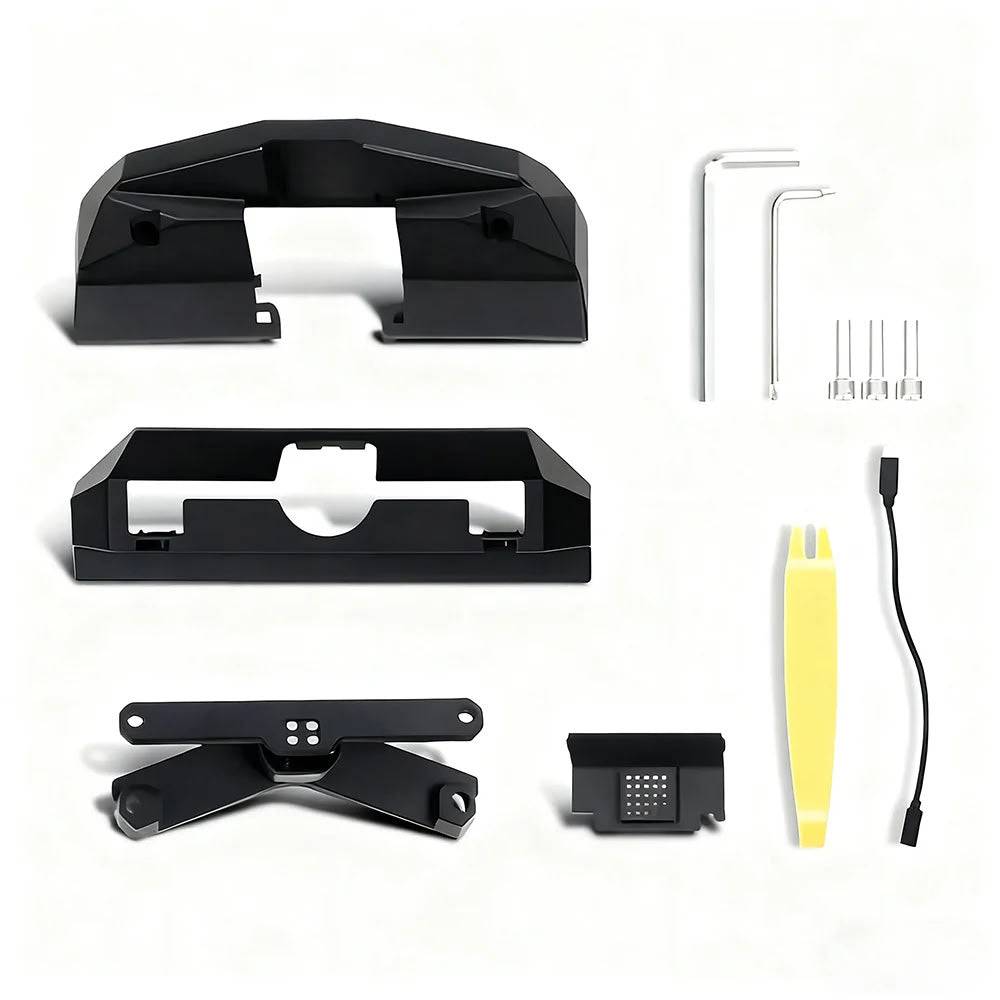
Package Includes
Main Mount Body ×1
Screen Back Cover ×1
Swivel Arm ×1
Hex Screwdriver ×2
Pry Tool ×1
Temperature Sensor Retaining Trim ×1
Screen Power Extension Cable ×1
M8×28 Screen Fixing Screws ×2
Installation Overview
Step 1: Remove the original screen back cover using the included tools.
Step 2: Install the swivel bracket and fixing hardware.
Step 3: Connect the supplied extension cable.
Step 4: Reinstall the screen cover and test rotation movement.
⚠️ Installation Notice
This product requires removal of the factory screen cover during installation. Please follow the installation guide carefully and confirm all functions work properly after installation.
FAQ
Does this replace the Cybertruck screen?
No. It keeps the original screen and adds a rotating mounting mechanism.
Will touchscreen functions still work?
Yes. The original touchscreen functions remain unchanged after installation.
Does it require drilling?
No. It uses a non-destructive installation method.
How much can the screen rotate?
The mount supports approximately 40° adjustment in multiple directions.
Couldn't load pickup availability
Product features
Product features
Materials and care
Materials and care
Merchandising tips
Merchandising tips
Share