Replacement Extension Cable for Starlink Gen 2
Replacement Extension Cable for Starlink Gen 2
Replacement & Extension Cable for Starlink Gen 2
Replace a damaged Starlink Gen 2 cable or create a longer, cleaner installation route with a dedicated 26AWG copper cable available in six lengths from 6.5FT to 150FT — ideal for homes, RVs, camping setups and remote installations.

Made for Starlink Gen 2
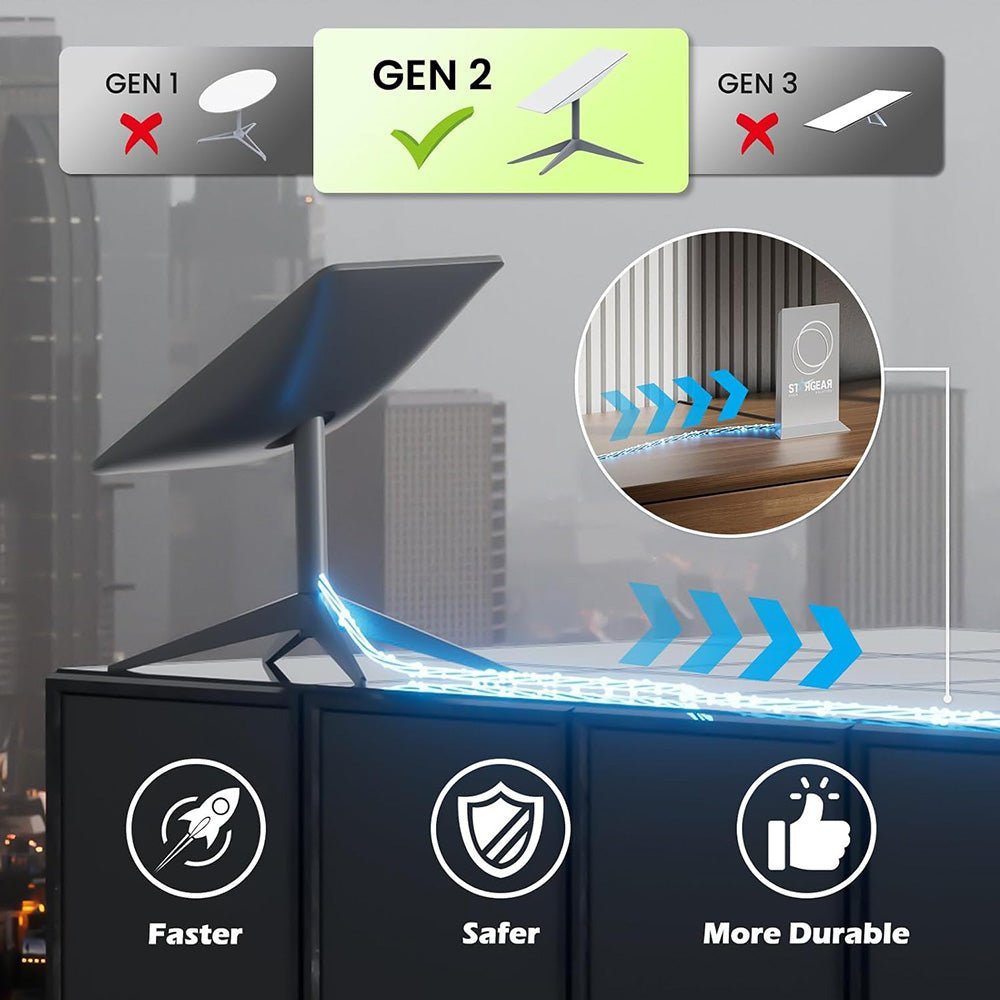
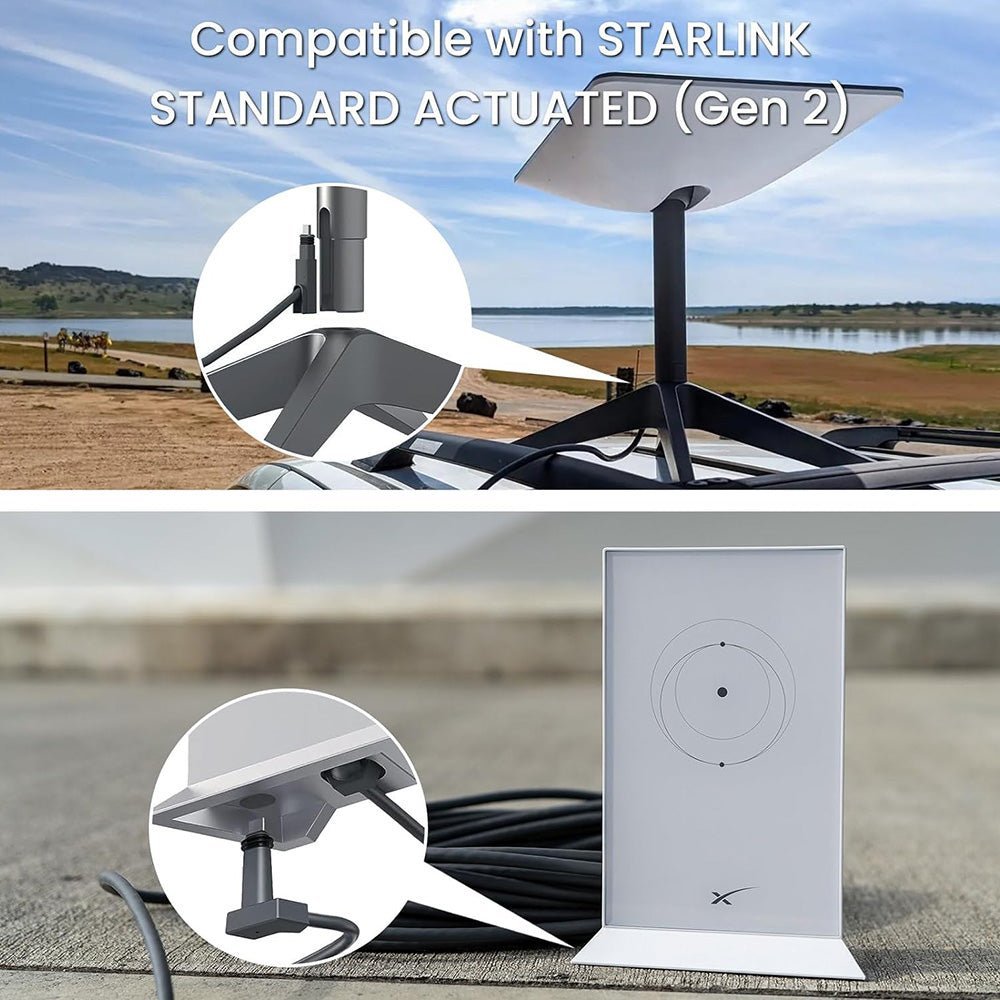
Dedicated connector geometry is designed specifically for the Starlink Standard Actuated Gen 2 rectangular satellite system.
26AWG Copper Conductors
High-quality 26AWG single-core copper construction is designed for stable signal transmission across compatible Gen 2 installations.
Six Length Options
Choose from 2M, 5M, 10M, 23M, 30M or 46M to suit everything from short indoor routing to long RV, roof or remote installations.
Why This Starlink Gen 2 Cable Stands Out
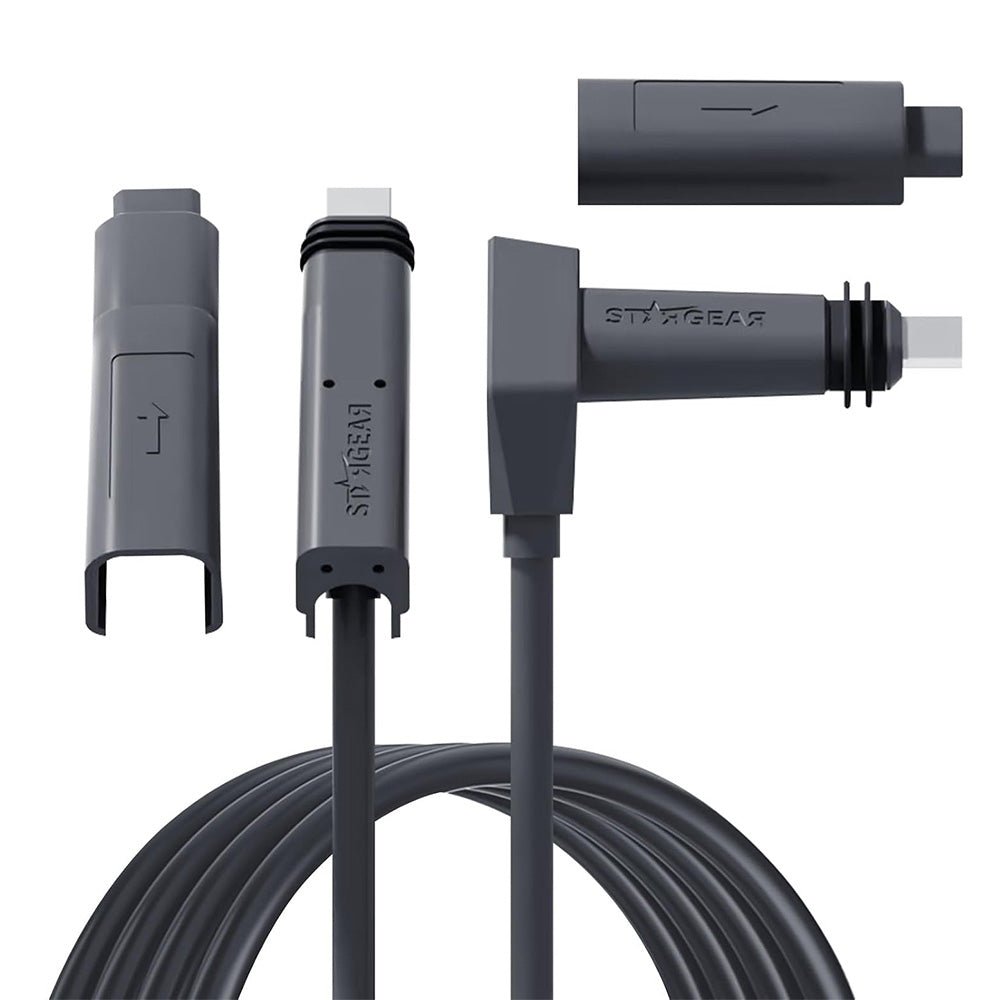
The cable uses purpose-shaped connectors designed around the Starlink Gen 2 rectangular dish system rather than standard exposed RJ45 plugs.
Choose the required complete cable length instead of cutting, joining or modifying the original Starlink cable.
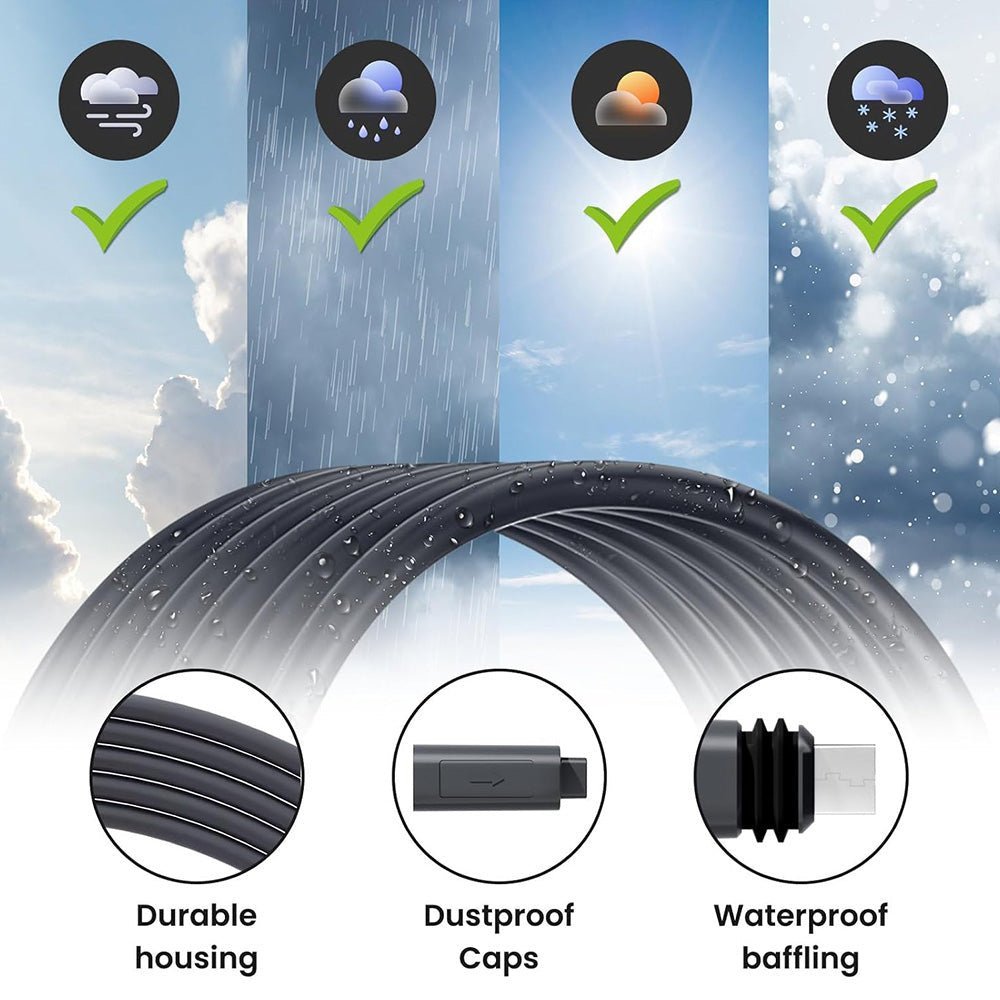
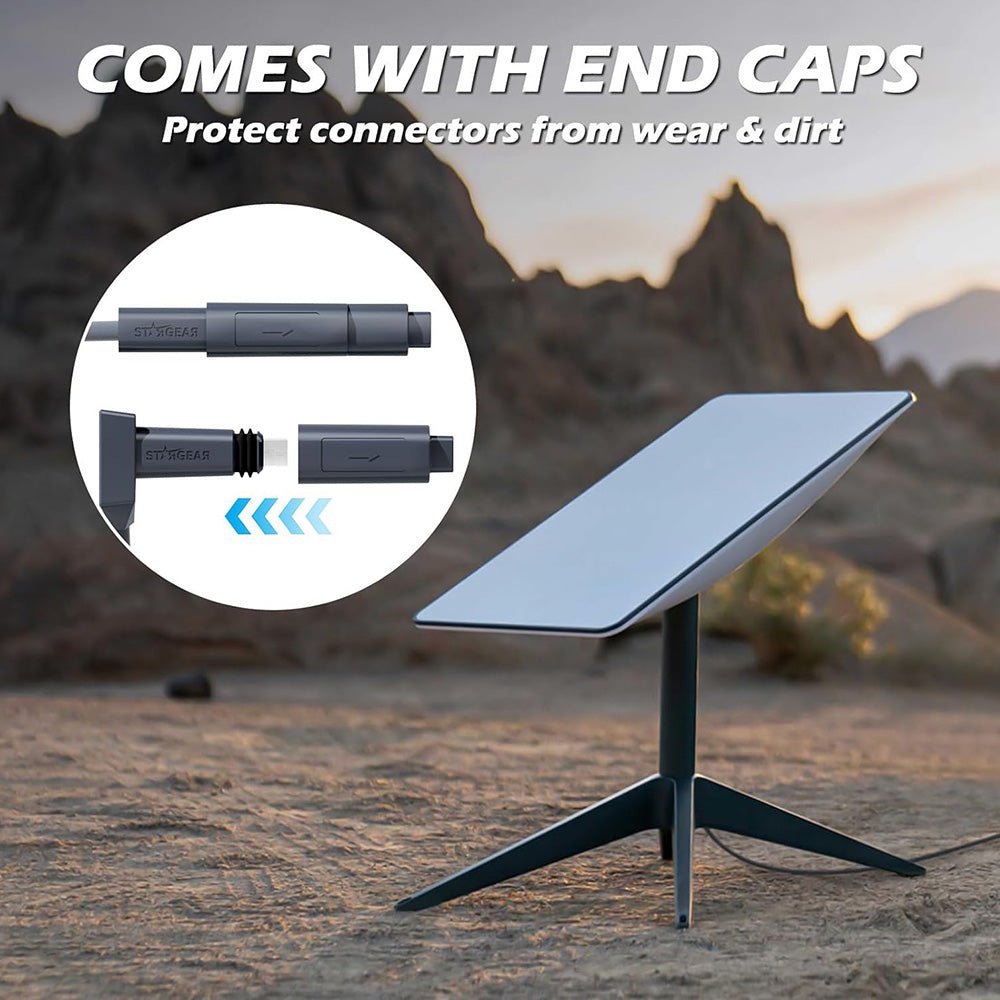
Two protective end caps help shield disconnected connectors from dirt, moisture and accidental contact during transport, routing or storage.
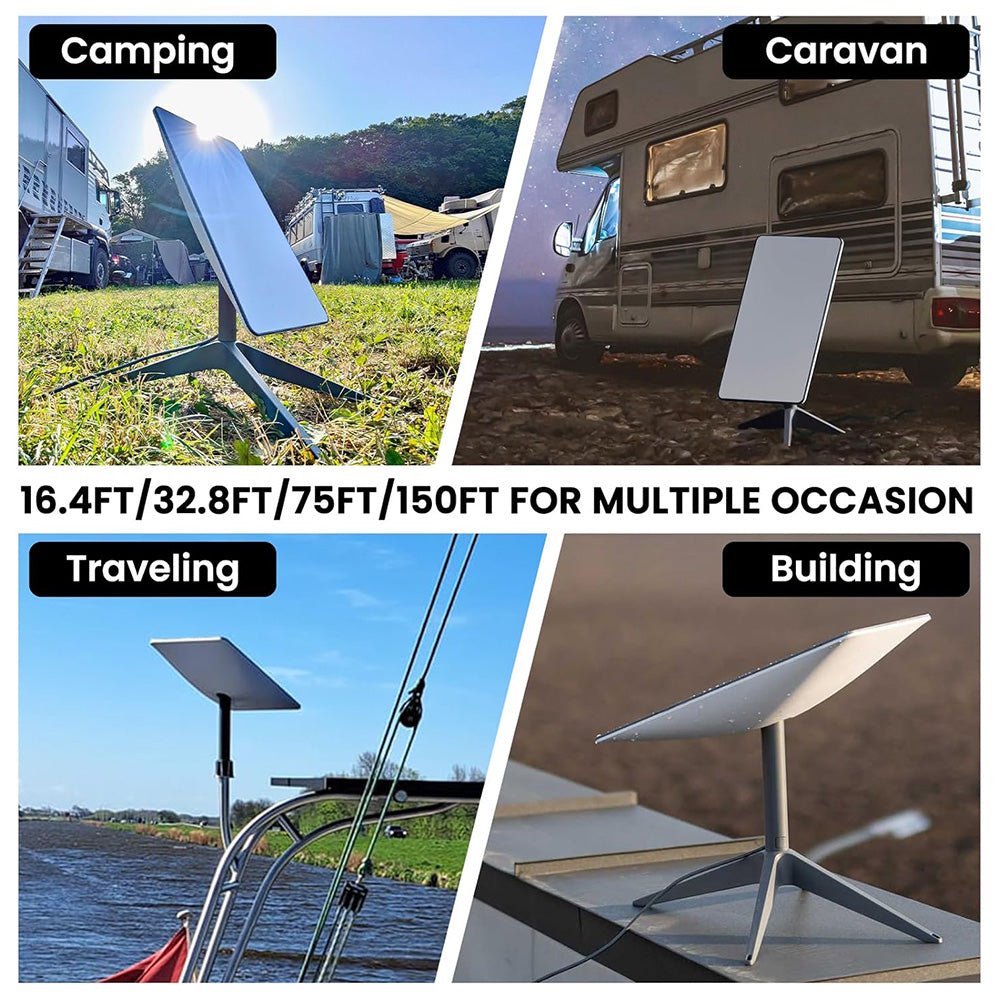
Built for use across indoor and outdoor Starlink setups, including homes, RVs, campsites and exterior-mounted dishes.
The manufacturer rates the cable for network transmission up to 1000Mbps when used in a compatible system.
1000Mbps Is a Cable Rating
The published 1000Mbps figure describes the manufacturer's cable transmission capability. It does not guarantee that your Starlink internet service will deliver 1000Mbps. Actual internet performance depends on the Starlink network, service plan, congestion, installation and other system conditions.
Choose the Cable Length That Fits Your Installation

Compact replacement length for short-distance routing where the router and dish connection points are nearby.
Useful for compact RVs, temporary setups and shorter building installations.
Adds useful routing flexibility between an indoor router location and an exterior-mounted dish.
A practical long-run option for larger homes, rooftop installations and many RV or campsite layouts.
Provides additional routing distance when the best dish location is farther from the router.
The longest current option and the exact configuration selected in the supplied source link.

Leave enough extra cable for clean routing and a reasonable service loop, but avoid purchasing significantly more cable than necessary if a shorter length will complete the installation.
Built Specifically for Starlink Gen 2
Confirm that you have the rectangular Starlink Standard Actuated Gen 2 system before disconnecting the existing cable.
Disconnect system power before removing or installing dish and router cable connections.
Carefully disconnect the existing Gen 2 cable without twisting, forcing or pulling directly on the cable jacket.
Route the selected cable away from sharp edges, crushing points, moving hardware and excessively tight bends.
Align each Gen 2-compatible connector correctly and make sure it is fully seated before restoring system power.
Power the system back on and confirm that the dish, router and network connection operate normally before permanently securing the cable route.

Starlink generations use different cable and connector configurations. This product is specifically listed for the Gen 2 rectangular Standard Actuated system.
Current product imagery shows a complete replacement cable with Gen 2-compatible connectors. It does not show an inline coupler designed to attach this cable directly to the end of another cable. Use the selected longer cable as the required cable run rather than assuming cables can be daisy-chained together.

Specifications
| Attribute | Details |
|---|---|
| Product | Replacement & Extension-Length Cable for Starlink Gen 2 |
| Source Variant 47666389450984 | 46 M / 150 FT |
| Compatible Starlink Generation | Starlink Gen 2 |
| Compatible Dish | Standard Actuated Rectangular Satellite |
| Starlink Gen 1 | Not Compatible |
| Starlink Gen 3 | Not Compatible |
| Starlink Mini | Not Compatible |
| Length Options | 2M / 6.5FT · 5M / 16.4FT · 10M / 32.8FT · 23M / 75FT · 30M / 98.4FT · 46M / 150FT |
| Conductor | 26AWG Single-Core Copper |
| Manufacturer-Rated Network Transmission | Up to 1000Mbps |
| Guaranteed Starlink Internet Speed | No — Actual Service Speed Depends on the Starlink Network and Installation |
| Connector Type | Dedicated Starlink Gen 2-Compatible End Connectors |
| Protective End Caps | 2 Included |
| Indoor Use | Yes |
| Outdoor Use | Manufacturer-Listed for Outdoor Use |
| Published IP Rating | Not Published |
| Jacket Material | Not Published |
| Cable Outside Diameter | Not Published |
| Operating Temperature | Not Published |
| Direct-Burial Rating | Not Published |
| Cable Cutting / Splicing | Not Required |
| Package | 1 × Selected-Length Starlink Gen 2 Cable + 2 × Protective Connector Caps |
Quick Answers
Which exact version is selected in the supplied link? +
Variant 47666389450984 currently selects the 46-meter / 150-foot cable, the longest current option.
Which Starlink system does this cable fit? +
It is designed for the Starlink Gen 2 Standard Actuated rectangular satellite system.
Does it work with Starlink Gen 3? +
No. Starlink Gen 3 uses a different cable and connector arrangement. Select a Gen 3-specific replacement cable instead.
Does it work with Starlink Mini? +
No. Starlink Mini uses a different connection system and requires Mini-compatible cables.
Is this an official Starlink OEM cable? +
This product is sold as a third-party replacement cable compatible with Starlink Gen 2. The current product listing does not identify it as an official Starlink-manufactured OEM cable.
Can I connect this cable to the end of my existing cable? +
Current product imagery shows a complete Gen 2 replacement cable and does not show an inline coupler. For a longer run, select the required complete cable length rather than assuming two cables can be connected end-to-end.
What cable lengths are available? +
Current options are 2M / 6.5FT, 5M / 16.4FT, 10M / 32.8FT, 23M / 75FT, 30M / 98.4FT and 46M / 150FT.
What does 26AWG mean? +
26AWG refers to the published conductor gauge. The current manufacturer describes the internal conductor as high-quality 26AWG single-core copper.
Does the 1000Mbps rating mean Starlink will run at 1Gbps? +
No. 1000Mbps is the manufacturer's stated network transmission capability for the cable. Actual Starlink internet speed depends on the Starlink service and network conditions.
Can the cable be used outdoors? +
Yes. The current manufacturer lists the cable for both indoor and outdoor installations.
Is it IP67 or IP68 waterproof? +
No formal IP rating is currently published. Product imagery shows weather-resistant connector sealing and the manufacturer lists the cable for outdoor use, but this page does not claim an unverified IP67 or IP68 rating.
Can I bury the cable directly underground? +
A verified direct-burial rating is not currently published. For underground routing, use suitable conduit and follow applicable local installation requirements rather than burying the cable directly without protection.
Does it include protective connector caps? +
Yes. The current product description specifies two protective end caps for shielding the connectors from dirt, moisture and physical damage when disconnected.
Do I need to cut or splice the original Starlink cable? +
No. Select the complete cable length required for your installation and connect it using the dedicated Gen 2-compatible connectors.
What specifications are not currently published? +
The current product pages do not publish a verified IP rating, outer jacket material, cable outside diameter, operating temperature range or direct-burial certification.
Couldn't load pickup availability
Product features
Product features
Materials and care
Materials and care
Merchandising tips
Merchandising tips