Rear USB Port Dust Cover for Tesla Model 3 Highland/Model Y Juniper
Rear USB Port Dust Cover for Tesla Model 3 Highland/Model Y Juniper
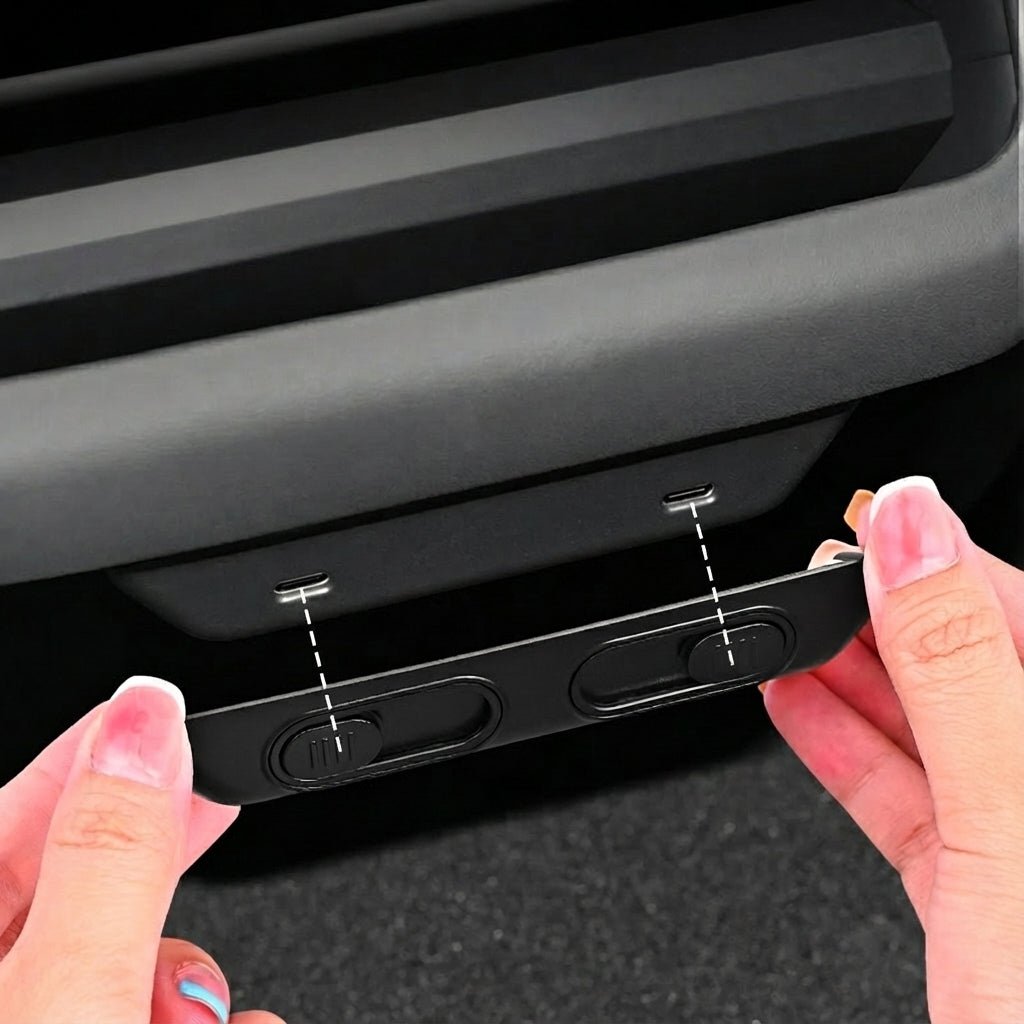
Rear USB-C Charging Port Sliding Protector for Tesla Model Y Juniper / Model 3 Highland
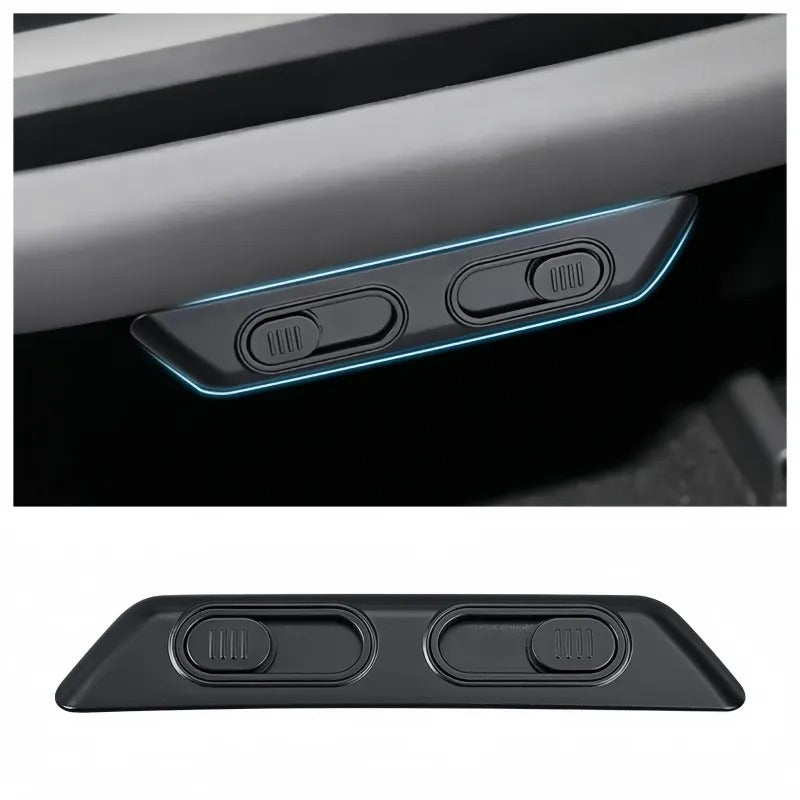
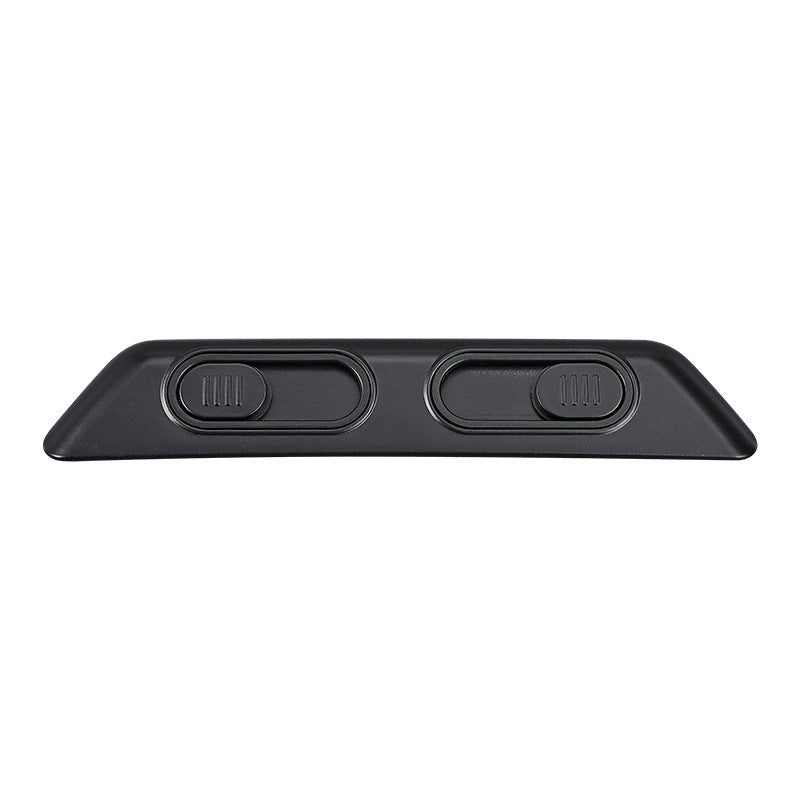
Keep the rear USB-C charging area cleaner and better protected with a precision-fit sliding cover designed specifically for refreshed Tesla interiors. The sliding mechanism provides quick access to the charging ports when needed and closes over them when not in use.
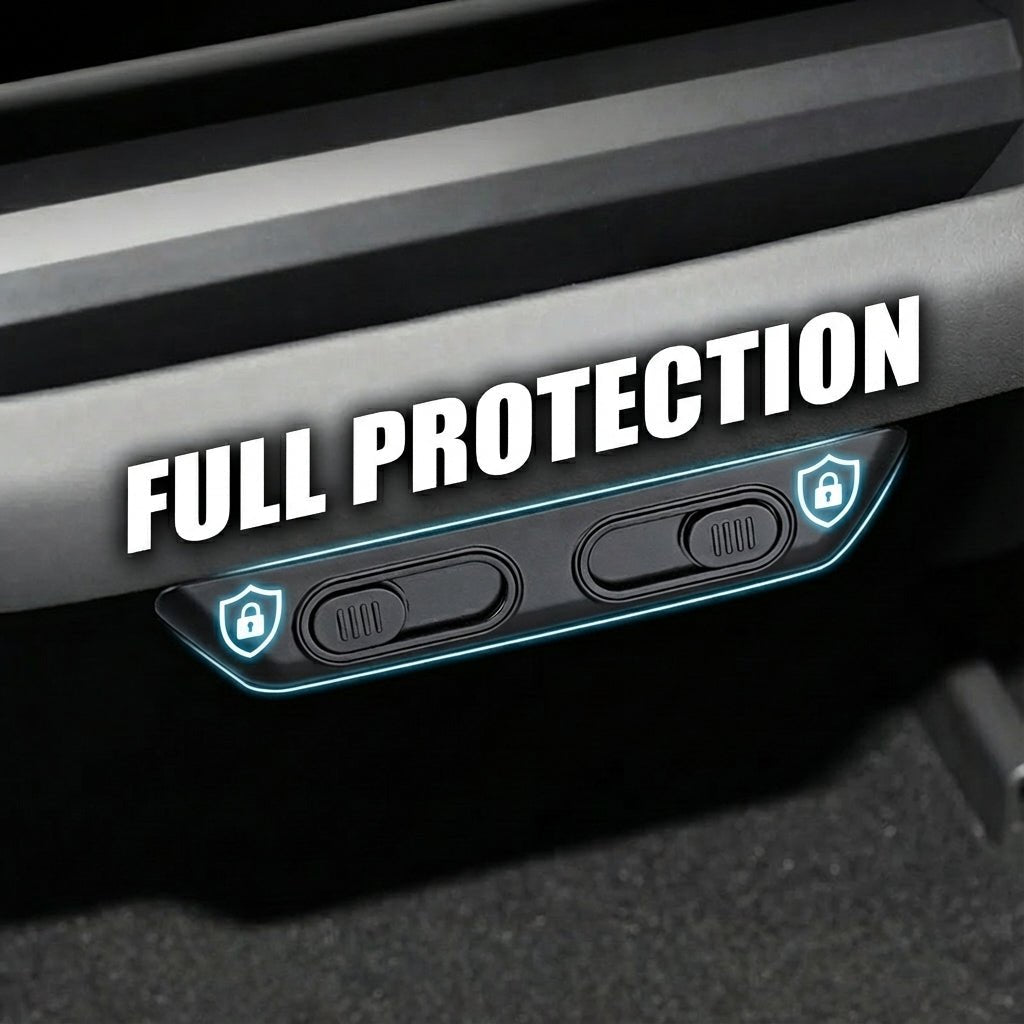
🛡 Helps Protect Rear USB-C Ports
Helps reduce direct exposure of the rear USB-C charging ports to dust, lint and accidental light splashes when the ports are not in use.
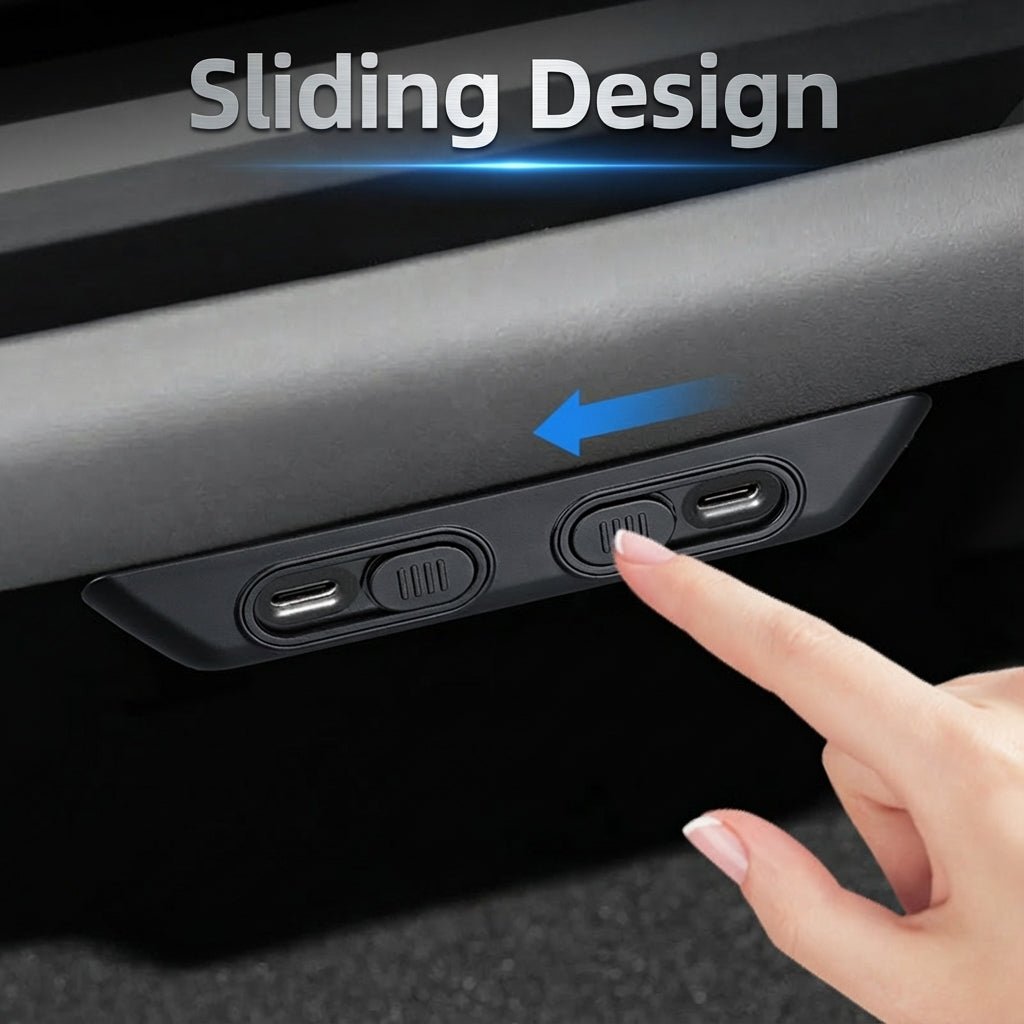
↔ Sliding Access Design
Slide the cover open when you need to connect a USB-C cable, then slide it closed again without removing the accessory from the console.
📐 Precision-Molded Fit
Designed around the refreshed rear-console geometry of the Model 3 Highland and Model Y Juniper for a clean, integrated appearance.
🔧 No-Drill Installation
Installs using automotive-grade double-sided adhesive with no drilling, cutting or permanent console modification required.
A Cleaner Way to Protect the Rear Charging Area
Keep Debris Away From the Ports
When closed, the protector covers the exposed rear USB-C area and helps reduce dust and lint accumulation around the charging openings.
Charge Without Removing the Protector
The sliding panel opens to expose the charging ports, so the entire cover does not need to be removed whenever a passenger plugs in a cable.
Clean Interior Integration
The product is shaped to visually blend with the refreshed rear console rather than looking like a loose universal cap.
Helps Reduce Dust, Lint & Light Splash Exposure
The supplier specifically markets the cover for reducing direct exposure of the rear USB-C charging ports to dust, lint and accidental liquid splashes when the sliding panel is closed.
⚠️ Not Waterproof or Liquid-Sealed
This is a sliding protective cover, not a waterproof enclosure. It may help reduce direct exposure to accidental light splashes, but liquids can still reach the charging area. Wipe spills immediately and do not pour or spray liquid near the USB-C ports.
Sliding Port Access
Closed Position
Covers the rear USB-C area when the ports are not being used.
Open Position
Slides aside to expose the charging ports for cable connection.
No Loose Removable Cap
Because the cover remains attached to the console, there is no separate protective cap to remove and store during charging.
Keep the Sliding Track Clean
The supplier recommends regularly wiping the sliding rails so dust does not accumulate inside the mechanism. If movement becomes stiff, clean the track rather than forcing the cover.
Vehicle Compatibility
| Vehicle | Compatibility |
|---|---|
| Tesla Model 3 Highland | Compatible |
| Tesla Model Y Juniper | Compatible |
⚠️ Not for Earlier Model 3 / Model Y Interiors
The supplier explicitly states that this product is precision-molded for the refreshed Model 3 Highland and Model Y Juniper rear-console design. It is not intended for older Model 3 or pre-Juniper Model Y rear-console layouts.
Fit by Rear-Console Design
Fitment is based on the refreshed rear-console shape rather than the vehicle name alone. Before ordering, compare your rear USB-C charging area with the product photos if your vehicle was built near a model-refresh transition.
Installation Guide
1. Clean the Rear Console
Thoroughly clean the area around the rear USB-C ports with an alcohol wipe to remove dust, oils and residue.
2. Dry the Surface
Allow the installation area to dry fully before applying the protector.
3. Test-Fit First
Position the protector over the USB-C area and verify alignment before exposing the adhesive.
4. Remove the Adhesive Backing
Peel the protective film from the double-sided adhesive on the rear of the protector.
5. Align Carefully
Position the protector precisely around the USB-C ports.
6. Press for 30 Seconds
Press firmly and evenly for approximately 30 seconds to help establish a secure adhesive bond.
⚠️ Dry-Fit Before Removing the Backing
Make sure the sliding cover aligns correctly with both USB-C openings before applying the adhesive. Incorrect alignment can restrict cable access or cause the sliding panel to rub against the console.
Automotive-Grade Double-Sided Adhesive
The supplier specifies automotive-grade double-sided adhesive to hold the protector in position on the rear console.
No drilling, screws or cutting are required for installation.
Removal & Adhesive Residue
The supplier states that the adhesive is designed for clean removal without damaging the console surface. Actual residue can vary with installation time, temperature, surface condition and removal technique, so remove the accessory slowly rather than pulling it off abruptly.
Does Not Replace or Modify the USB-C Ports
This accessory is a physical protective cover only. It does not add charging ports, increase charging power, change USB data capability or modify the vehicle's electrical system.
Check Cable Clearance After Installation
After installation, connect your normal USB-C cable and confirm that the plug can enter fully without interference from the sliding cover. Do not force a connector if the protector is misaligned.
Material Is Not Published on the Exact Page
The current exact product page does not specify whether the protector is made from ABS, PC, silicone or another material. Do not add a material specification unless it is separately confirmed for this exact SKU.
Factory-Style Interior Integration
The supplier states that the protector is precision-molded to coordinate with the rear-console color and texture of the refreshed Tesla interior.
Because this is an aftermarket accessory, it is more accurate to describe the appearance as factory-style rather than an original Tesla factory part.
Specifications
| Attribute | Details |
|---|---|
| Product Type | Rear USB-C Charging Port Sliding Protector |
| Compatible Vehicle | Tesla Model 3 Highland / Model Y Juniper |
| Protected Area | Rear USB-C Charging Ports |
| Opening Method | Sliding Cover |
| Installation | Automotive-Grade Double-Sided Adhesive |
| Drilling / Cutting | Not Required |
| Installation Pressure | Press Firmly for Approx. 30 Seconds |
| Material | Not Published |
⚠️ Unpublished Specifications
The exact product page does not publish the protector material, dimensions, weight, adhesive brand, temperature rating, water-resistance rating or tested sliding-cycle durability. Do not add these values unless separately confirmed for this exact product.
Package Includes
1 × Rear USB-C Charging Port Sliding Protector
Quick Answers
Which Tesla models does it fit?
The supplier lists Tesla Model 3 Highland and Model Y Juniper.
Does it fit older Model 3 or Model Y vehicles?
No. The supplier specifically states that this protector is precision-molded for the refreshed Model 3 Highland and Model Y Juniper rear-console design.
Do I need to remove the cover when charging?
No. Slide the protective panel open to access the USB-C ports and slide it closed again when the ports are not in use.
Does it make the USB ports waterproof?
No. It can help reduce direct exposure to dust, lint and accidental light splashes, but it is not a waterproof enclosure.
How is it installed?
Clean the rear-console surface, peel the double-sided adhesive backing, align the protector over the USB-C ports and press firmly for approximately 30 seconds.
Does installation require drilling?
No. The supplier specifies adhesive installation without drilling or cutting.
Can it be removed later?
The supplier states that the automotive-grade adhesive is designed for clean removal. Actual residue can vary depending on installation conditions and removal technique.
What should I do if the slider becomes stiff?
Wipe dust and debris from the sliding rails. Do not force the mechanism if movement becomes restricted.
Does it increase USB charging speed?
No. This is a physical port protector only and does not change charging power, charging protocol or USB data capability.
What material is it made from?
The current exact Tesery product page does not publish the material, so no specific material should be assumed.
Couldn't load pickup availability
Product features
Product features
Materials and care
Materials and care
Merchandising tips
Merchandising tips
Share