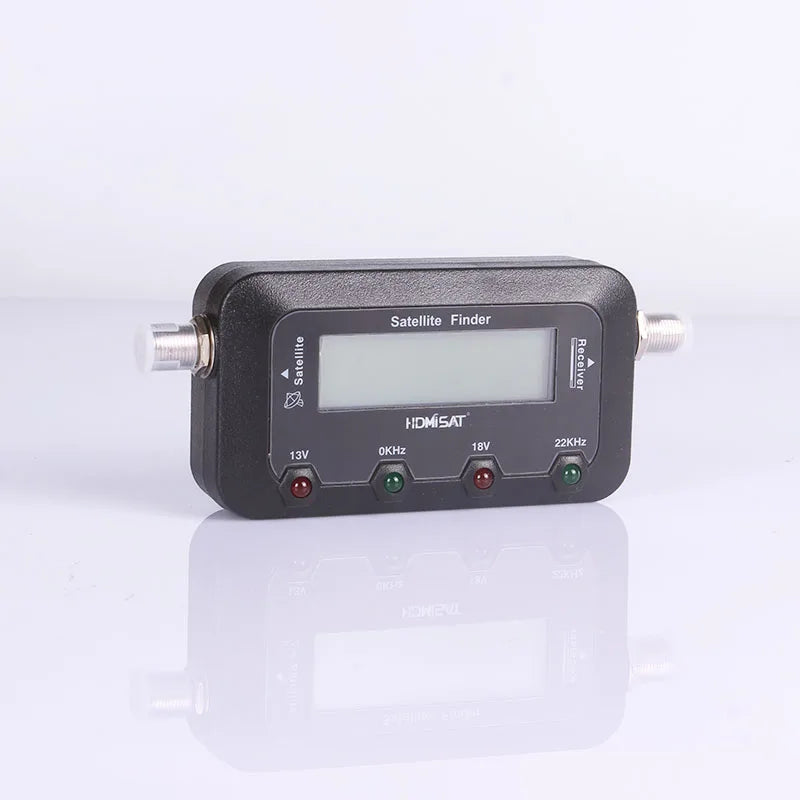
HD Digital Satellite Finder Meter for Satellite TV Receiver Satfinder
HD Digital Satellite Finder Meter for Satellite TV Receiver Satfinder
SPECIFICATIONS
Brand Name: ZVEPOWER
Functional Application: Amplification
Model Number: AX4001288973690
Mounting Type: Other Mounting Type
Place of Origin: Guangdong, China
WIRING AND OPERATION:
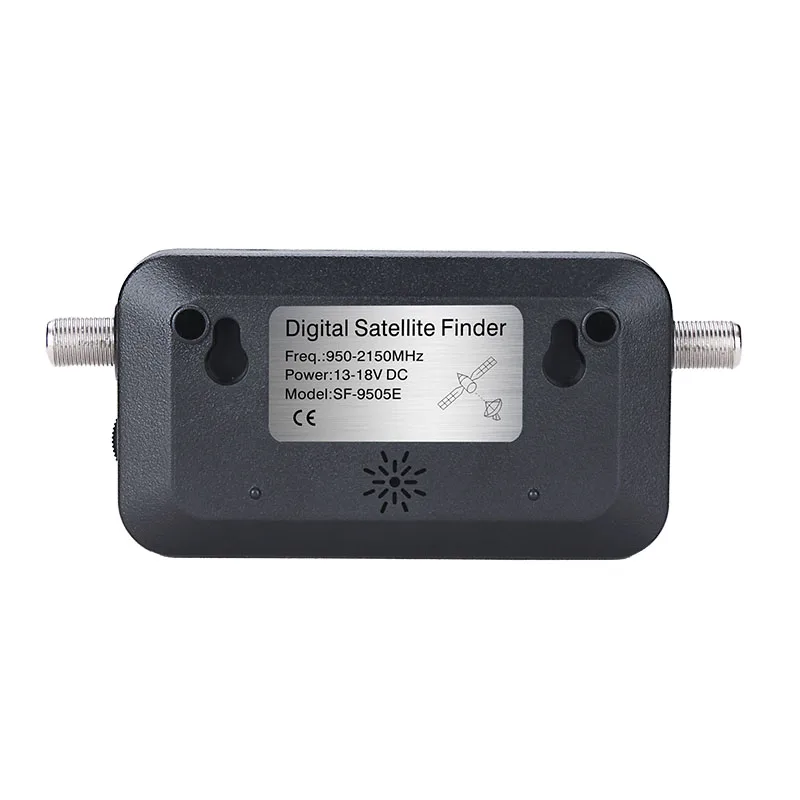
Connect a jumper cable from the LNB/LNBF to the “TO LNB” connection on
the Satellite Finder.
2. Connect the cable from your satellite receiver to the “TO REC” input on the
satellite Finder.
3. Turn on the satellite receiver. Adjust the knob until the signal strength display
around 0% (the critical point).
4. Set your dish to the proper azimuth and elevation settings. (This information
should be supplied with your satellite dish.)
5. Peak the signal by slowly moving the azimuth and elevation of your dish. If
the Satellite Finder's reading becomes full scale adjusting the level control
knob to reduce the incoming signal to a lower level. Continue to move the
dish until you have the highest possible meter reading and the smallest
possible sound interval.
6. Remove the jumper cable and Satellite Finder and reconnect the LNB/LNBF
To avoid a continuous full scale reading, do not use the Satellite Finder
directly in front of the dish.
When using a LNB with gain higher than 60dB inserts a 5dB attenuator
between the LNB/LNBF and the Satellite Finder.
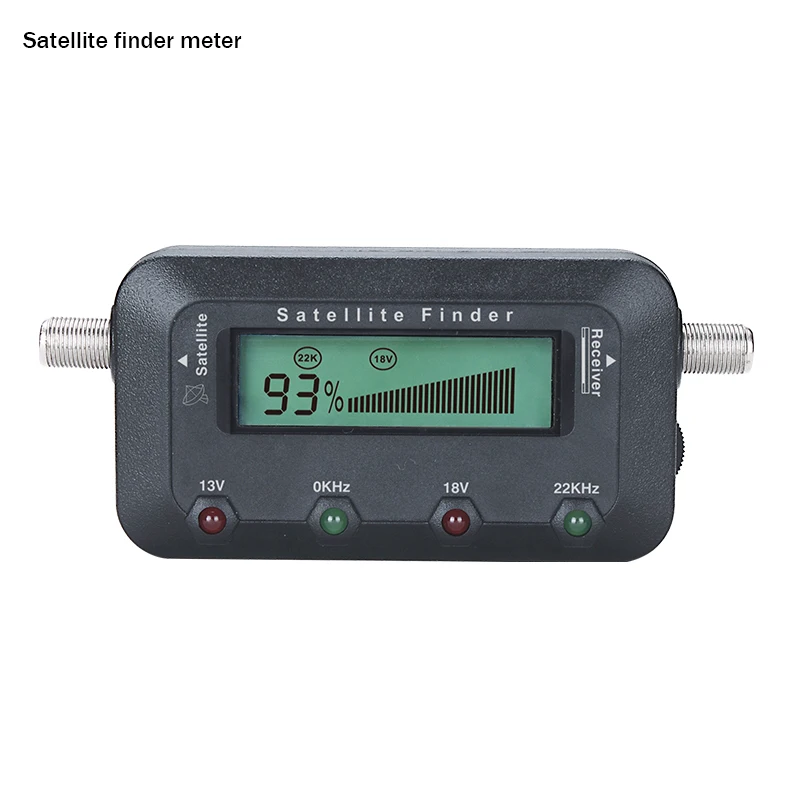
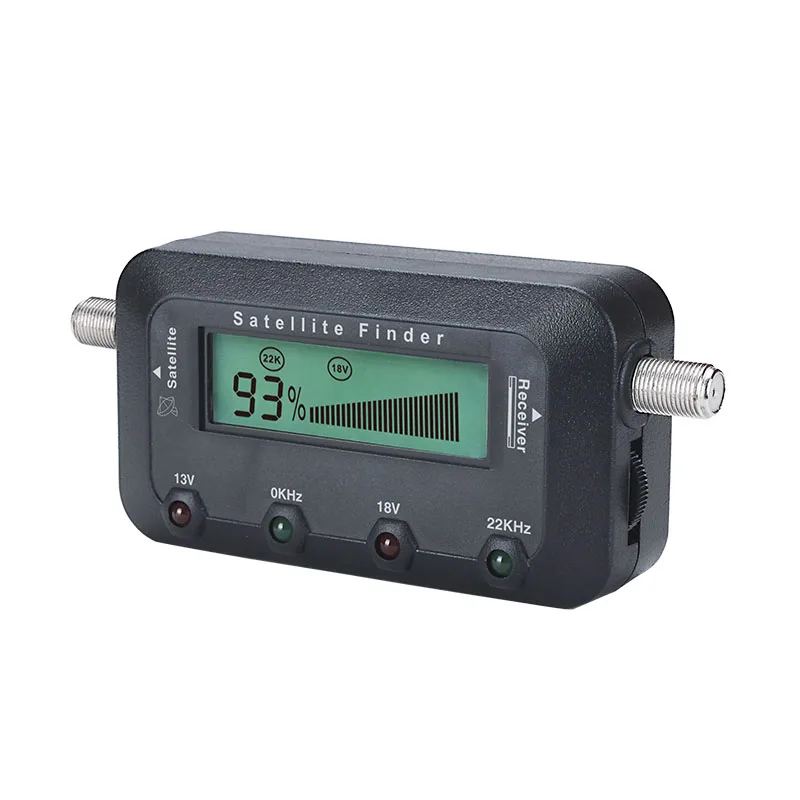
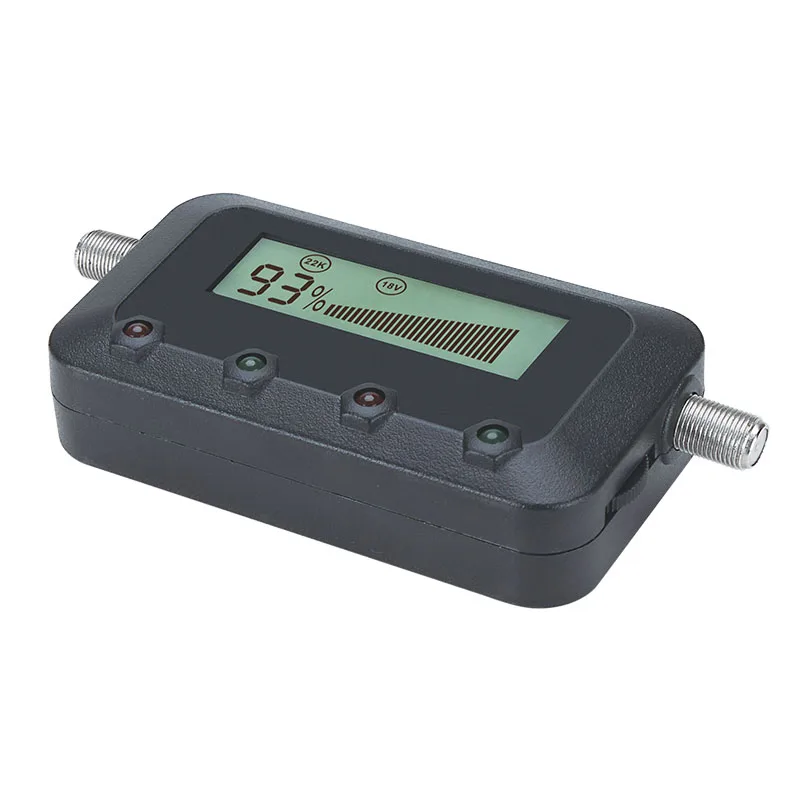
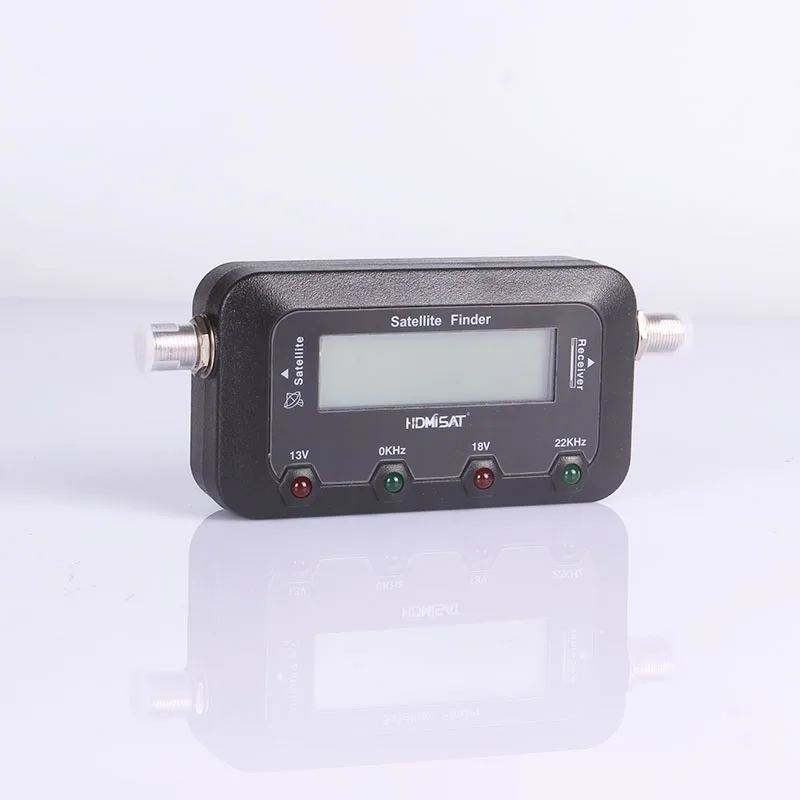
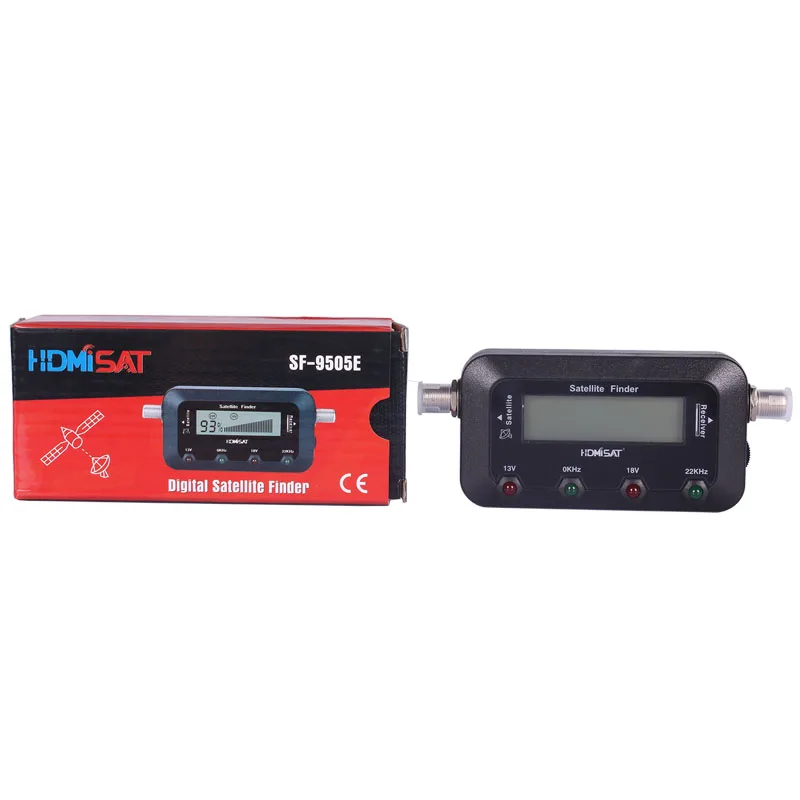
The Satellite Finder has optional 4LED on the front panel indicating:
A) LED marked with 22KHz: The receiver is sending a 22KHz signal, used to
switch some LNB to the high band frequency.
B) LED marked with 0Hz: The receiver does not send the 22KHz signal.
C) LED marked with 13V: Indicating the satellite receiver is switching 13V
power to switch the LNB's vertical polarization.
D) LED marked with 18V: Indicating the satellite receiver is switching 18V
power to switch the LNB's horizontal polarization
Product features
Product features
Materials and care
Materials and care
Merchandising tips
Merchandising tips