Flexible Phone Holder for Model 3 Highland & Model Y Juniper
Flexible Phone Holder for Model 3 Highland & Model Y Juniper
Flexible Phone Holder for Tesla Model 3 Highland / Model Y Juniper / Model YL
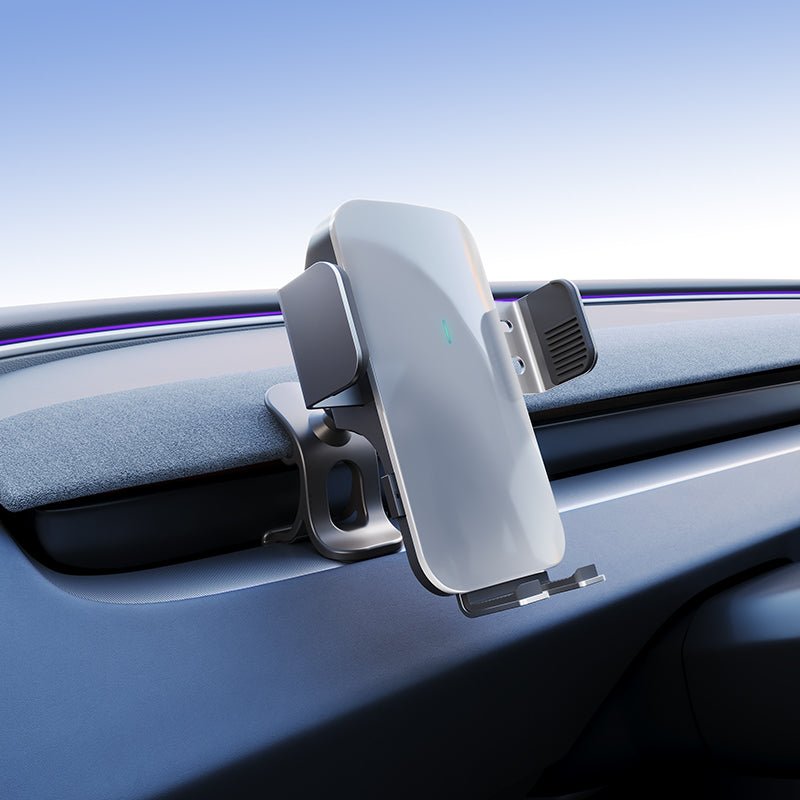
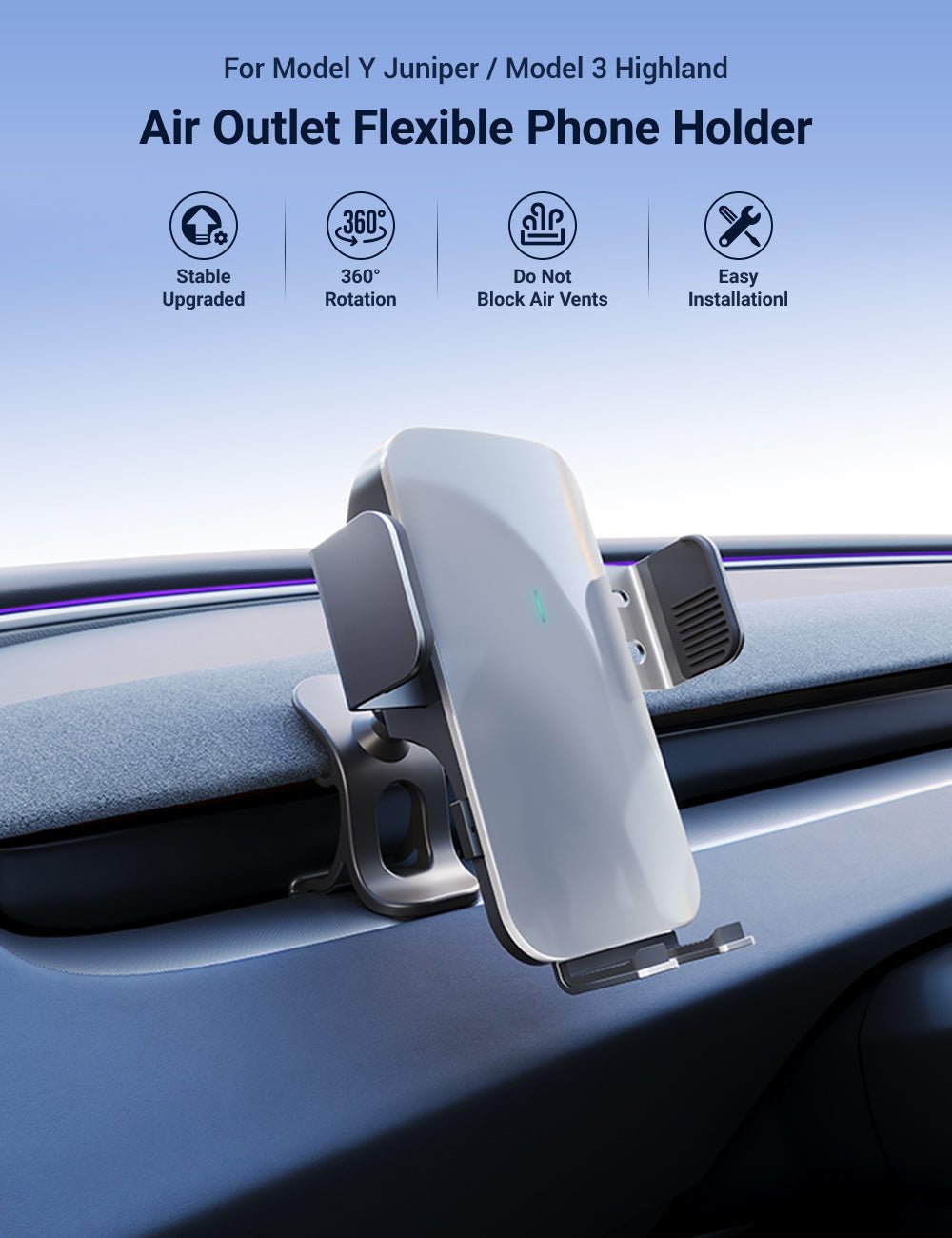
Keep navigation and phone information closer to your natural sightline with a vehicle-specific mount designed for refreshed Tesla dashboards. A flexible support arm with a 17mm ball joint allows multi-angle adjustment, while Solar Clip and Magnetic versions offer two different ways to secure your phone.
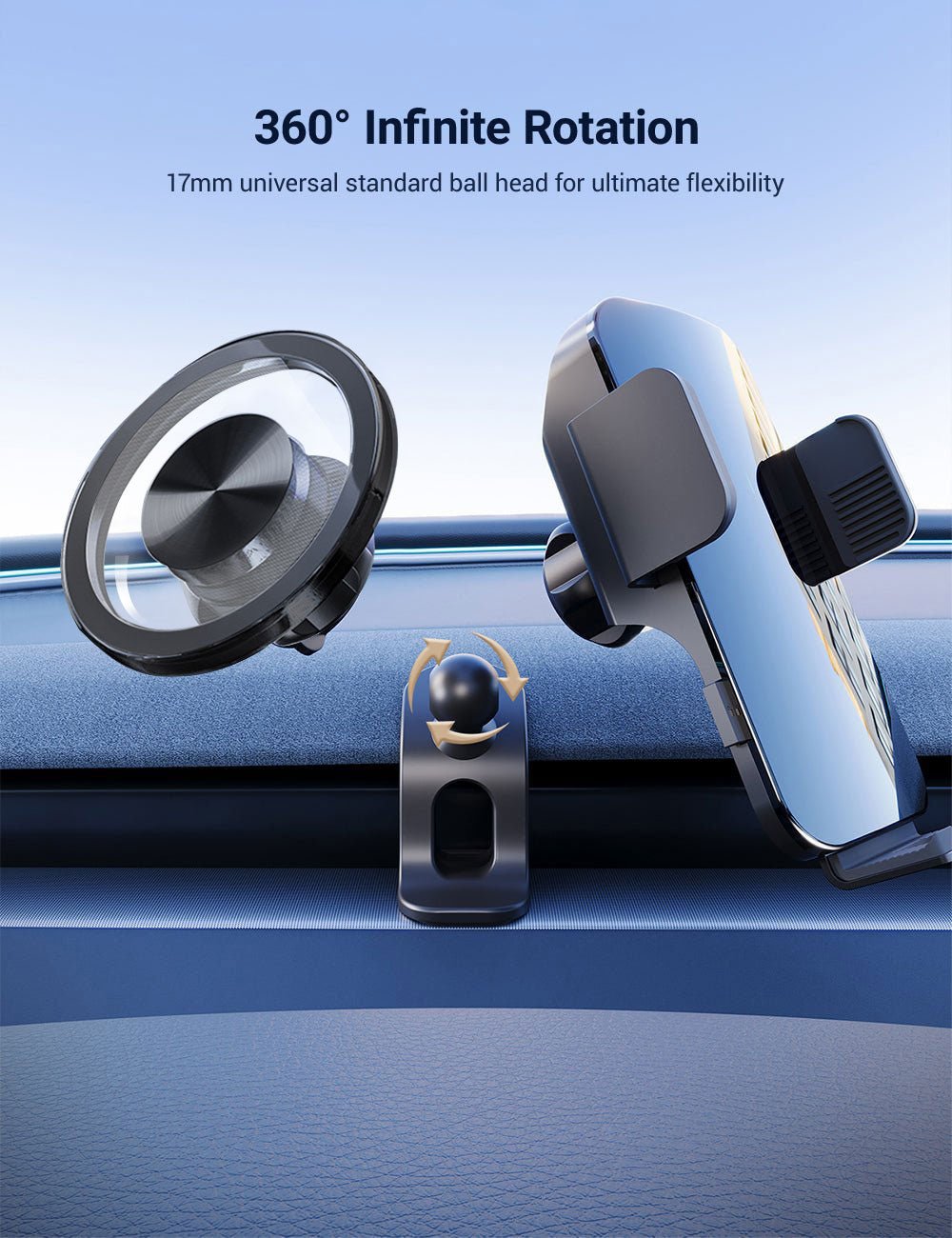
🔄 360° Ball Adjustment
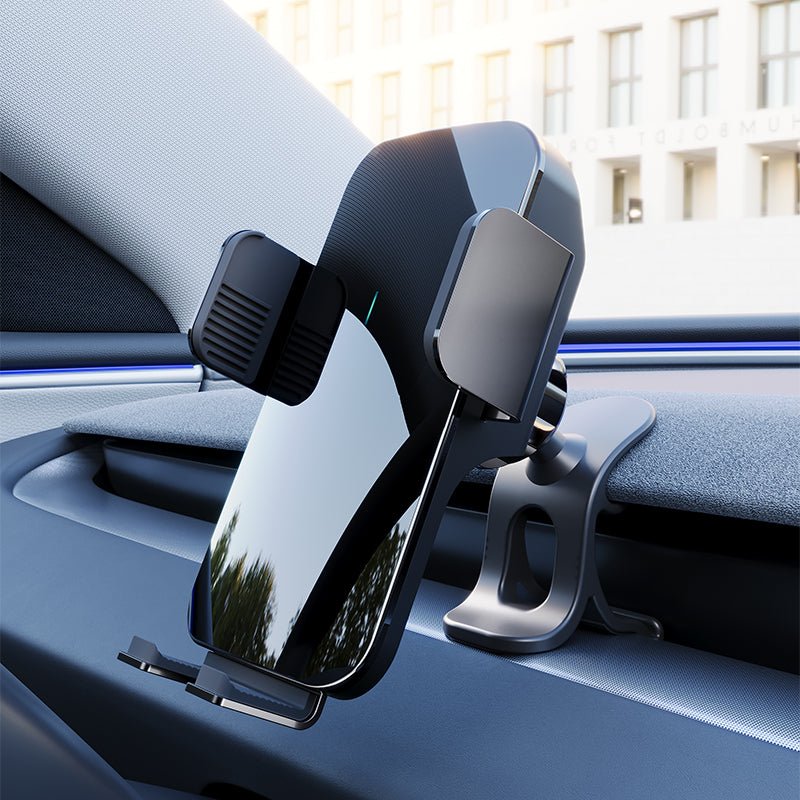
The 17mm ball joint allows portrait or landscape positioning and lets the phone angle be adjusted to suit the driver's preferred viewing position.
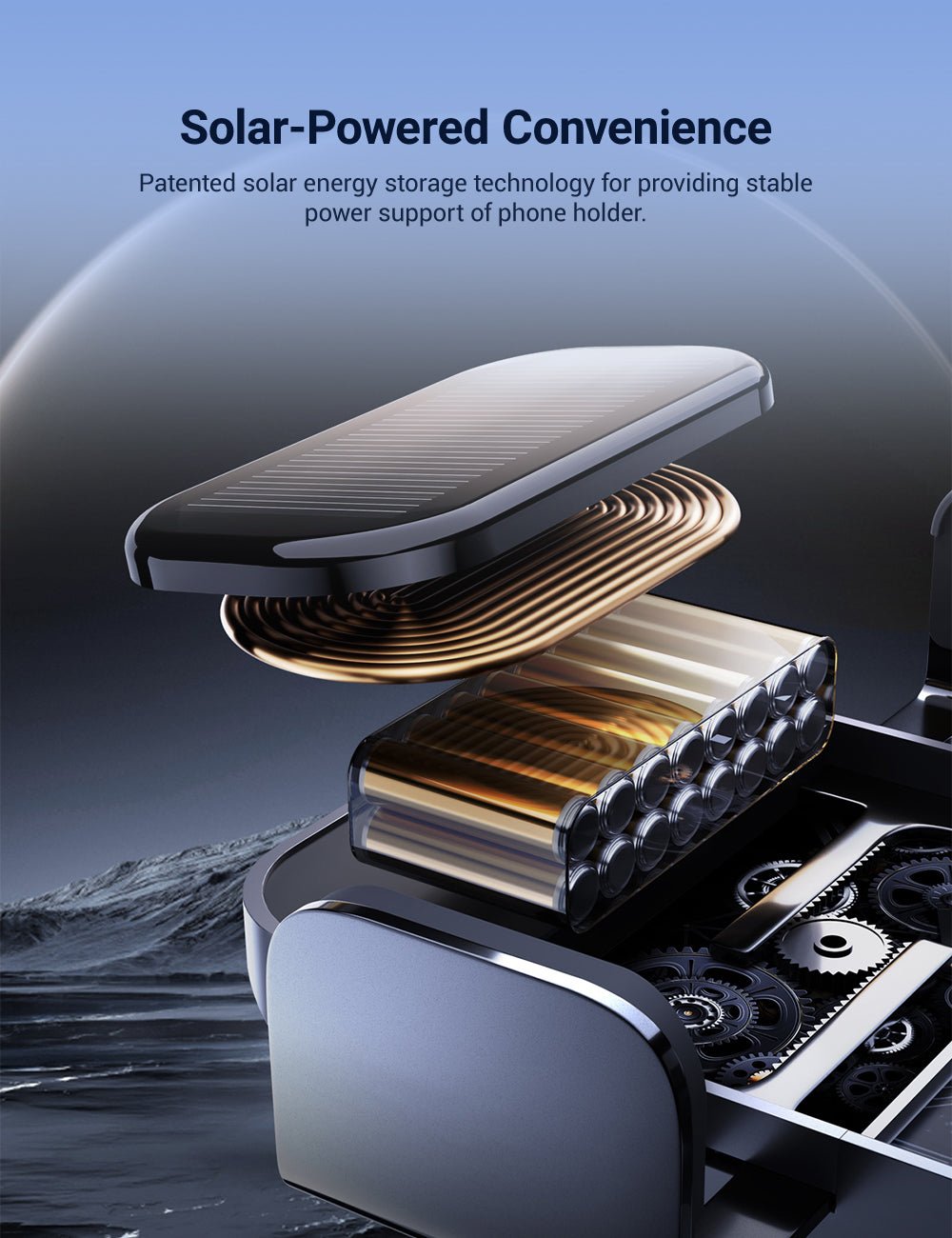
☀️ Solar-Assisted Auto Clamp
The Solar Clip version uses an internally powered automatic clamp with solar-assisted energy storage for convenient opening and closing.
🧲 Passive Magnetic Option
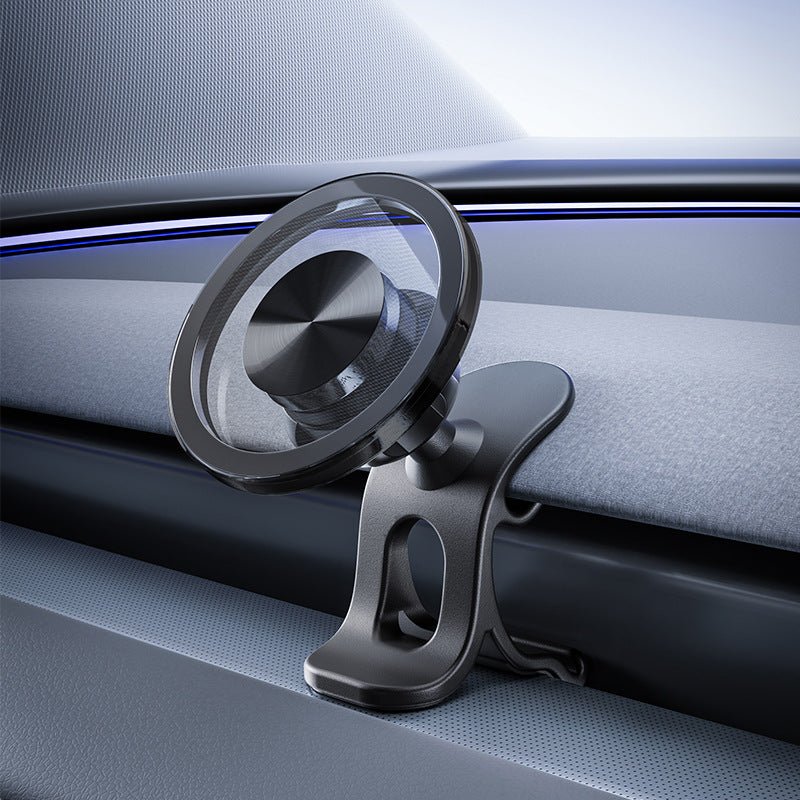
The Magnetic version uses a passive magnetic interface with no powered clamp mechanism for quick phone placement and removal.
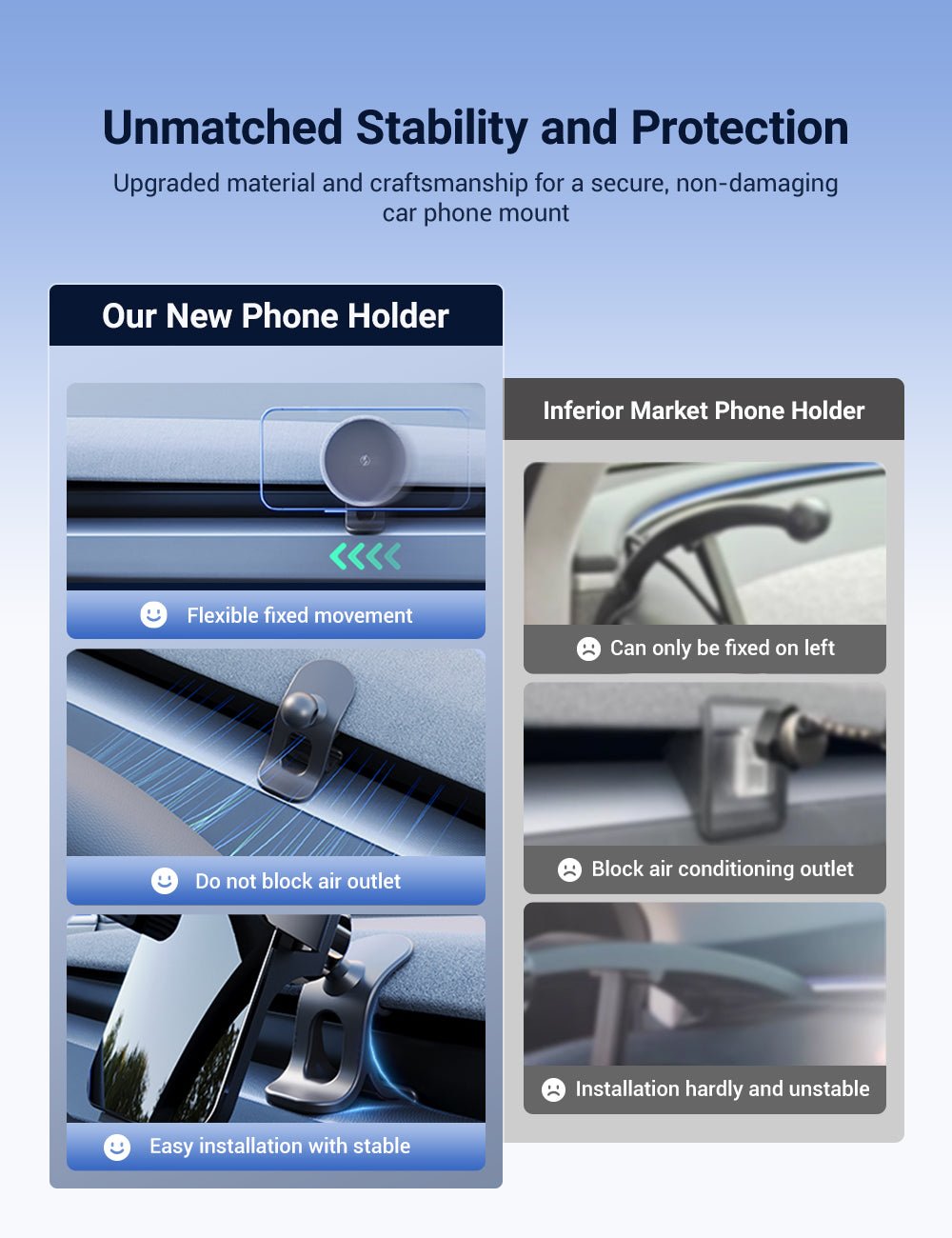
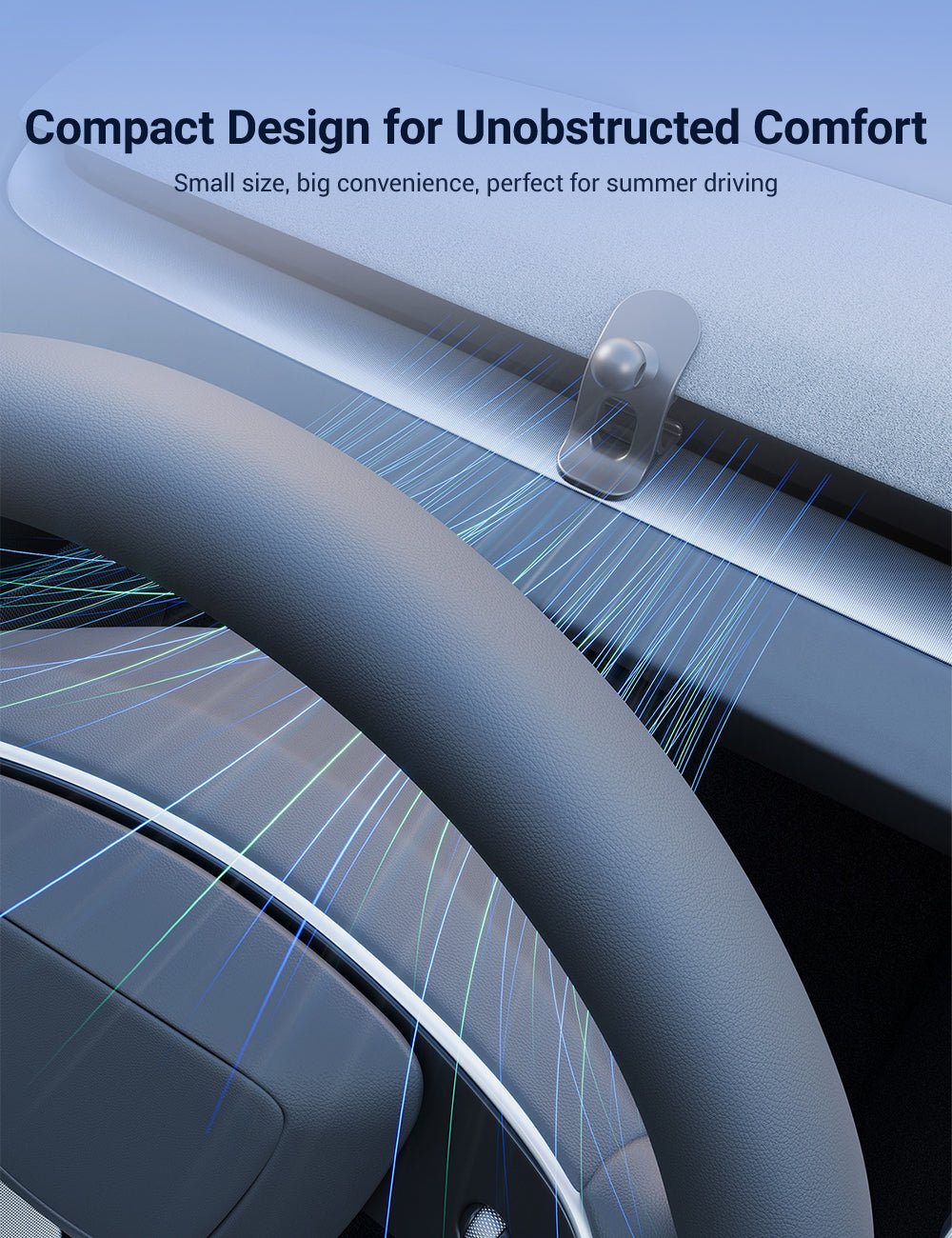
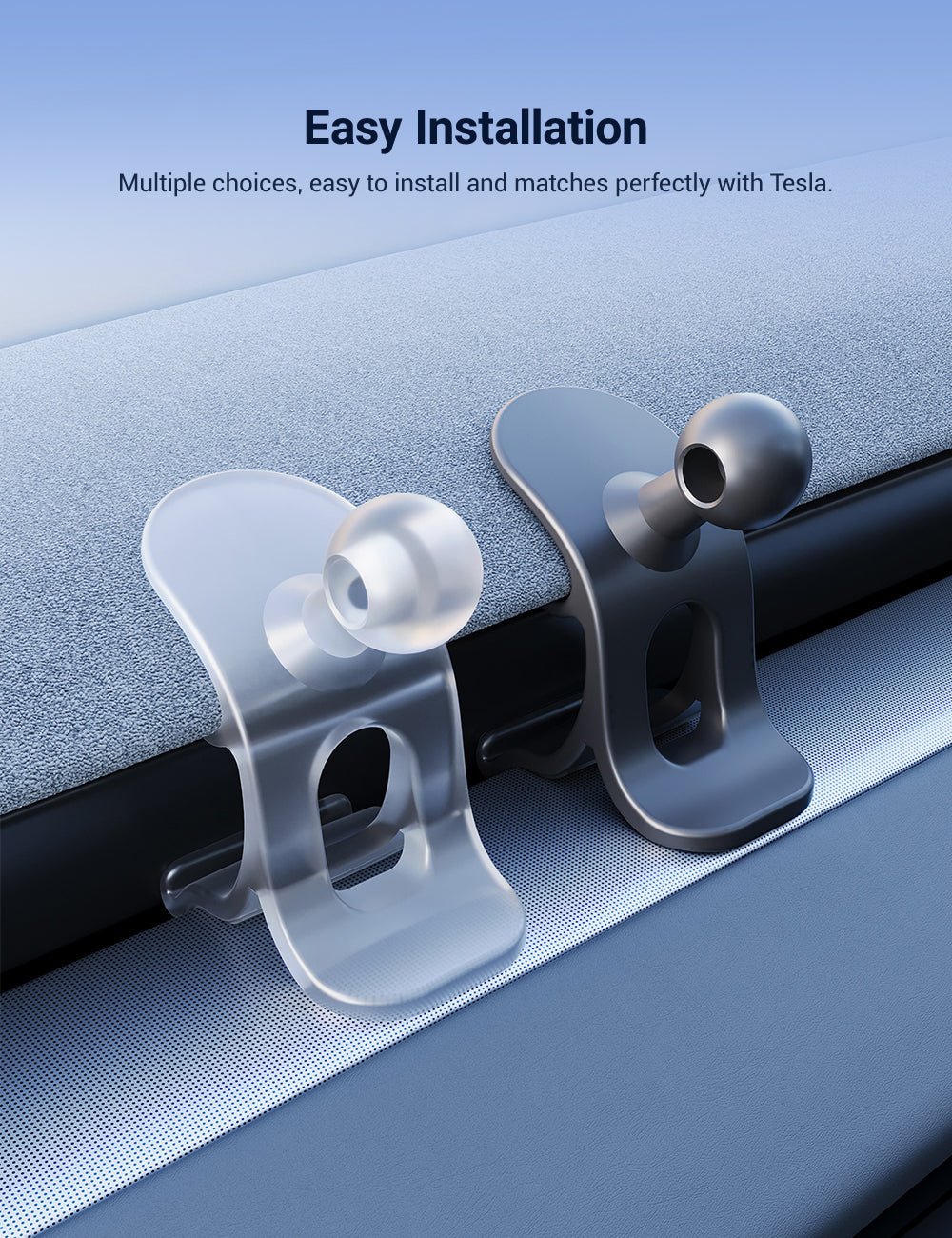
📐 Vehicle-Specific Base
The mounting base is shaped around the refreshed dashboard and screen-surround architecture used by Highland, Juniper and Model YL.
Choose Your Phone-Holding Style
| Feature | Solar Clip | Magnetic |
|---|---|---|
| Phone Retention | Powered Side Clamp | Passive Magnetic Hold |
| Power Requirement | Uses Stored Electrical Power | No Powered Clamp |
| Solar Function | Assists Clamp Energy Storage | Not Applicable |
| Phone Charging | Not the Primary Product Function | No Charging Function |
| Best For | Phones needing physical side-grip support | Compatible magnetic phones / cases / rings |
⚠️ Solar Clip Does Not Mean Solar Phone Charging
The solar-assisted feature supports the powered clamping mechanism. The current product listing should not be interpreted as a promise that the mount wirelessly charges or solar-charges your phone.
Magnetic Version Compatibility
The magnetic version works best with a compatible magnetic phone, magnetic case or suitable magnetic interface / ring. Holding strength can vary depending on the phone, case thickness, magnetic alignment and added accessories.
⚠️ Thick or Non-Magnetic Cases Can Reduce Grip
If your phone or case does not provide a compatible magnetic interface, the magnetic version may require a suitable magnetic ring. Always test phone retention while parked before driving.
Vehicle Compatibility
| Vehicle | Current Selector |
|---|---|
| Tesla Model 3 Highland | 2024+ |
| Tesla Model Y Juniper | 2025+ |
| Tesla Model YL | 2026+ |
⚠️ Not Listed for Earlier Model 3 / Model Y
The current exact product selector does not list Model 3 2017–2023 or pre-refresh Model Y 2020–2025.02/03. Their dashboard and screen-surround architecture differs from the refreshed vehicles supported by this product.
Fitment Depends on Dashboard Generation
Choose the vehicle version before choosing the holder style. The mounting base is vehicle-specific, while Solar Clip and Magnetic refer to the phone-holding interface.
17mm Adjustable Ball Head
The mount uses a 17mm ball joint to provide adjustable viewing angles.
The phone can be rotated between portrait and landscape orientation and tilted to match your preferred viewing position.
“360°” refers to the adjustment capability of the ball connection and should not be interpreted as unlimited safe placement anywhere around the display.
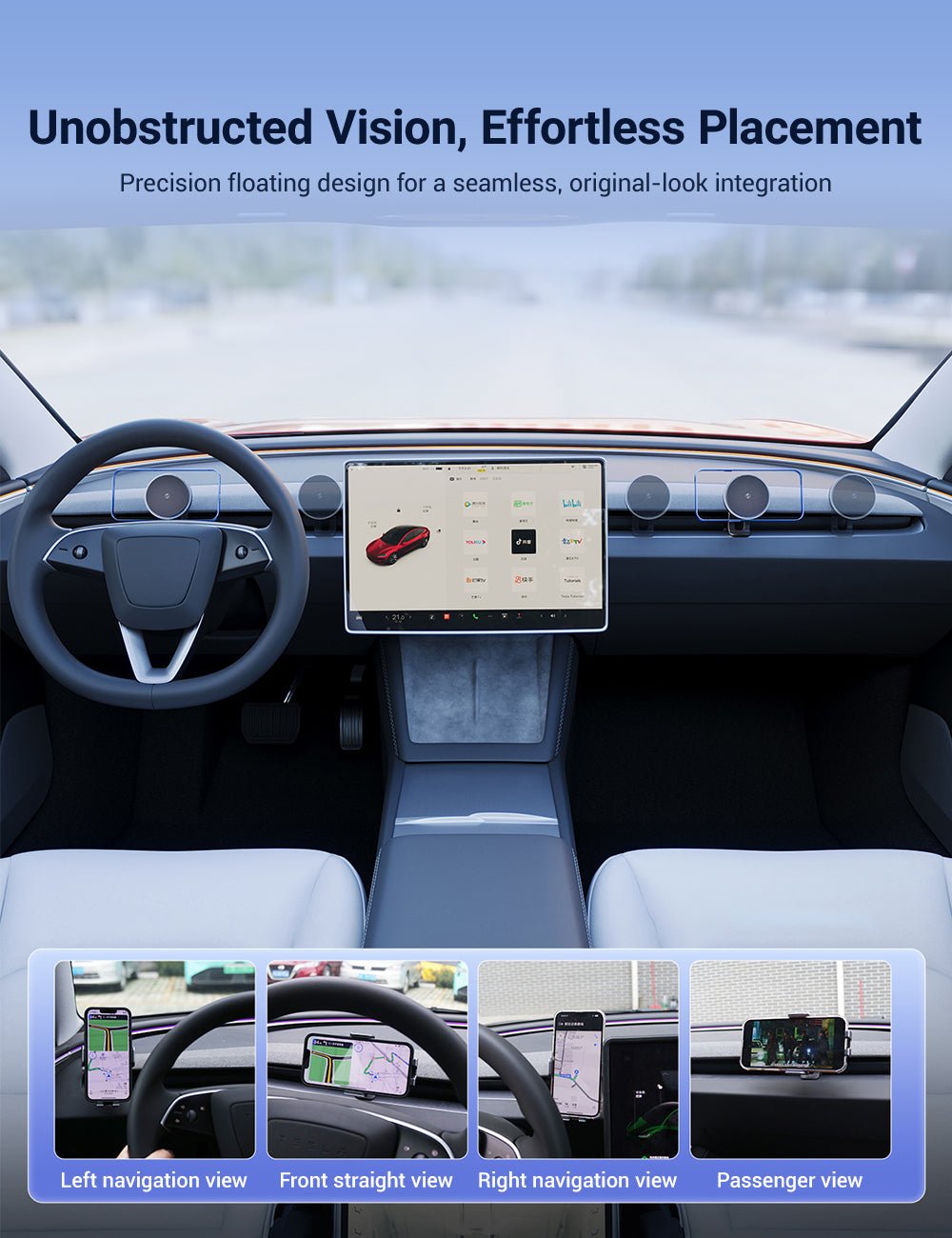
⚠️ Keep the Road, Display & Controls Visible
Adjust the phone while parked and make sure it does not block the road ahead, center display, warning information, vents or nearby vehicle controls. Reposition the holder if any part of the driver's normal view is restricted.
⚠️ Adjust While Parked
Set the holder angle and attach or remove the phone while the vehicle is safely parked whenever practical. Do not make prolonged phone adjustments while driving.
Installation Overview
1. Confirm the Vehicle Version
Make sure the selected base matches Model 3 Highland 2024+ or Model Y Juniper / Model YL.
2. Dry-Test the Base
Align the base with the intended dashboard / screen-surround mounting area before attaching the phone.
3. Apply Even Pressure
Seat the mounting base gradually using controlled hand pressure.
Do not pry, sharply bend or force the surrounding trim.
4. Attach the Arm & Holder
Connect the adjustable arm and selected Solar Clip or Magnetic holder interface.
5. Add the Phone While Parked
Place the phone in the holder and adjust the viewing angle.
6. Check Clearance
Confirm that the phone and arm remain clear of the center display, vents and controls throughout the intended adjustment range.
⚠️ Do Not Force Interior Trim
If the vehicle-specific base cannot seat with controlled hand pressure, stop installation and verify the selected vehicle version and mounting orientation. Do not lever or deform the dashboard or display trim to force the holder into place.
Recheck After the First Drives
Phone weight, thick cases, road vibration and cabin temperature can affect joint tension and magnetic retention.
After the first few drives, check that the arm remains secure and that the phone has not gradually changed position. Retighten or reposition if movement is detected.
Solar Clip Operation
The Solar Clip version uses an internally powered automatic clamping mechanism.
Its solar-assisted area helps replenish energy for the clamp when usable light is available.
Because the clamp relies on stored electrical energy, available operation can depend on its charge state and light exposure.
Solar Performance Depends on Available Light
The solar-assisted system works best when the solar area receives usable light. Shaded parking, covered garages or prolonged low-light conditions may reduce solar energy replenishment.
Phone Charging Is Not the Primary Function
This product is primarily a phone holder. The Solar Clip's solar feature powers the holder's clamp mechanism and should not be presented as a wireless charging or solar phone-charging system.
Specifications
| Attribute | Details |
|---|---|
| Product Type | Adjustable Tesla Phone Holder |
| Ball Joint | 17mm |
| Adjustment | 360° Ball Adjustment |
| Current Styles | Solar Clip (Black) / Magnetic (Black) |
| Model 3 | Model 3 Highland 2024+ |
| Model Y | Model Y Juniper 2025+ |
| Model YL | 2026+ |
| Phone Charging | Not the Primary Product Function |
⚠️ Unpublished Specifications
The current exact page does not publish the arm material, overall product dimensions, supported phone-weight limit, magnetic holding force, Solar Clip battery capacity, charging input specification or tested vibration rating. Do not add these values unless separately confirmed for this exact product.
Package Configuration
Includes the vehicle-specific mounting system and the selected Solar Clip or Magnetic phone-holder interface. Exact accessory contents may vary by selected style.
Quick Answers
Which Tesla models does it fit?
The current selector lists Model 3 Highland 2024+, Model Y Juniper 2025+ and Model YL 2026+.
Does it fit the older Model 3?
No earlier Model 3 option is currently listed. This product uses a mounting base designed around the refreshed Model 3 Highland dashboard.
Does it fit the pre-Juniper Model Y?
No pre-refresh Model Y option is currently listed. The current Model Y version is for Model Y Juniper 2025+ and Model YL 2026+.
What is the difference between Solar Clip and Magnetic?
Solar Clip uses a powered automatic side-clamp mechanism with solar-assisted energy storage. Magnetic uses passive magnetic phone retention without a motorized clamp.
Does Solar Clip wirelessly charge my phone?
No charging function should be assumed. The solar-assisted feature supports the holder's automatic clamping mechanism rather than serving as a phone charger.
Will every phone work with the Magnetic version?
Magnetic retention depends on the phone, case and magnetic interface. A non-magnetic or thick case may require a compatible magnetic ring and can reduce holding strength.
Can the phone rotate horizontally and vertically?
Yes. The 17mm ball joint provides multi-angle adjustment and supports portrait or landscape positioning.
Does 360° mean I can position it anywhere?
No. 360° refers to the ball-joint adjustment range. The phone should always be positioned so it does not block the road, center display, vents or vehicle controls.
Should I force the mounting base into place?
No. Dry-test the base first. If it does not seat with controlled hand pressure, verify the vehicle version and mounting orientation before continuing.
Should I check the mount again after installation?
Yes. Road vibration, cabin heat, phone weight and case thickness can change joint tension or magnetic grip. Recheck the holder after the first drives.
Couldn't load pickup availability
Product features
Product features
Materials and care
Materials and care
Merchandising tips
Merchandising tips
Share