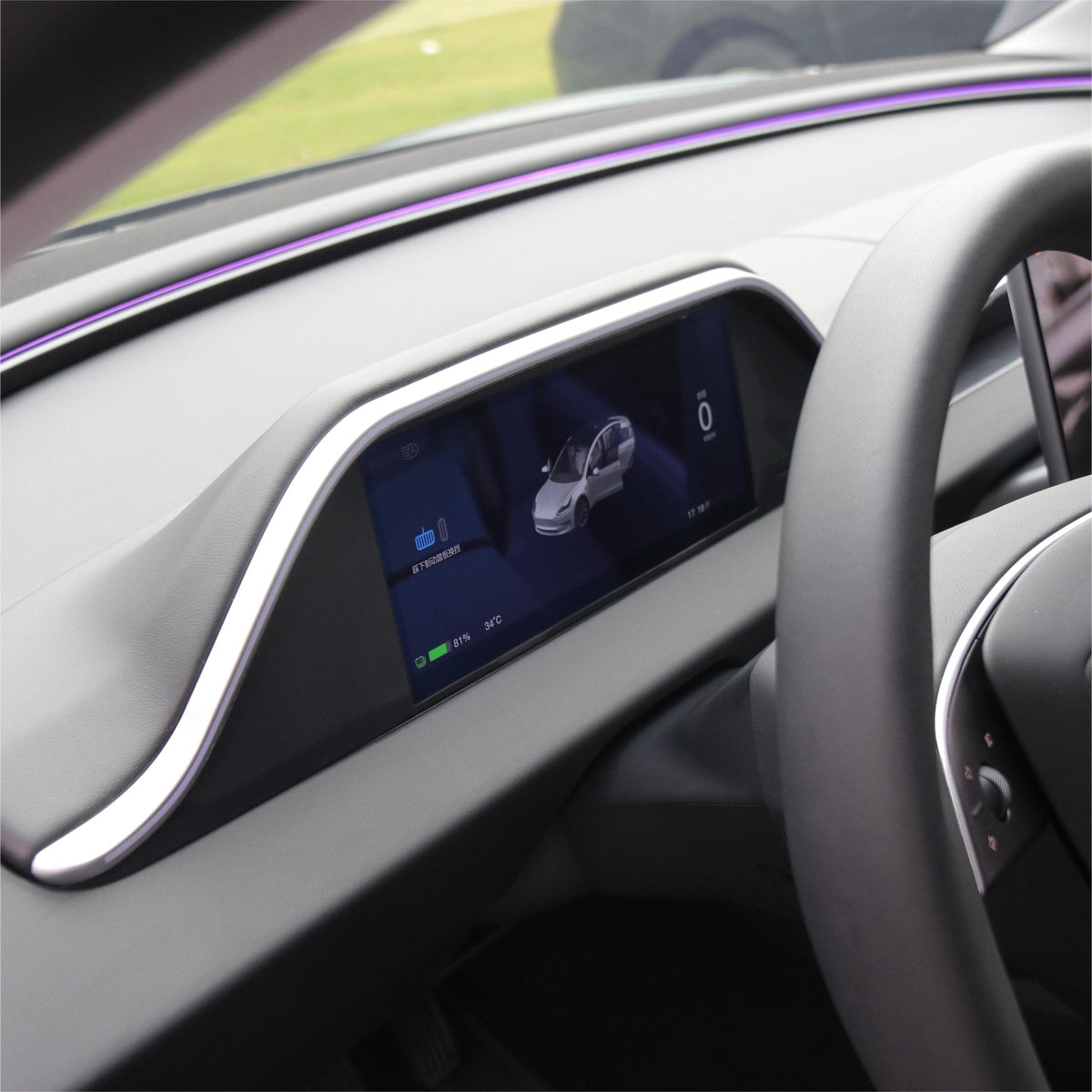
8.9'' Integrated Dashboard Display with Ambient Lighting for Tesla Model 3 / Y
8.9'' Integrated Dashboard Display with Ambient Lighting for Tesla Model 3 / Y
8.9″ Integrated Dashboard Display with 128-Color Ambient Lighting
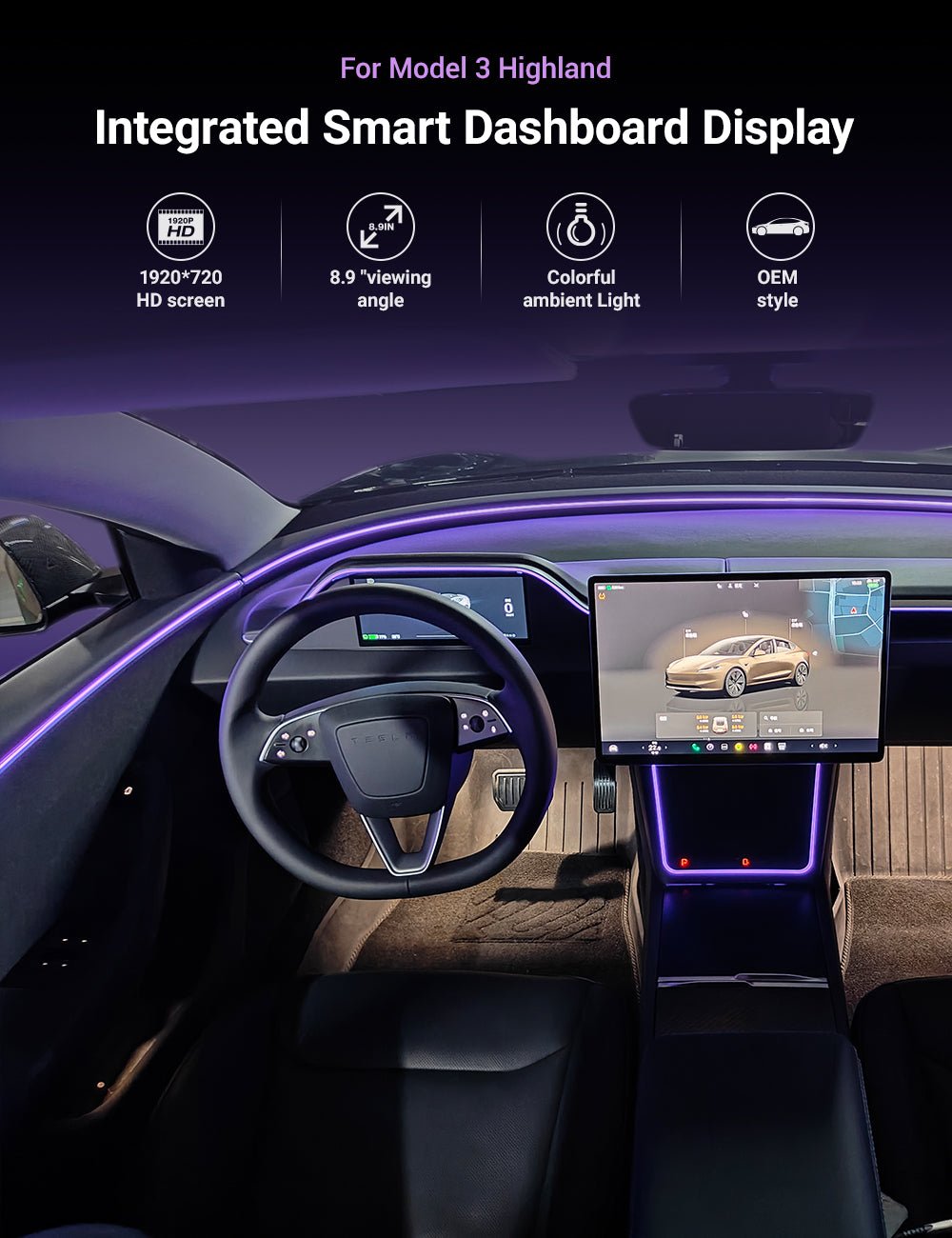
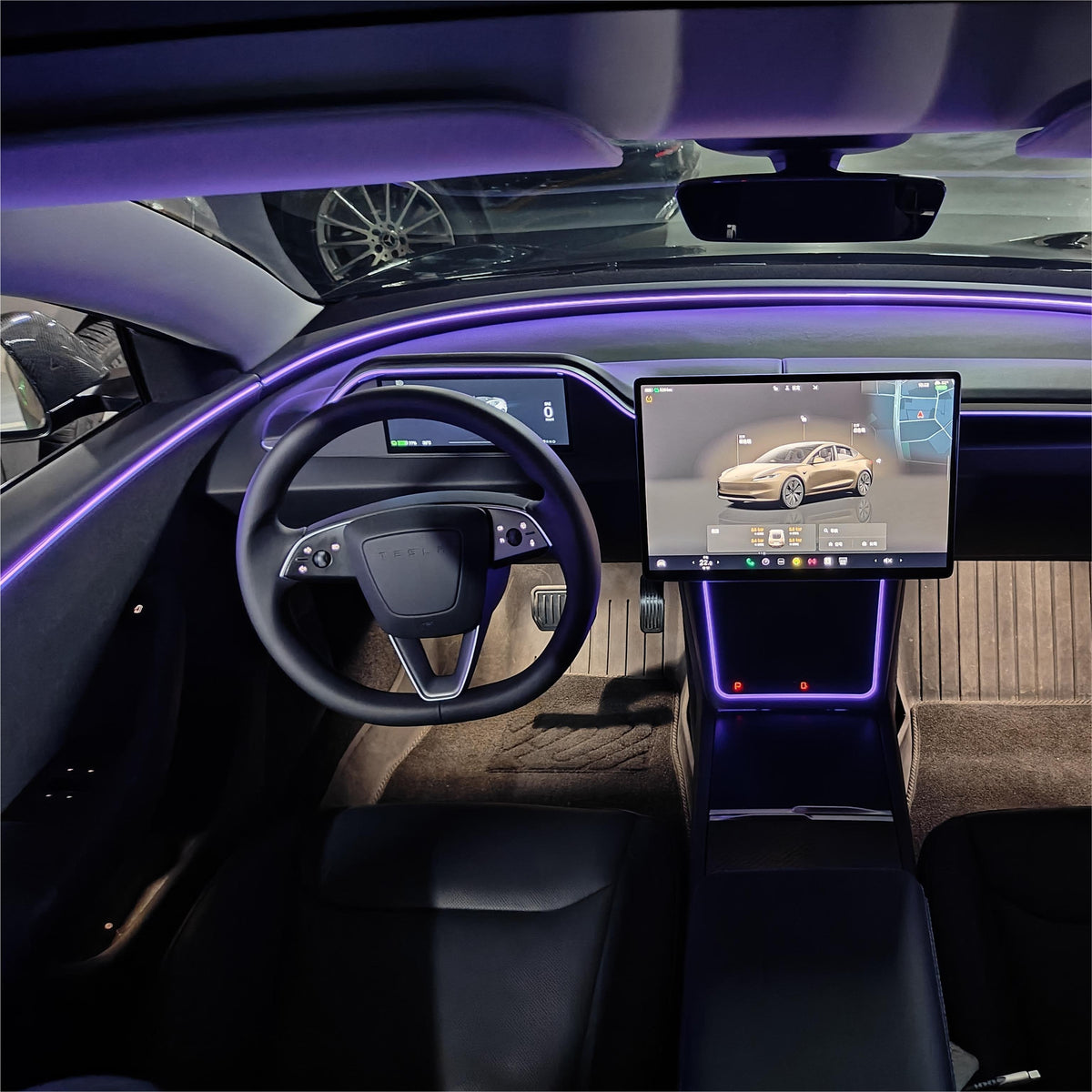
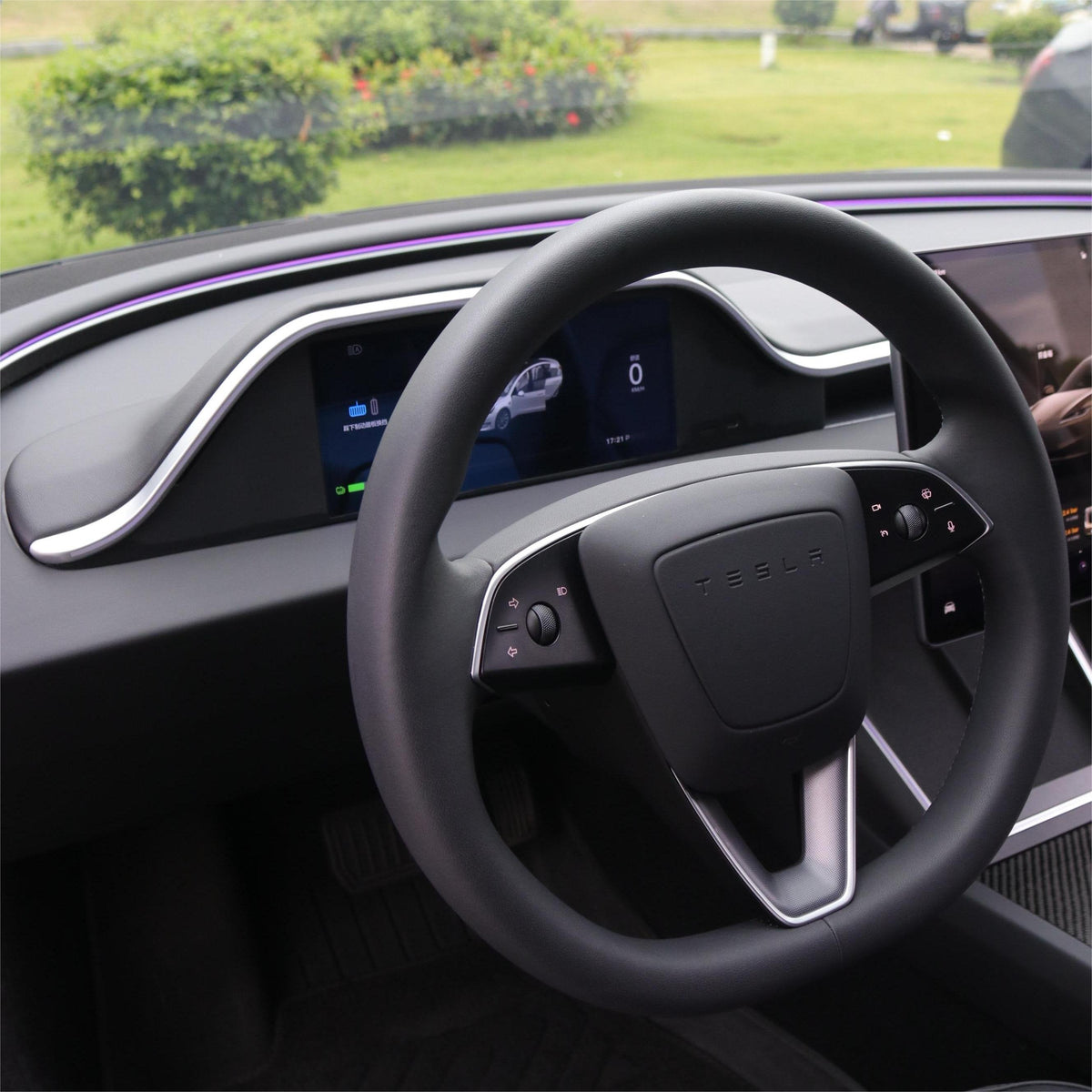
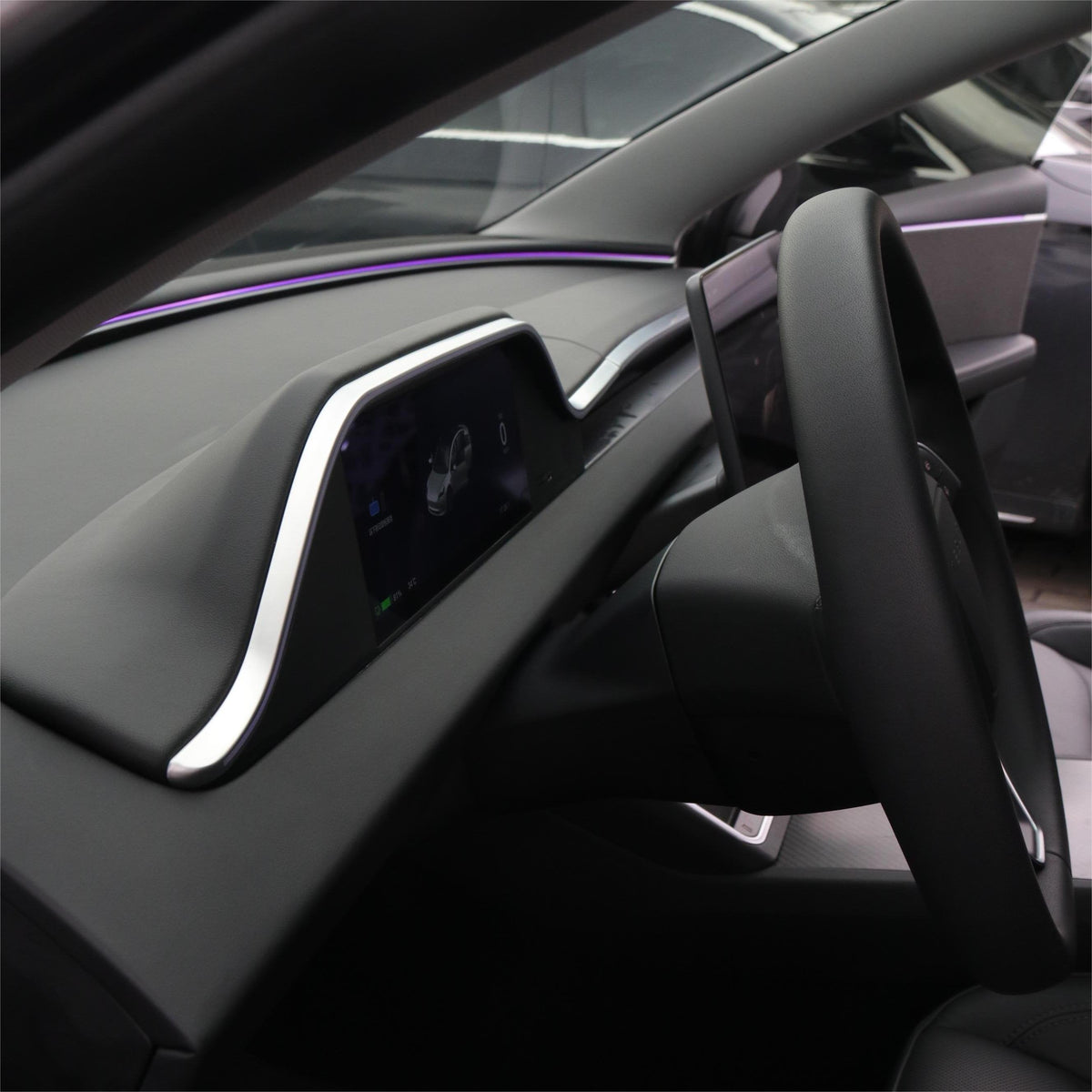
Add a dedicated driver-facing instrument display to your Tesla Model 3 Highland or Model Y Juniper without sacrificing the clean dashboard design. The integrated 8.9-inch HD screen combines real-time vehicle information, wireless smartphone connectivity, configurable ambient lighting and an optional front camera in one OEM-style dashboard assembly.

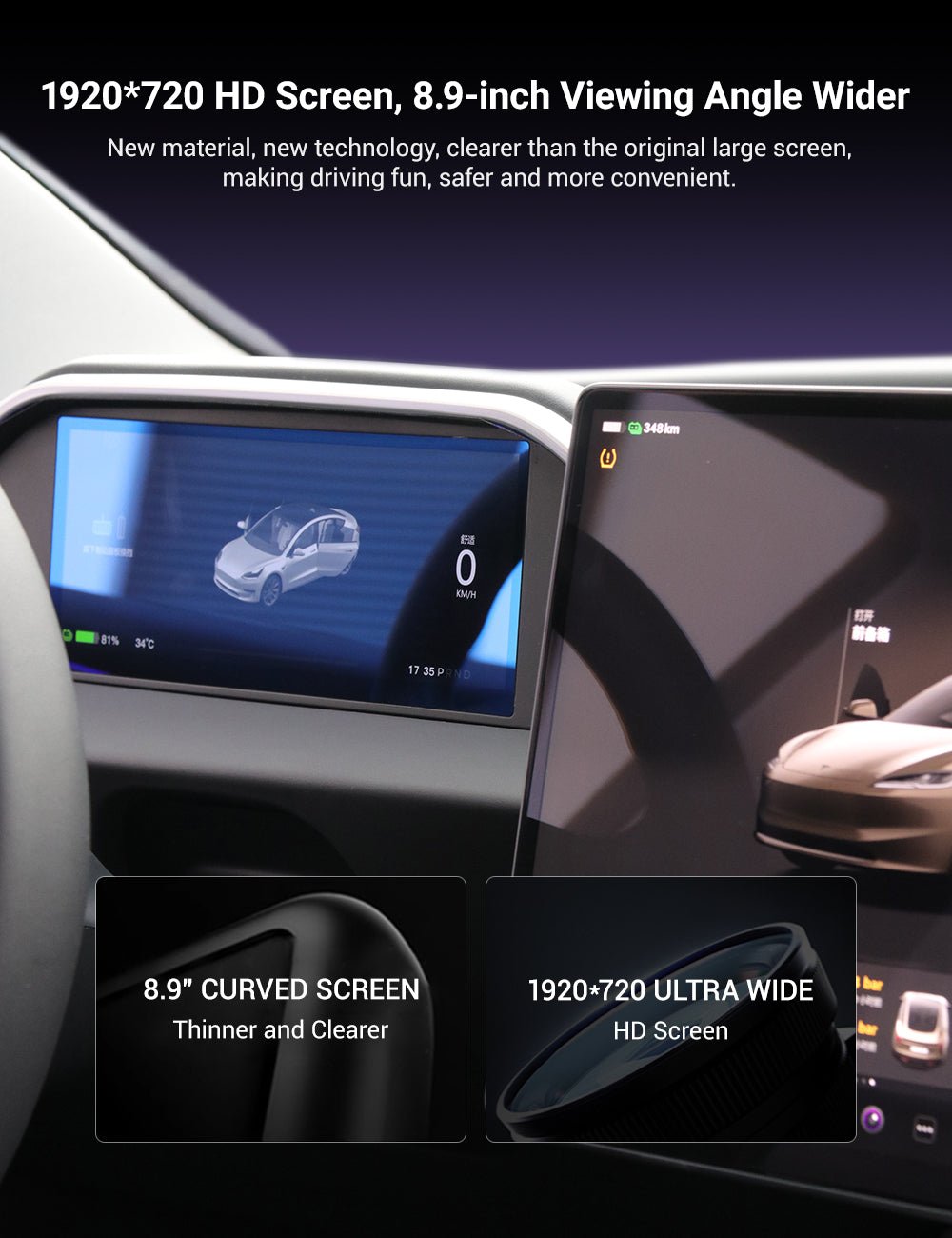
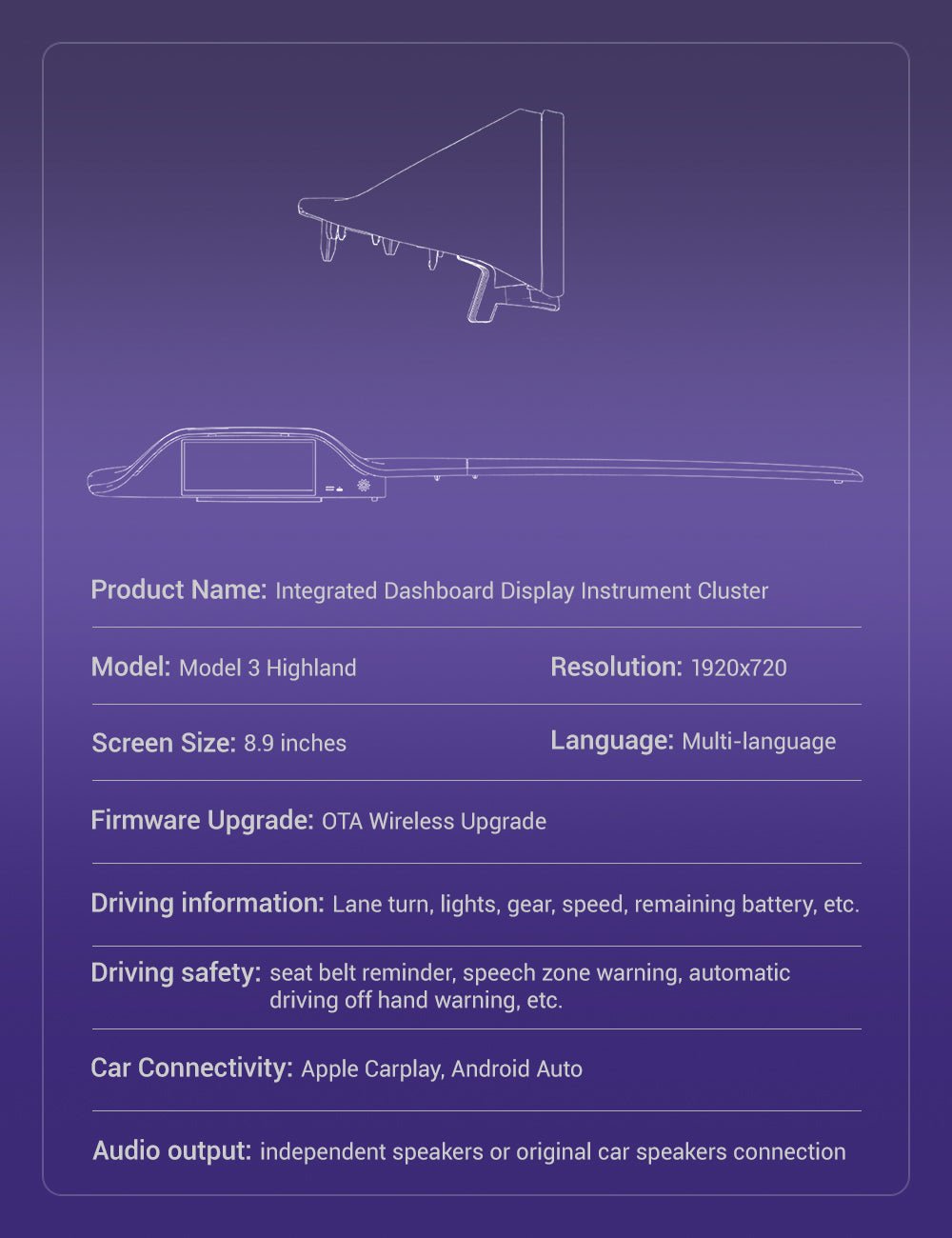
8.9″ 1920×720 HD Display
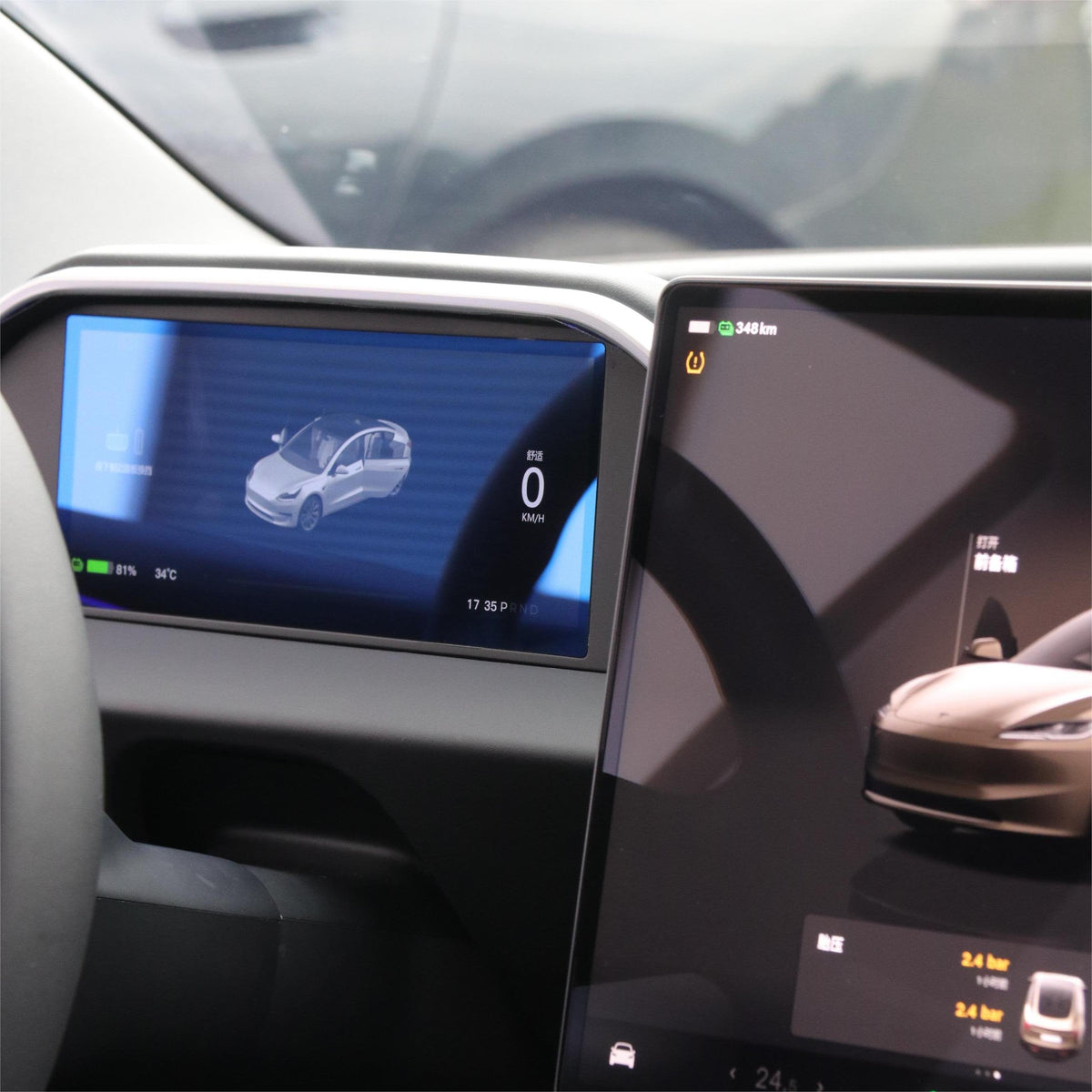
The ultra-wide IPS touchscreen positions essential vehicle information directly ahead of the driver instead of requiring every glance to go to the center display.
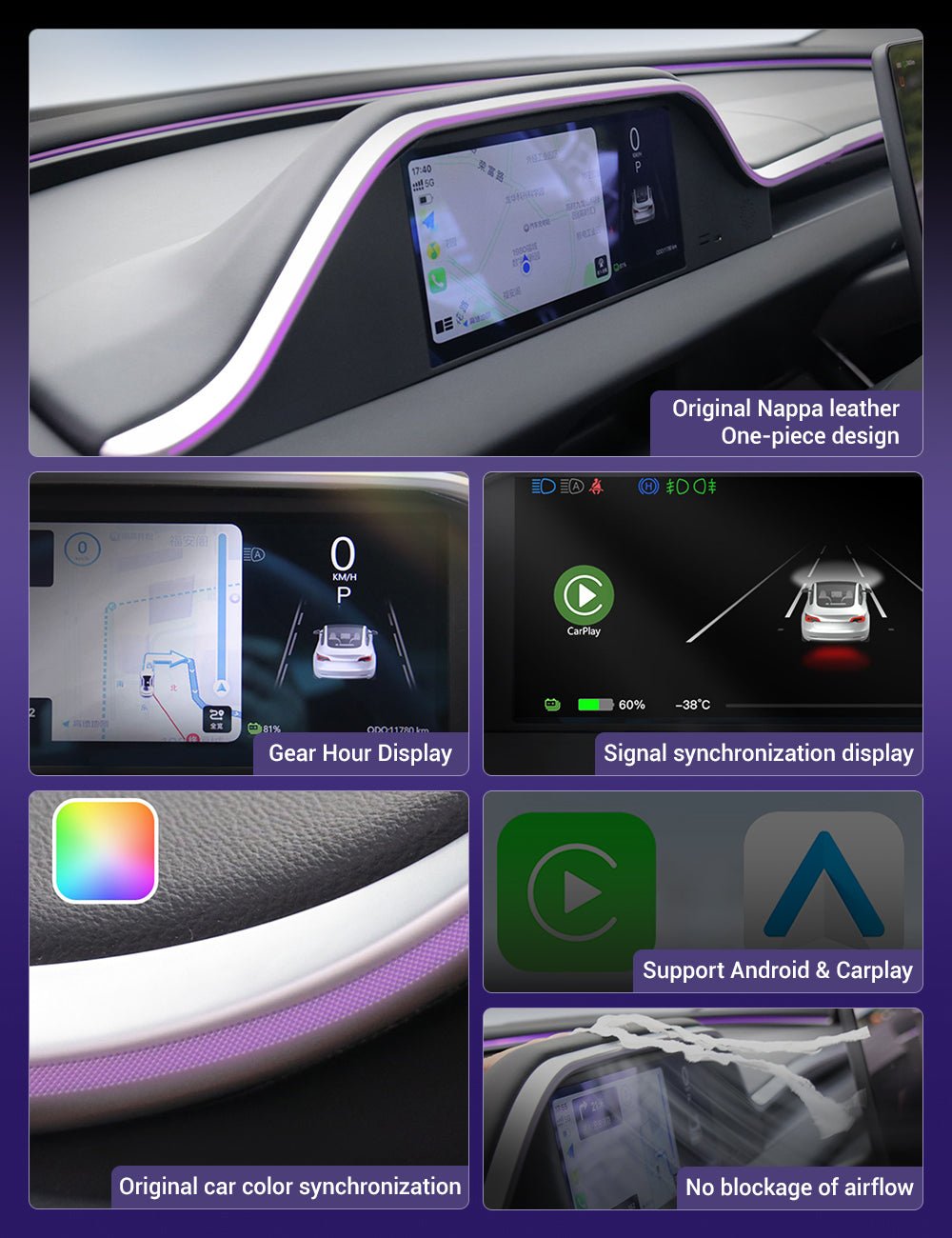
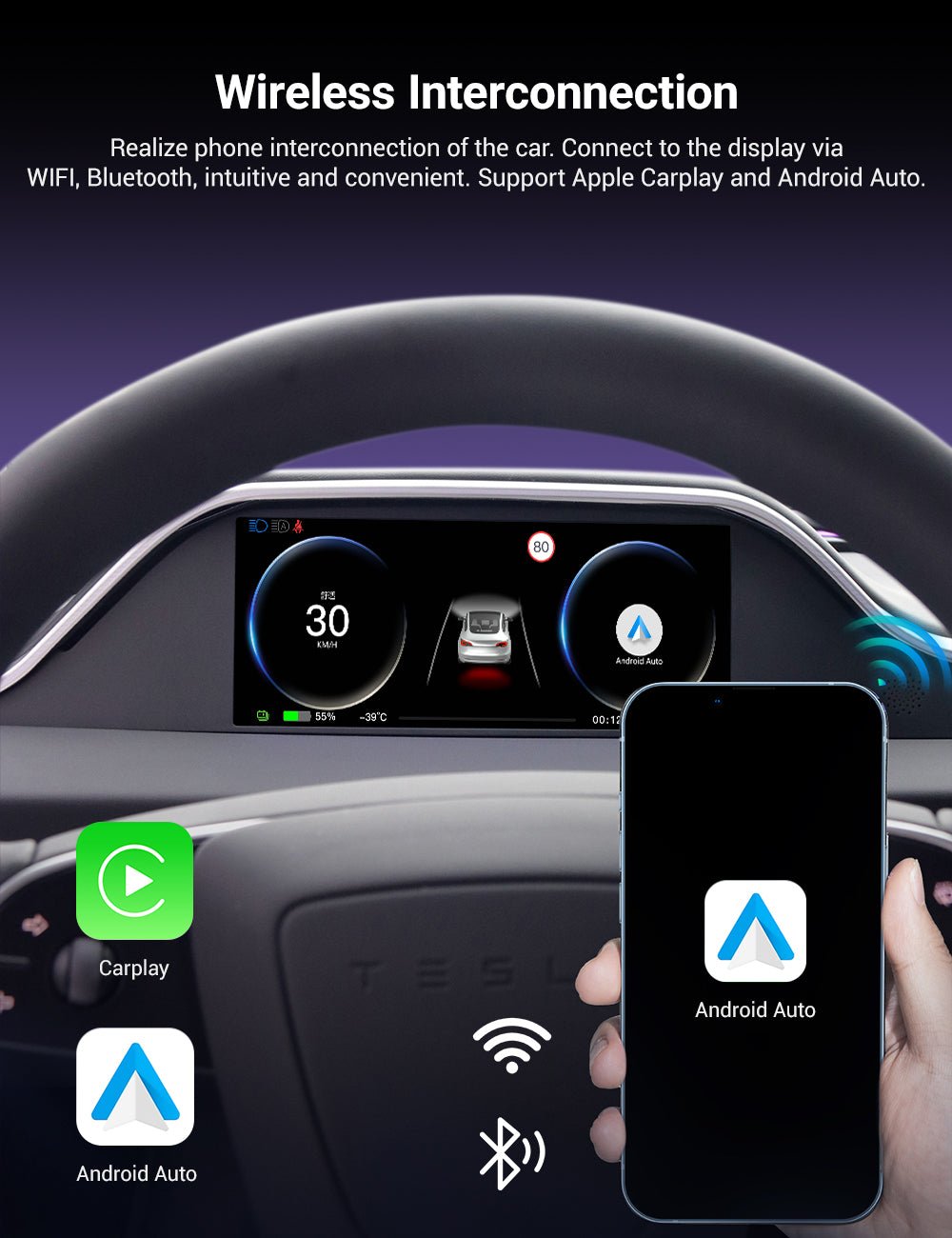
Wireless CarPlay & Android Auto
Connect a compatible smartphone wirelessly to access supported navigation, music, calling and mobile-app functions on the dedicated dashboard display.
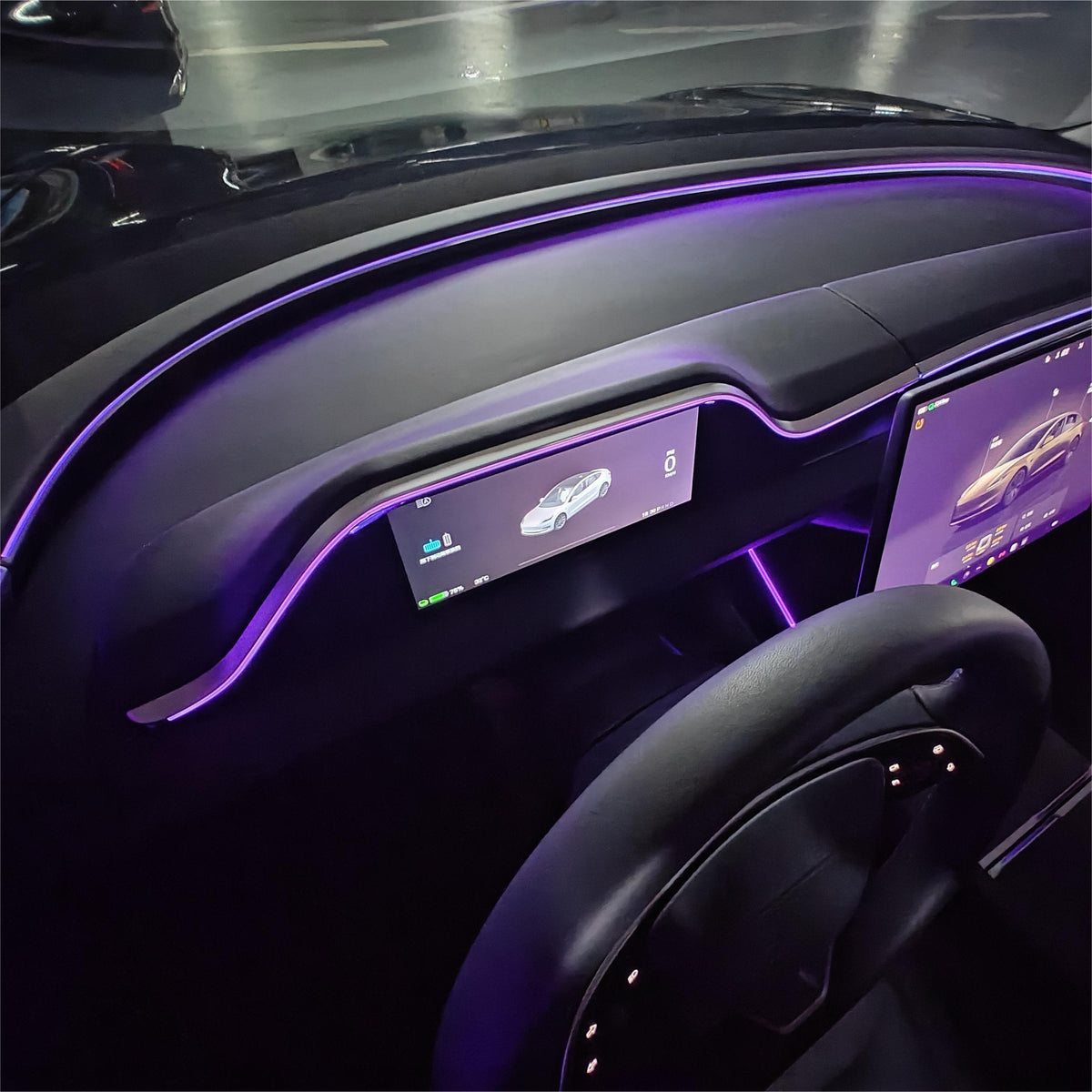
128-Color Ambient Lighting
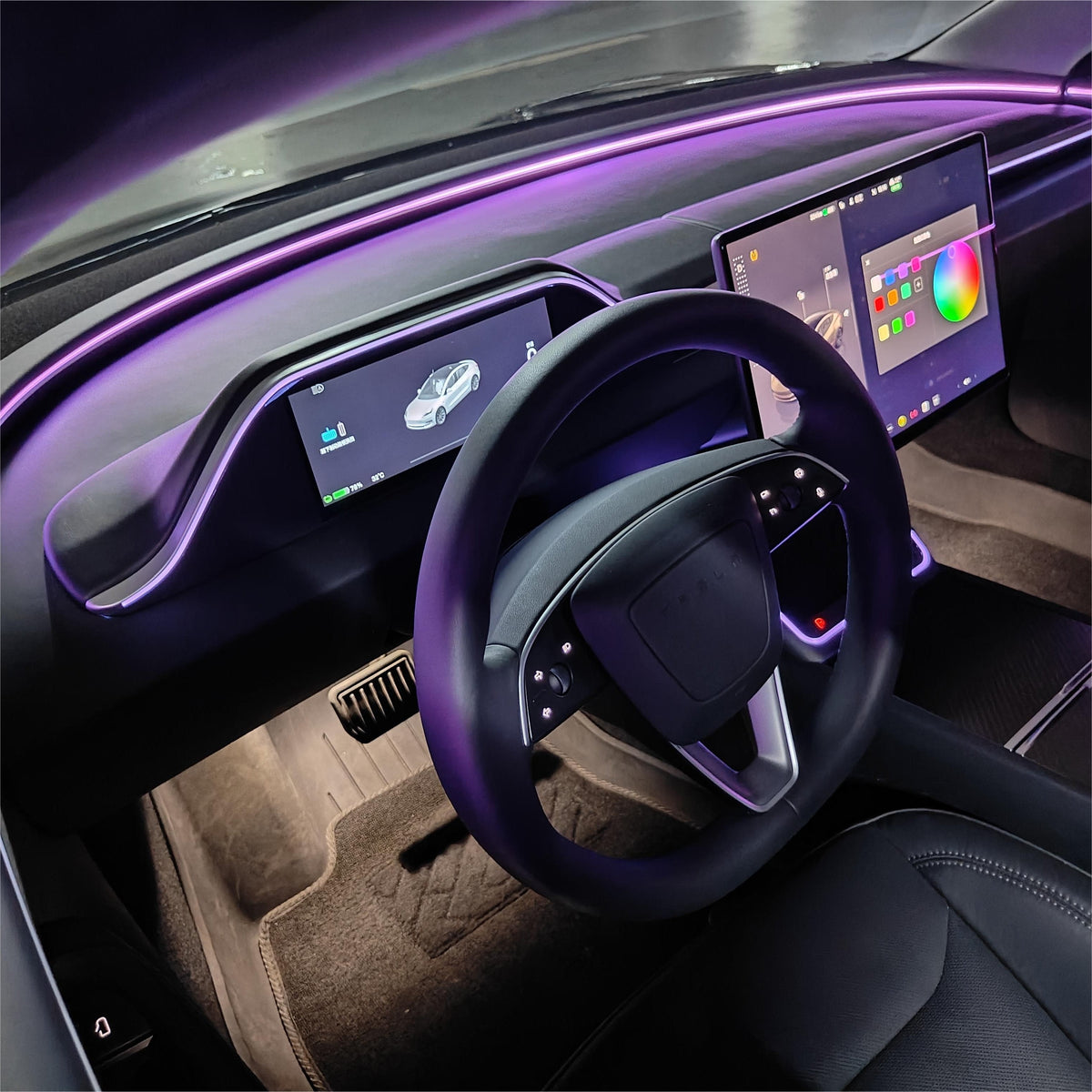
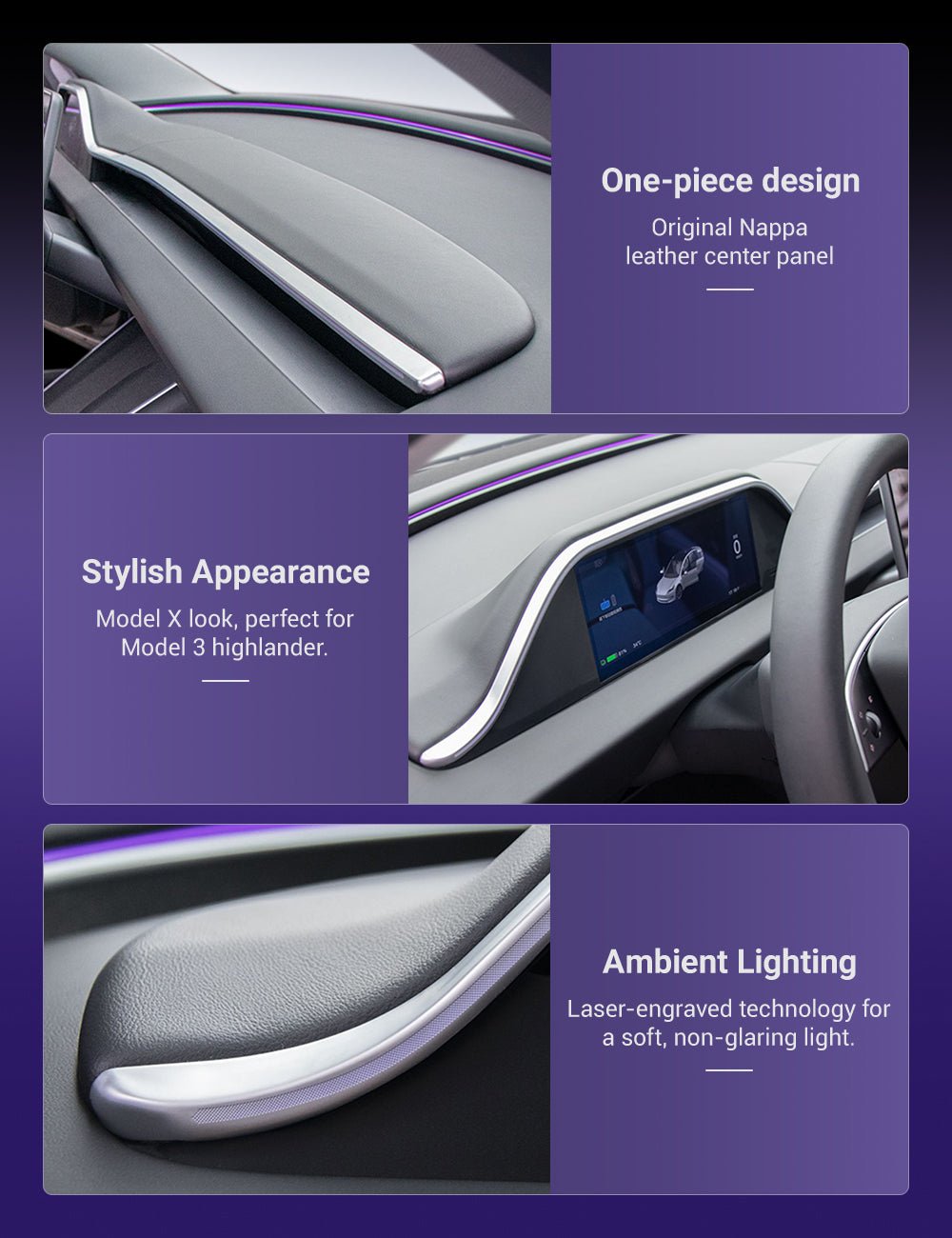
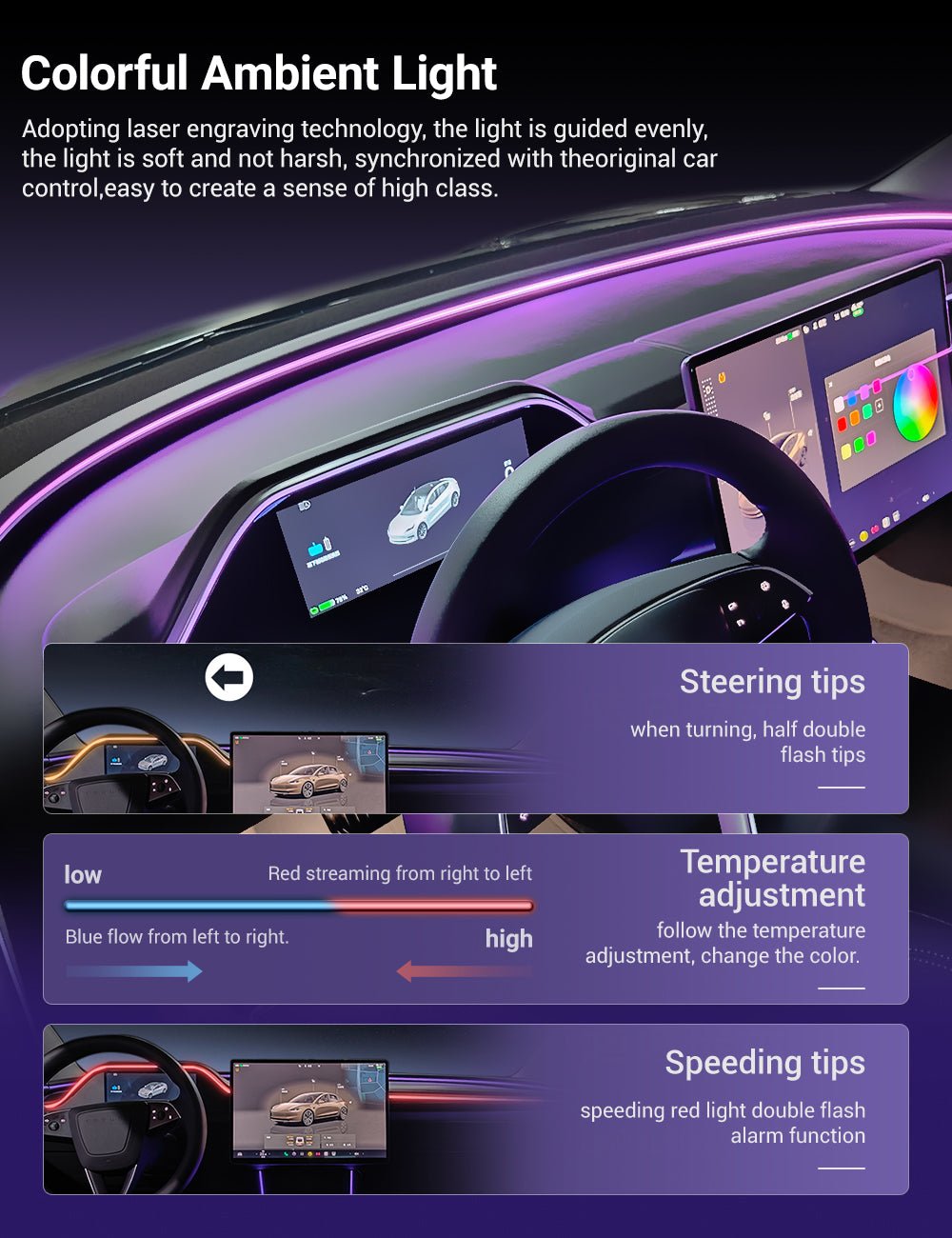
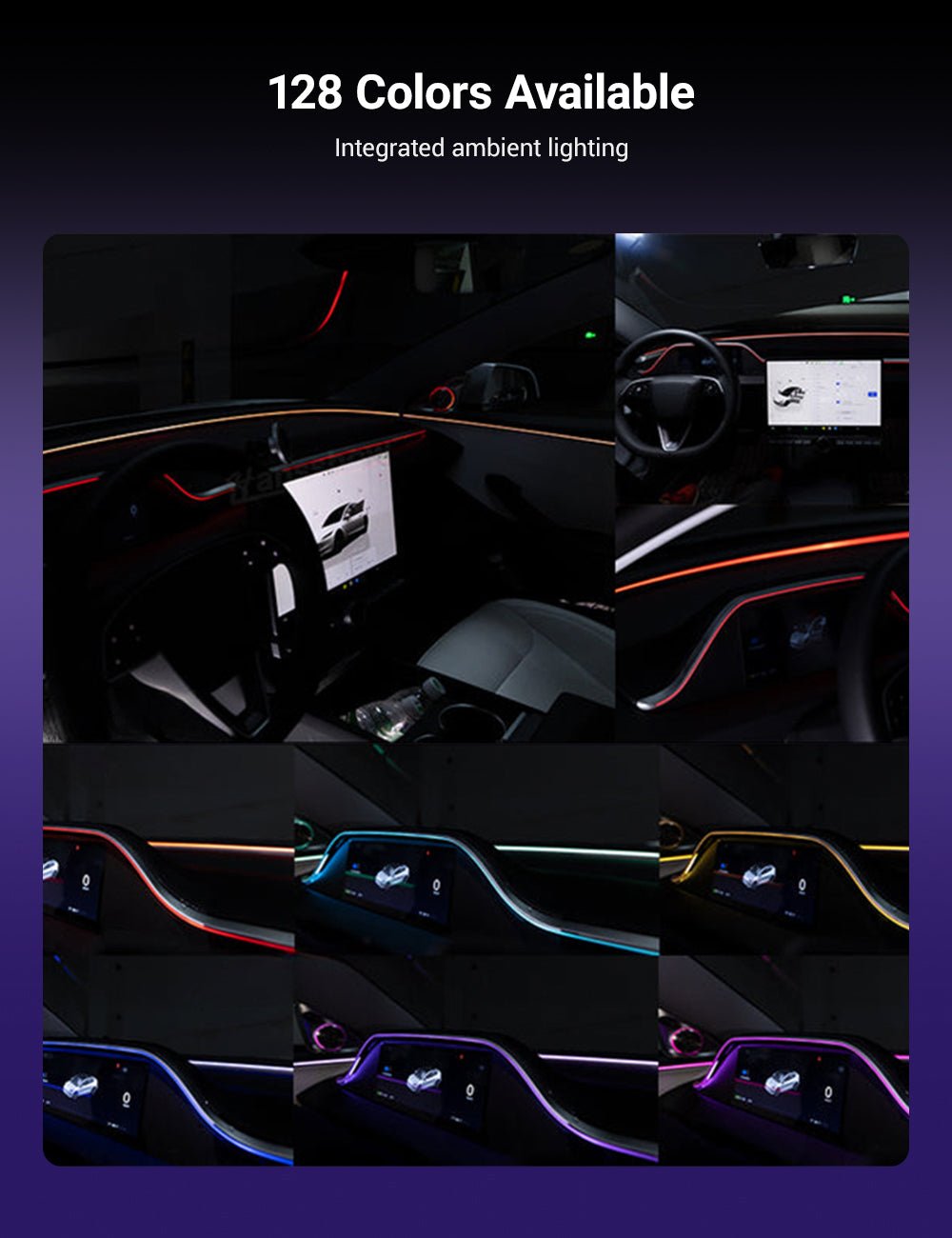
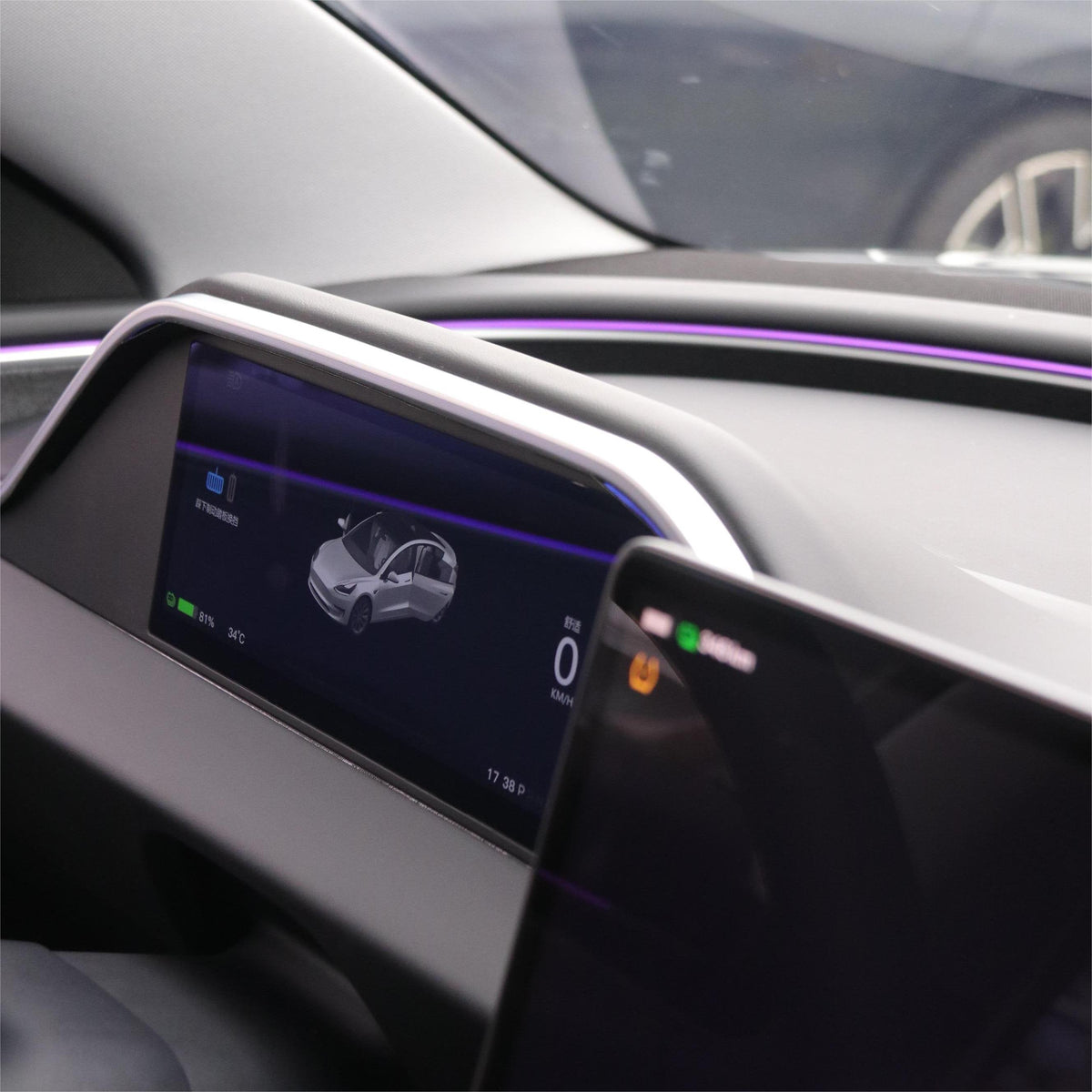
Integrated laser-guided ambient lighting surrounds the display and dashboard contour with up to 128 selectable colors for a more coordinated nighttime cabin.
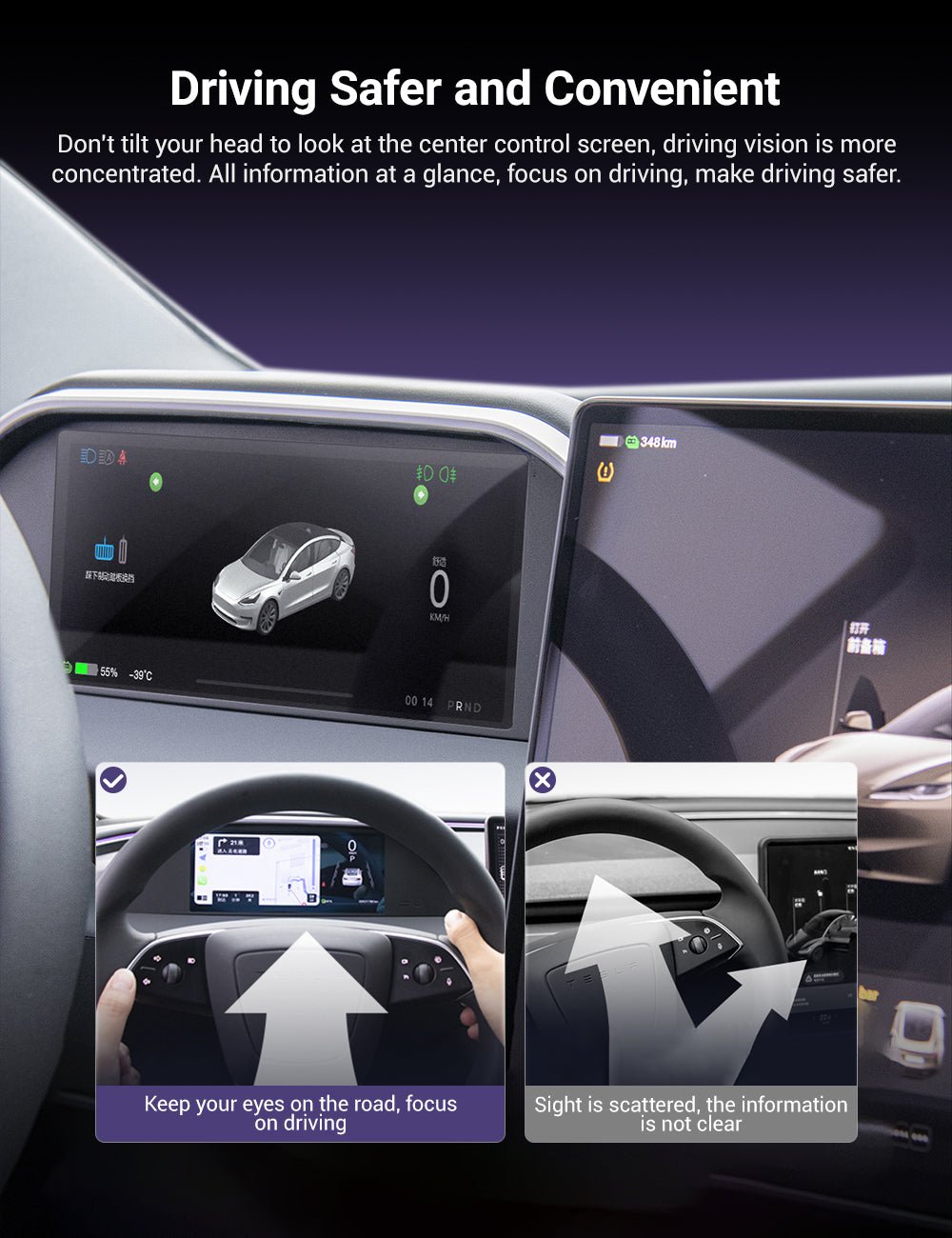
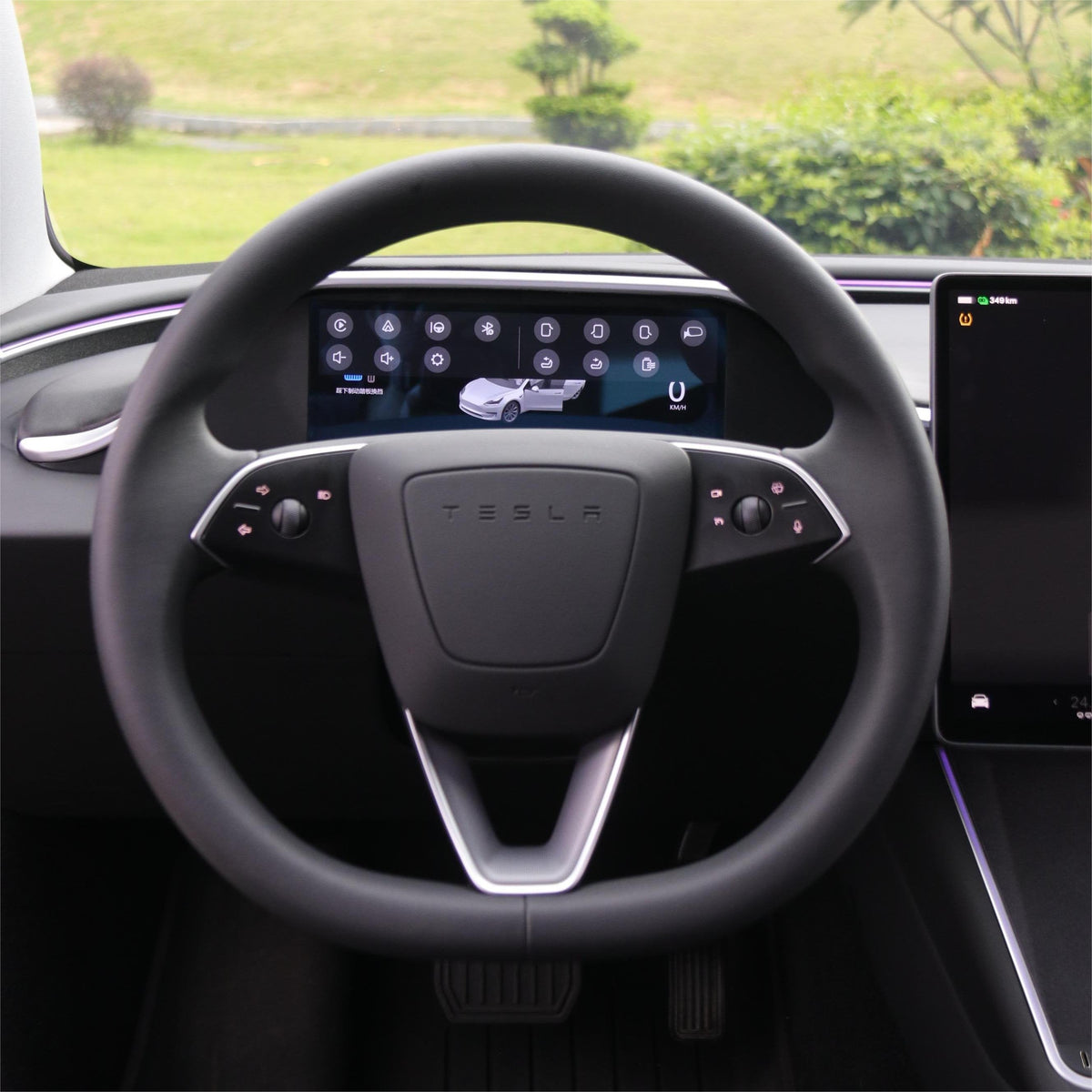
Driver Information Where You Naturally Look
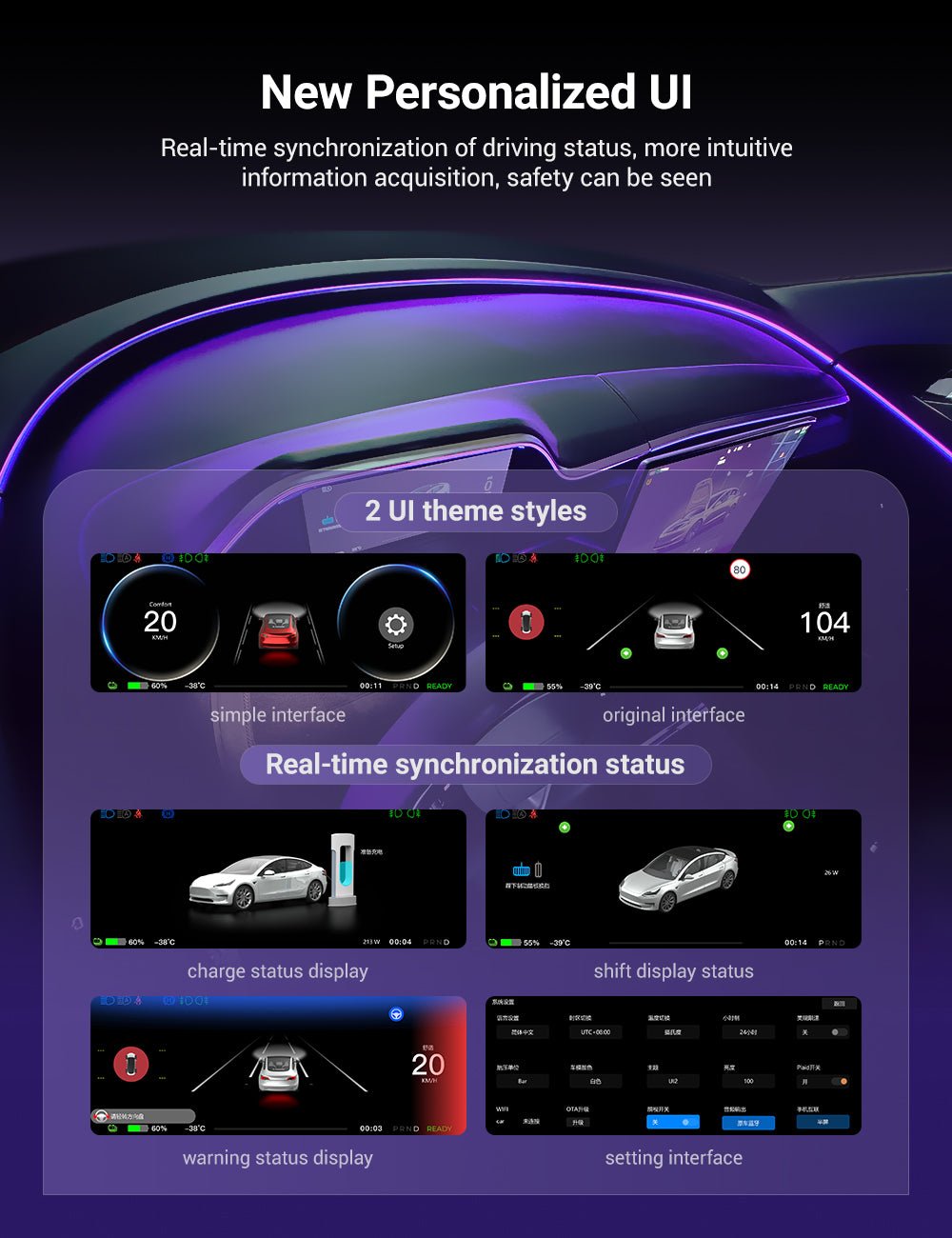
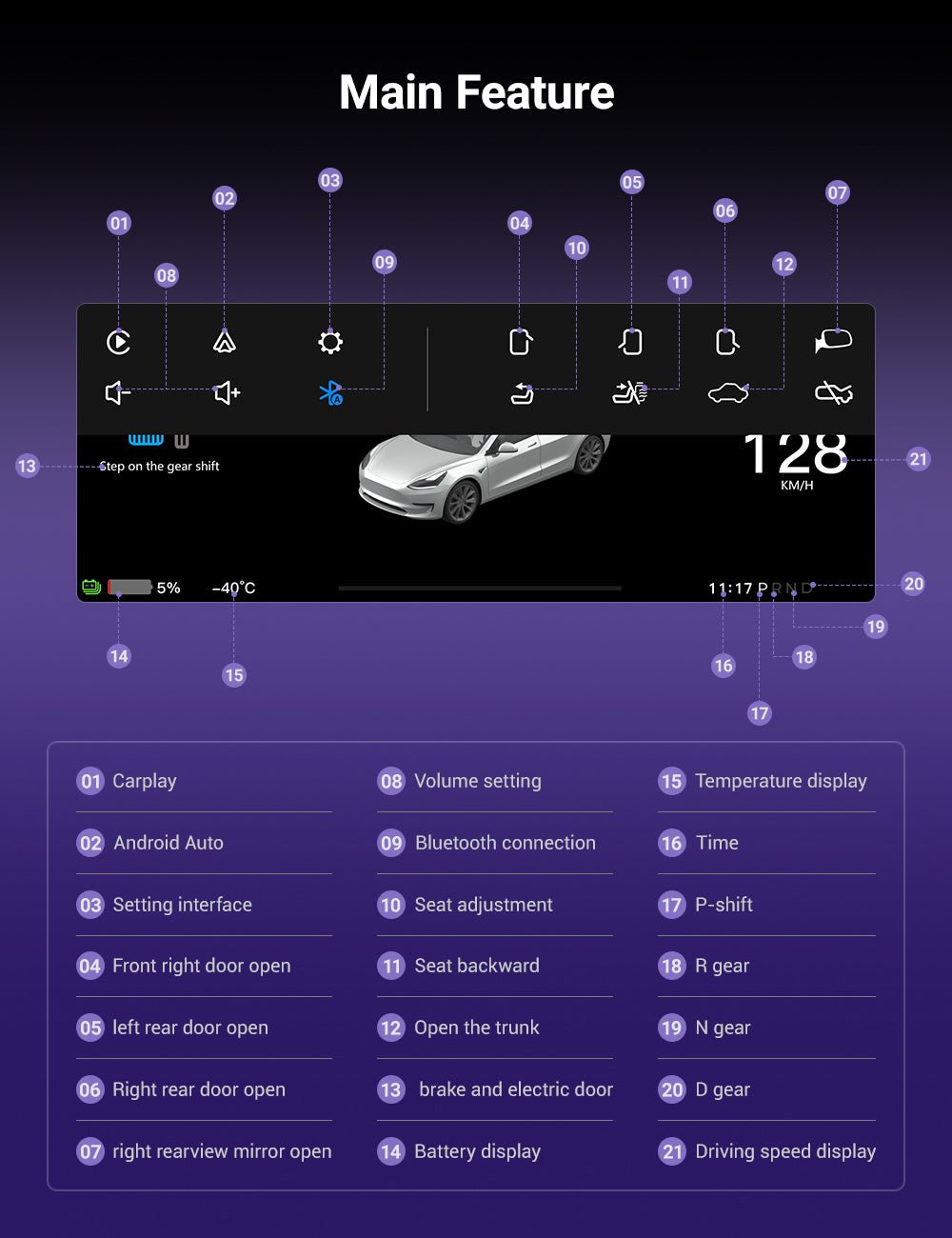
Display supported information including vehicle speed, gear position, battery level, turn-signal status, temperature, time and selected vehicle warnings.
Current manufacturer specifications list supported blind-spot notifications and selected safety alerts directly on the instrument display.
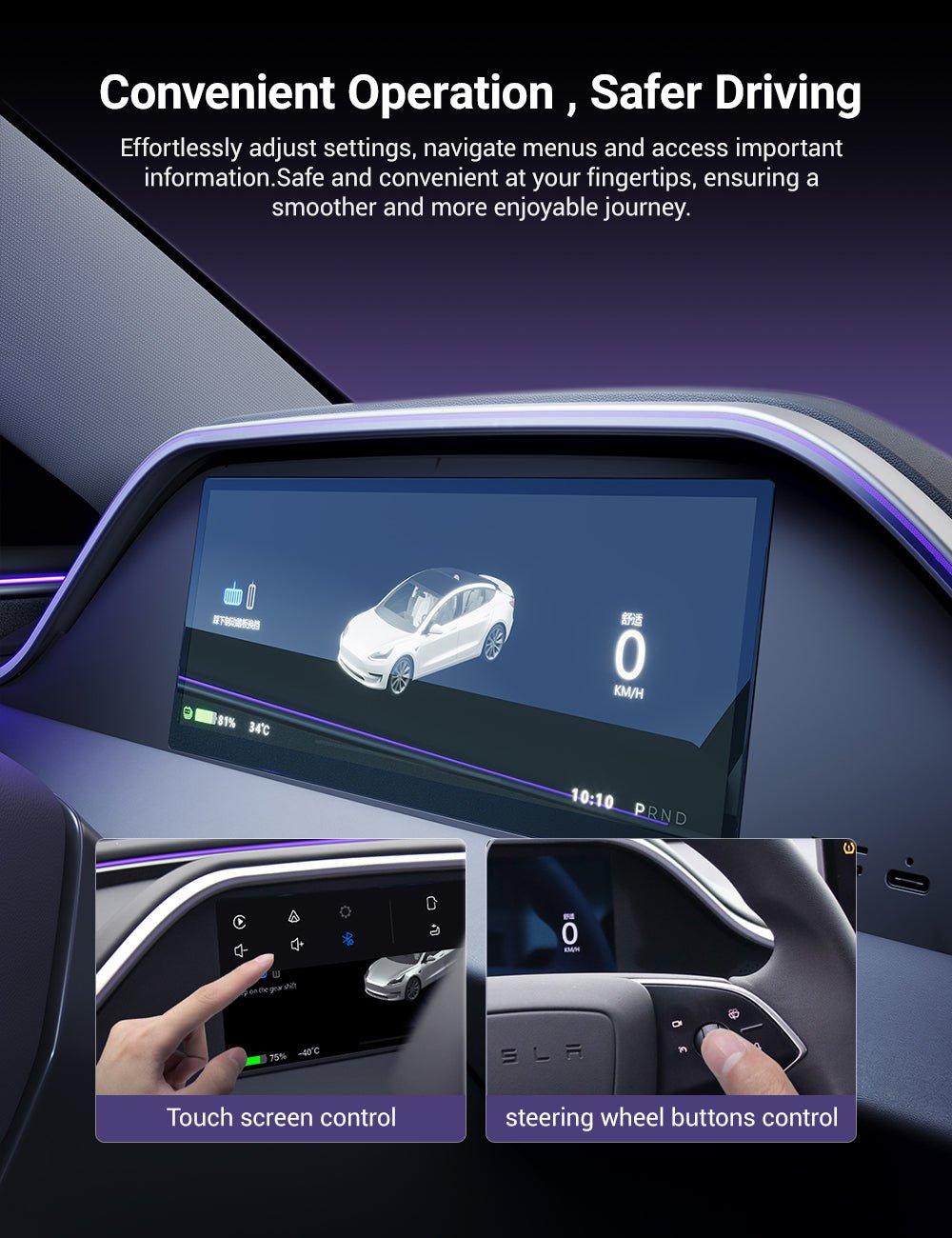
Operate screen functions directly from the touchscreen while retaining supported control through the original Tesla steering-wheel rollers and buttons.
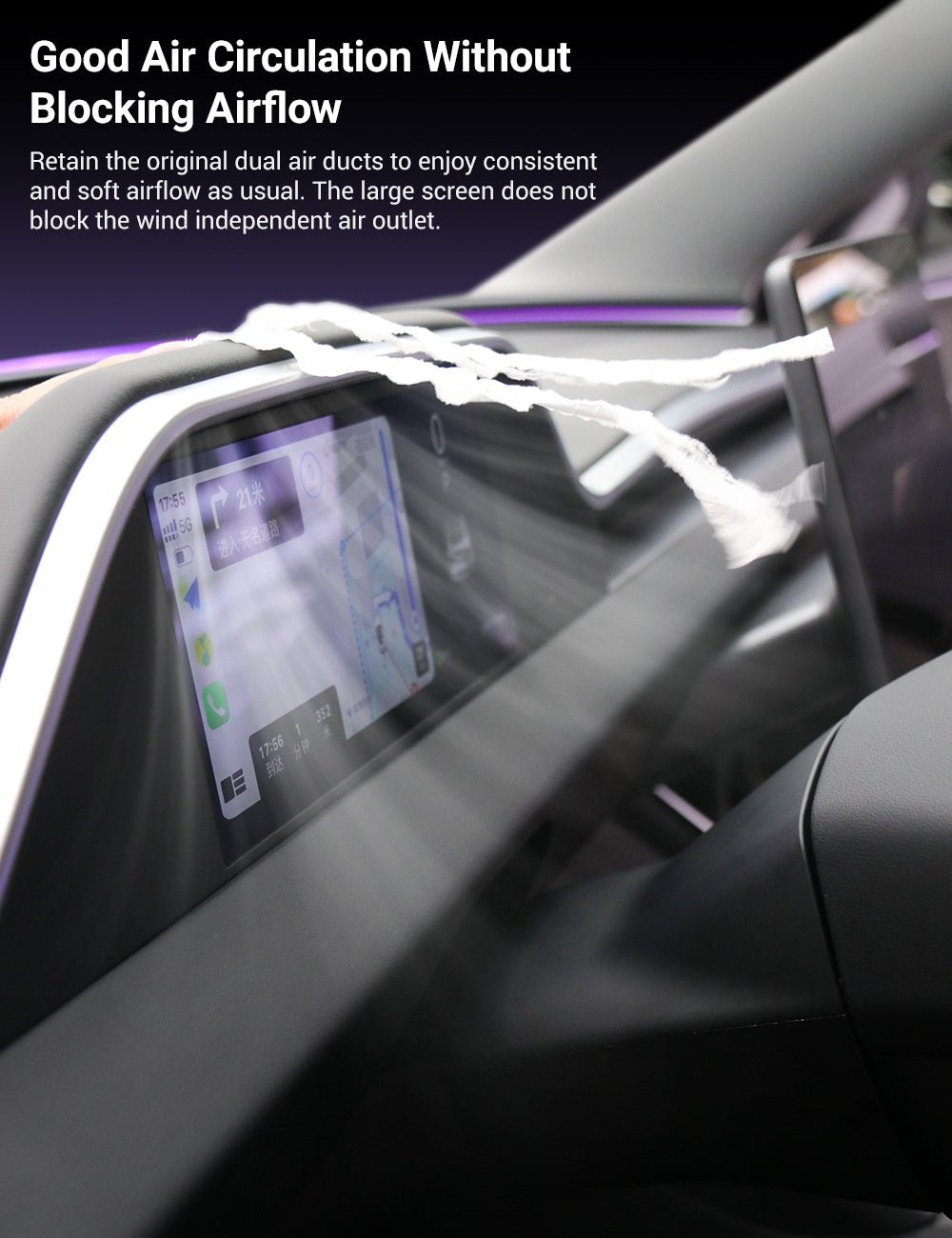
The shaped display surround is designed around the refreshed dashboard ventilation layout so the screen does not simply sit over and block the original air ducts.
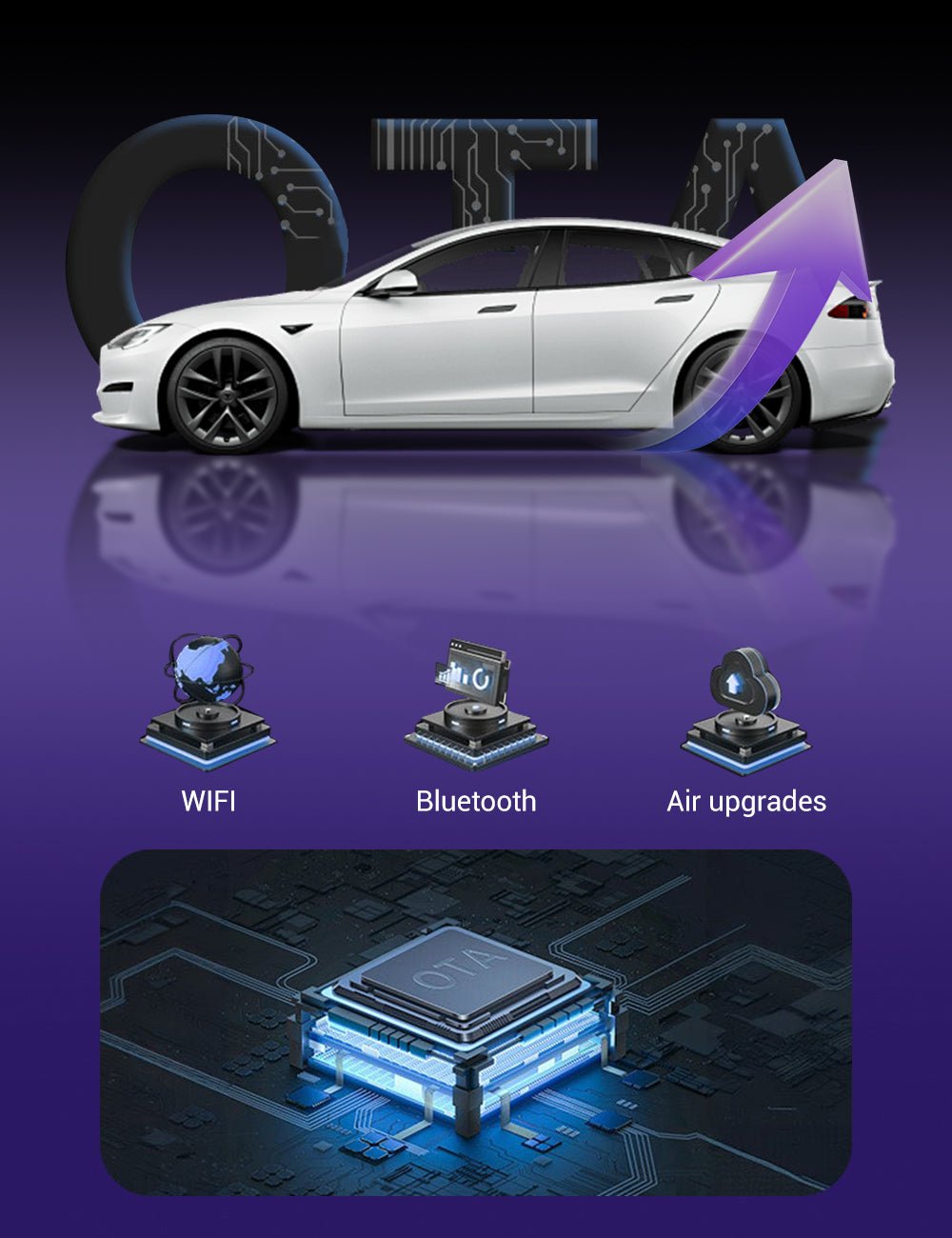
The integrated Linux-based system supports over-the-air software updates so compatible firmware improvements can be installed without replacing the hardware.
Left-Hand Drive Only
The current Model 3 Highland and Model Y Juniper versions are designed specifically for left-hand-drive vehicles. A right-hand-drive version is not currently listed by TESKAY.
HD Instrument Display Meets Ambient Lighting


Access compatible iPhone navigation, audio and communication functions on the secondary display.
Connect a compatible Android phone for supported navigation, media and communication applications.
Supported Tesla vehicle data is displayed alongside the Linux interface without replacing the factory center screen.
Current manufacturer specifications list an independent speaker or Bluetooth connection to the vehicle audio system.
Choose the Correct Vehicle & Camera Configuration
Verify that your vehicle is a left-hand-drive Model 3 Highland or Model Y Juniper before ordering.
Select YES if you want the optional front-camera configuration, or NO for the dashboard display without the additional camera.
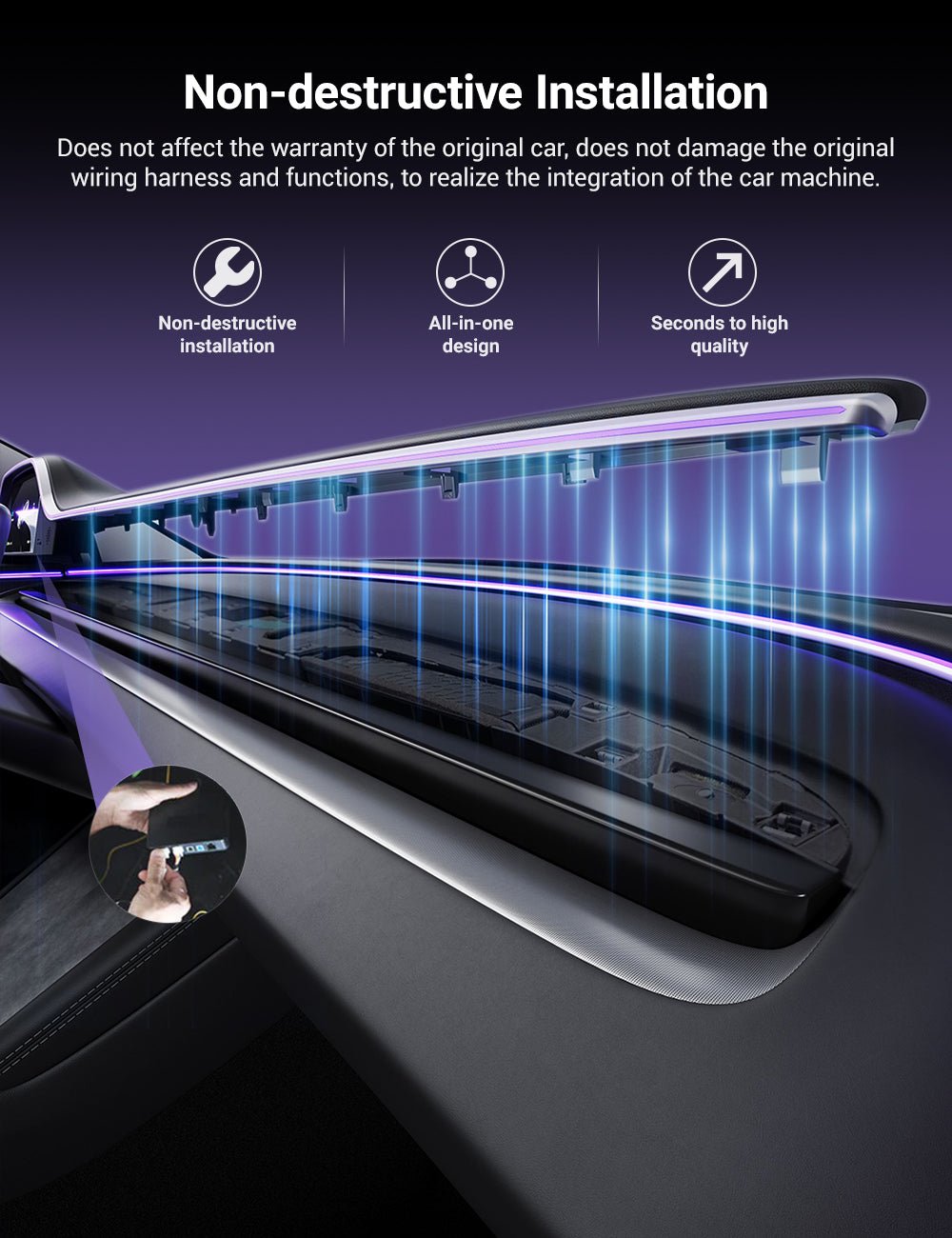
Use the supplied trim/pry tool and installation instructions to carefully access the required factory connection points.
Connect the supplied power/data harness and ambient-light control components without cutting the original Tesla wiring.
Confirm touchscreen operation, vehicle-data synchronization, steering-wheel control and ambient lighting before final reassembly.
Secure the harness away from vents and moving components, then reinstall the dashboard trim after confirming normal operation.

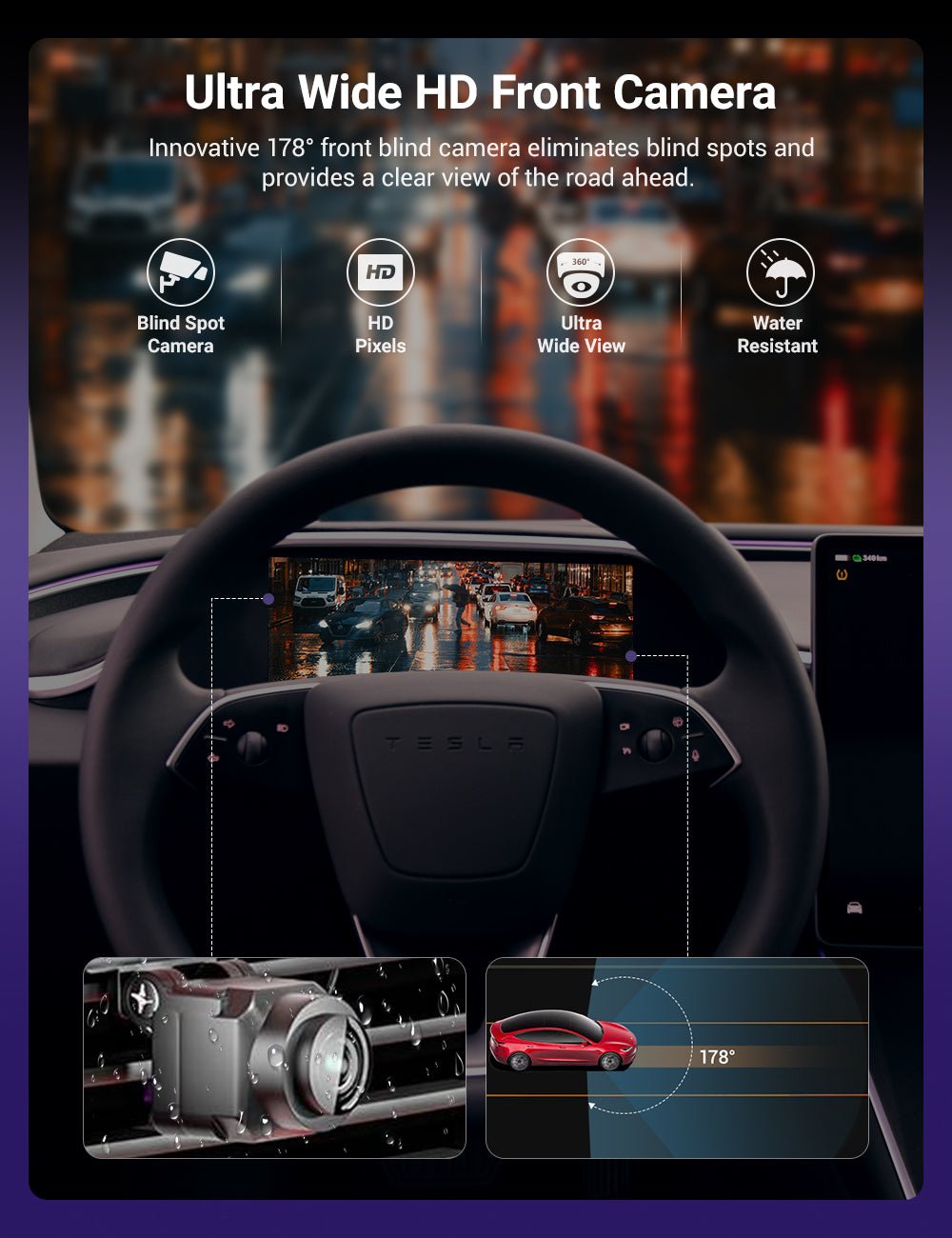
The manufacturer describes the optional front-camera version as providing an approximately 178° wide field of view for viewing the area immediately ahead of the vehicle. No verified camera resolution is currently published.
Tesery's latest selector groups Model Y Juniper and Model YL, while its technical table lists Model YL 2026+. TESKAY currently offers Model Y Juniper only, so Model YL compatibility should not be assumed from this TESKAY listing.
Specifications
| Attribute | Details |
|---|---|
| Product | 8.9″ Integrated Dashboard Display with Ambient Lighting |
| TESKAY Fitment 1 | Model 3 Highland 2024–Present — Left-Hand Drive |
| TESKAY Fitment 2 | Model Y Juniper 2025–Present — Left-Hand Drive |
| Right-Hand Drive | Not Currently Listed |
| Display | 8.9″ IPS Touchscreen |
| Resolution | 1920 × 720 |
| Operating System | Linux |
| OTA Update | Supported |
| Apple CarPlay | Wireless — Supported |
| Android Auto | Wireless — Supported |
| HUAWEI HiCar | Listed by Current Tesery Source; Not Explicitly Listed in Current TESKAY Variant Name |
| Ambient Lighting | Integrated Multi-Color LED / Laser-Guided Light |
| Ambient Light Colors | Up to 128 Colors |
| Vehicle Data | Speed / Gear / Battery / Turn Signals / Blind Spot / Selected Safety Alerts |
| Additional Display Information | Time / Temperature / Door & Vehicle Status on Supported Interfaces |
| Control | Touchscreen + Original Steering Wheel Buttons / Rollers |
| Audio Output | Independent Speaker or Bluetooth to Vehicle Audio |
| Front Camera Option | NO / YES |
| Optional Camera Field of View | Approx. 178° Manufacturer-Listed FOV |
| Camera Resolution | Not Published |
| Air Vent Design | Designed to Preserve Original Dashboard Airflow |
| Installation | Vehicle-Specific Plug-and-Play |
| Wire Cutting / Splicing | Not Required |
| Drilling | Not Required |
| Manufacturer Installation Estimate | Approx. 30 Minutes |
| Package | Integrated Dashboard Display + Power / Data Harness + Ambient Light Control Components + Pry Tool + Installation Accessories / Guide; Optional Camera When Selected |
Quick Answers
Which Tesla models does the current TESKAY product fit? +
TESKAY currently lists Model 3 Highland 2024–Present and Model Y Juniper 2025–Present, both for left-hand-drive vehicles.
Does it fit the older Model 3 or Model Y? +
No. This integrated dashboard assembly is designed for the refreshed Highland / Juniper dashboard architecture.
Is a right-hand-drive version available? +
Not in the current TESKAY selector. Both available vehicle configurations are specifically marked Left Hand Drive (LHD).
Does it fit Model YL? +
Tesery's latest source references Model YL, but TESKAY currently offers only Model Y Juniper in its selector. Model YL should therefore be confirmed separately rather than assumed compatible.
What is the screen resolution? +
The display is an 8.9-inch IPS touchscreen with a 1920 × 720 resolution.
Does it support Apple CarPlay? +
Yes. The current Linux version supports wireless Apple CarPlay.
Does it support Android Auto? +
Yes. Wireless Android Auto is listed for the current Linux version.
Does the current TESKAY version guarantee HUAWEI HiCar? +
Tesery's current source lists HUAWEI HiCar, but the current TESKAY variant name specifically lists CarPlay / Android Auto. HiCar is therefore not presented here as a guaranteed TESKAY feature.
What Tesla information can the screen display? +
Current specifications include speed, gear position, battery level, turn signals, blind-spot information and selected safety alerts. Additional interface screens can show time, temperature and supported vehicle-status information.
Can I control it from the steering wheel? +
Yes. Supported screen functions can be operated using the original Tesla steering-wheel rollers / buttons as well as the touchscreen.
How many ambient-light colors are available? +
Current manufacturer documentation and TESKAY product imagery list up to 128 ambient-light colors.
Does the display block the air vents? +
The display housing is designed around the refreshed dashboard ventilation layout and current product imagery specifically shows retained airflow around the unit.
What does the Front Camera YES option add? +
It adds the optional front-view camera system. The current manufacturer describes an approximately 178° field of view. No verified camera-resolution specification is published.
Does installation require cutting factory wiring? +
No. Current installation documentation describes a plug-and-play, non-destructive installation without cutting or splicing the original wiring.
How long does installation take? +
The manufacturer currently estimates approximately 30 minutes for an experienced DIY installation. Actual time depends on familiarity with Tesla trim removal and the selected camera configuration.
Does this replace the original Tesla center screen? +
No. It adds a separate driver-facing instrument display. The original Tesla center touchscreen remains in place and retains its normal vehicle functions.
Couldn't load pickup availability
Product features
Product features
Materials and care
Materials and care
Merchandising tips
Merchandising tips